Harvest website design

Every section we captured from the Harvest website, in page order, from the hero section down to the footer. Open any thumbnail to see it full size.

Sections 7

In page order, top to bottom

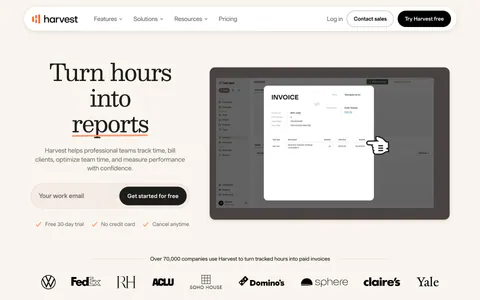
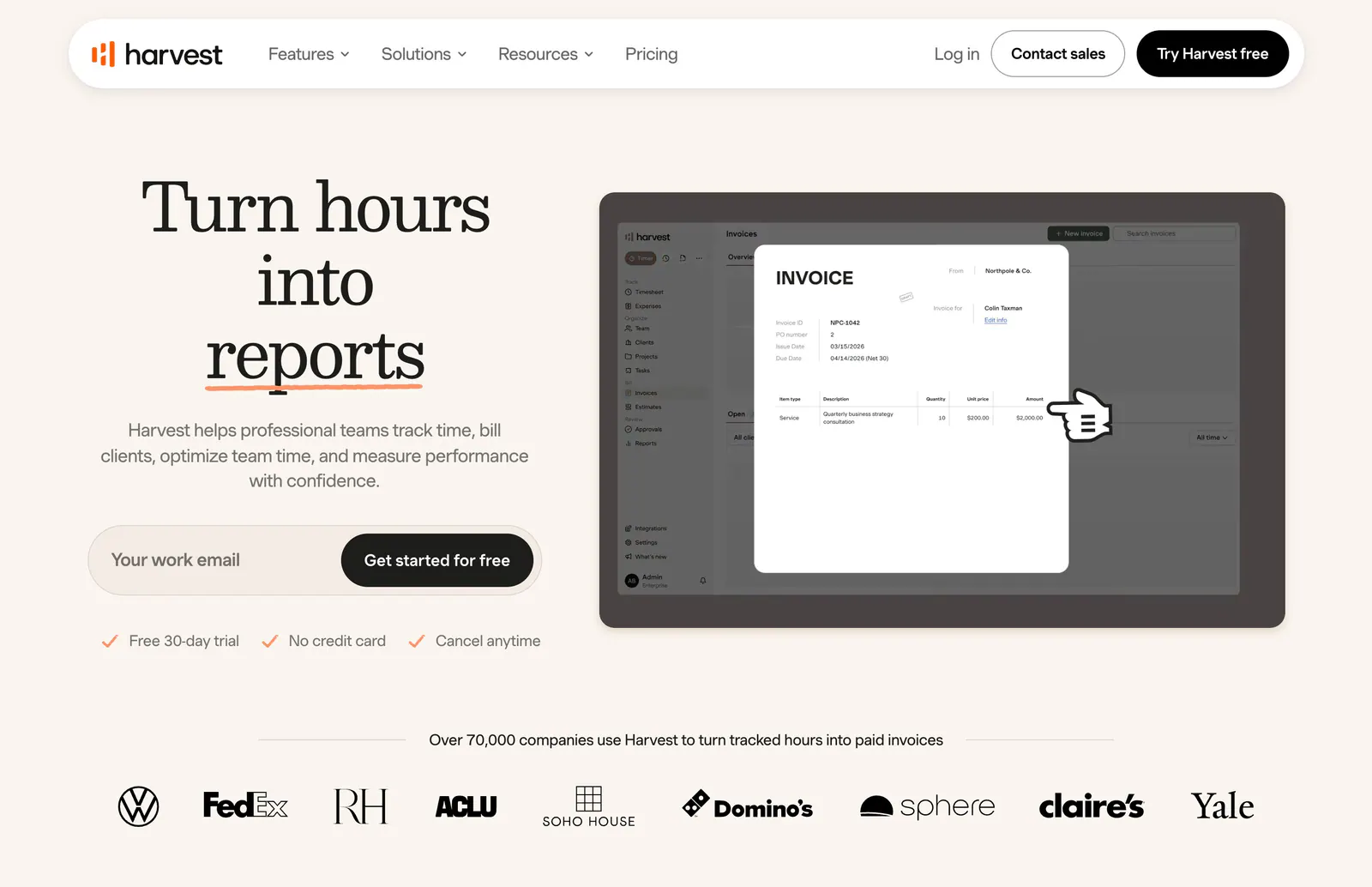
  1. Harvest hero section: serif headline with email signup field beside an invoice UI screenshot, customer logo row below on warm cream
    01 Hero

    Turn hours into reports

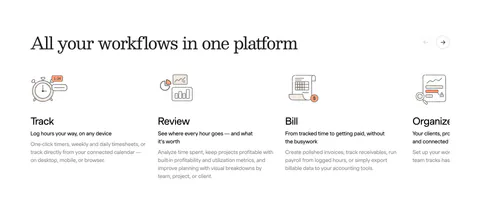
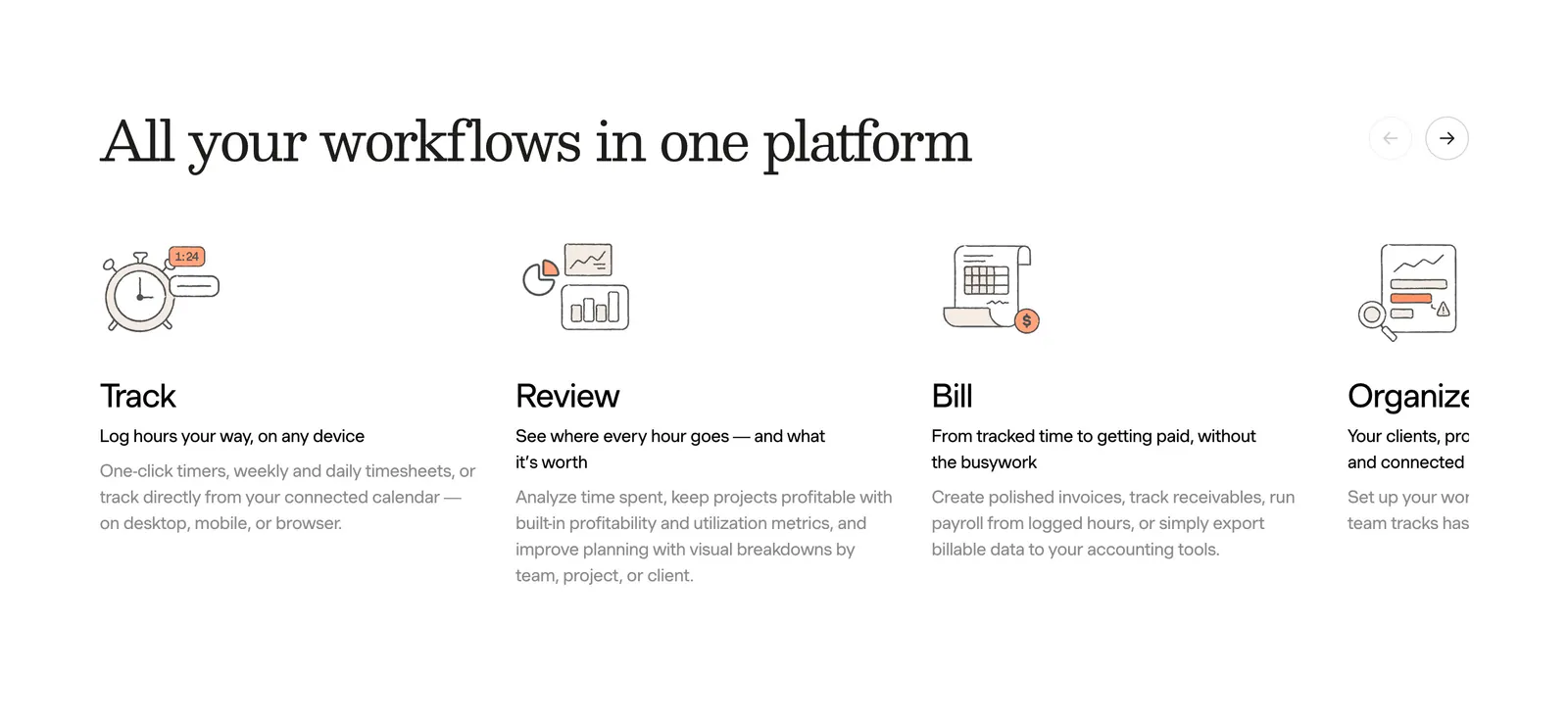
  2. Harvest features section: serif heading with arrow controls above a sliding row of track, review, bill and organize columns with line drawings

    All your workflows in one platform

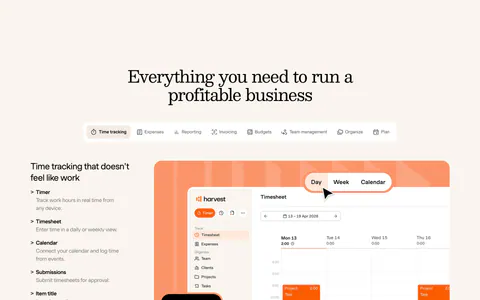
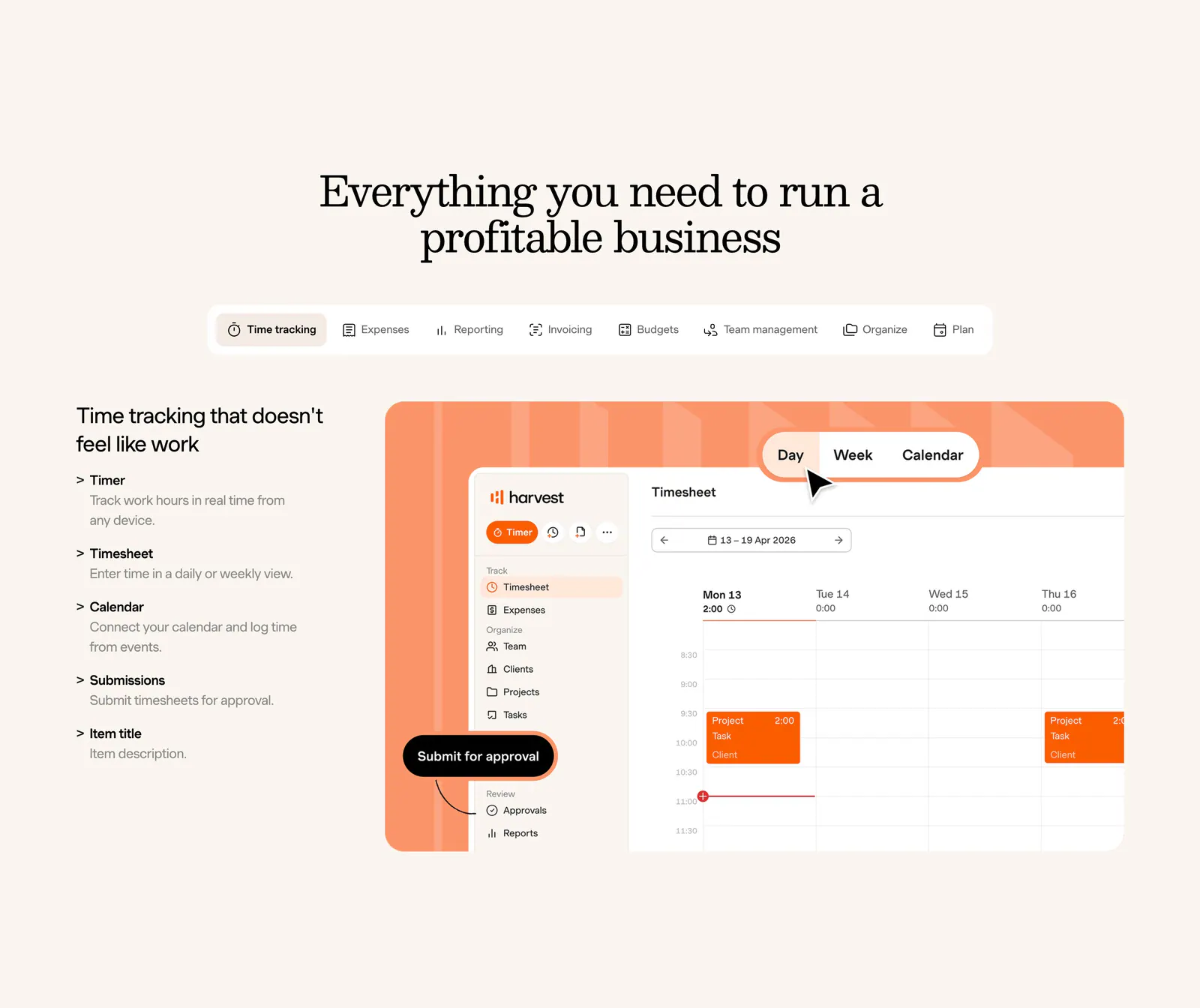
  3. Harvest features section: centered serif heading and feature tabs above a feature list beside a timesheet UI on an orange panel, cream background

    Everything you need to run a profitable business

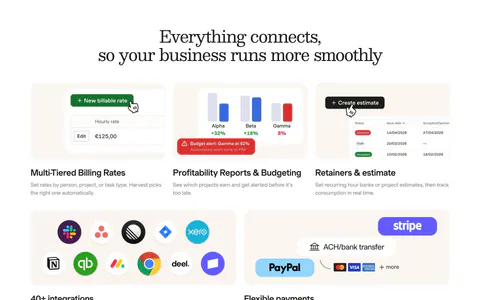
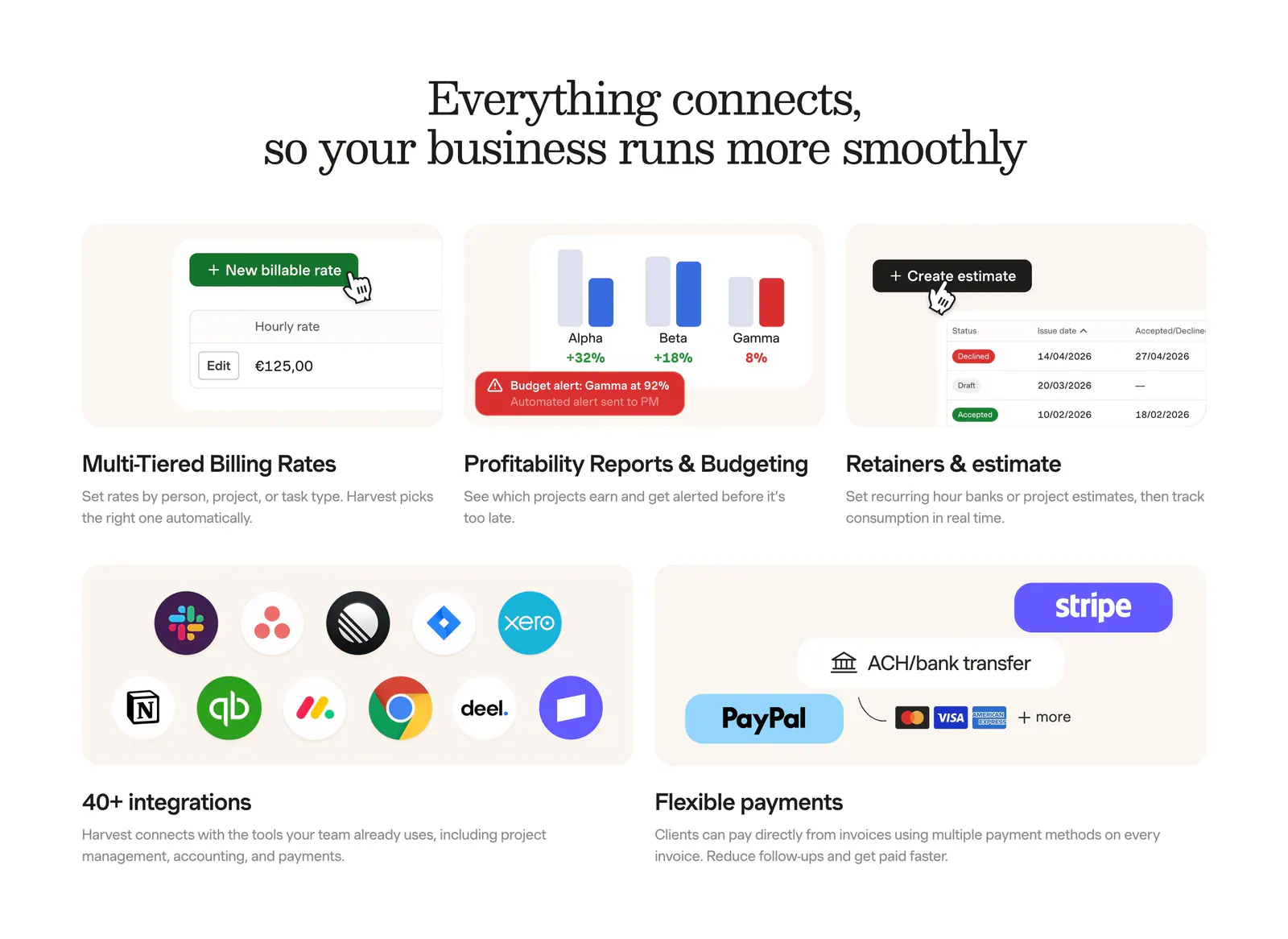
  4. Harvest integrations section: serif headline above a bento grid of billing, reporting and estimate UI tiles plus app-icon and payment tiles

    Everything connects, so your business runs more smoothly

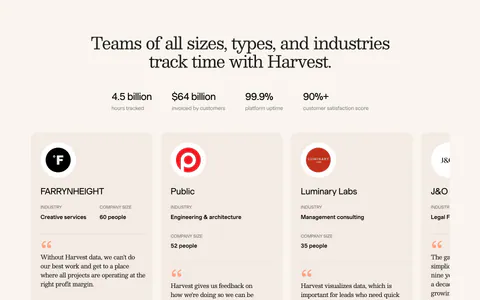
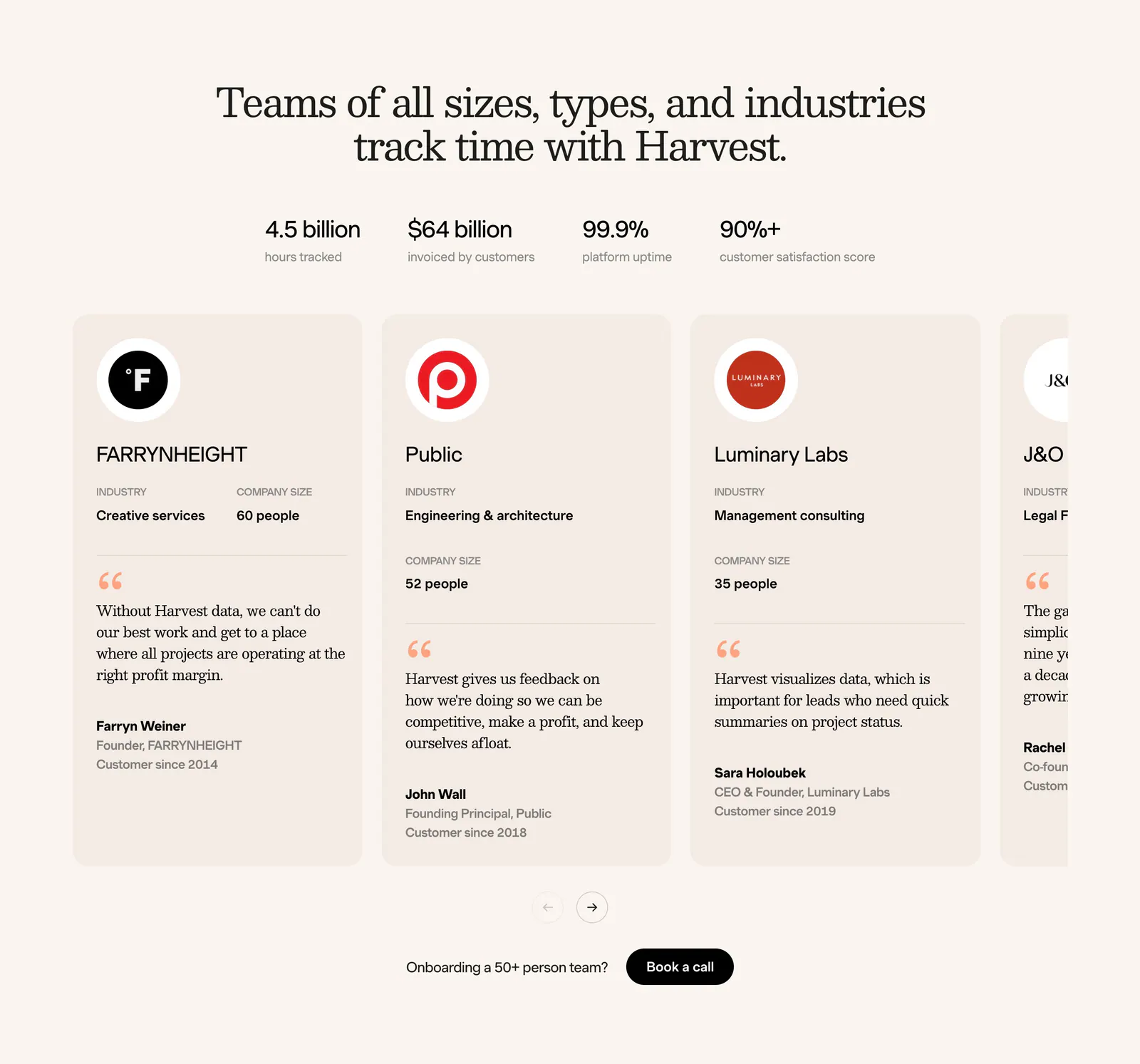
  5. Harvest footer section: serif headline, four stats and a carousel of customer testimonial cards with logos on a cream background

    Teams of all sizes, types, and industries track time with Harvest.

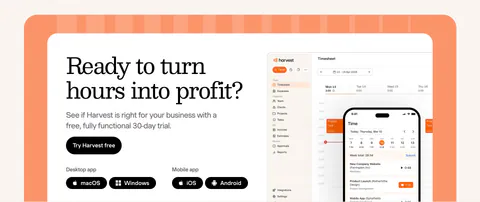
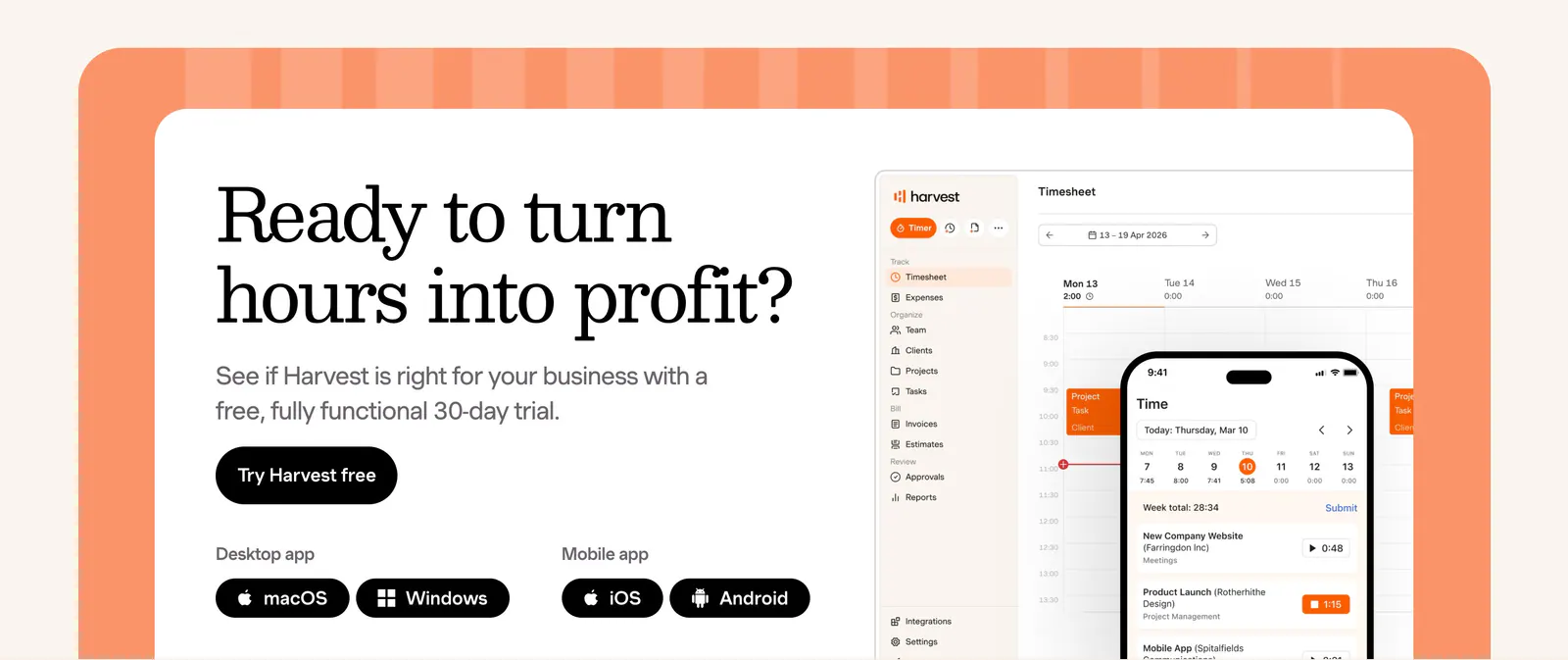
  6. Harvest call-to-action section: serif headline, trial button and app badges beside desktop and mobile timesheet UI in an orange-framed card

    Ready to turn hours into profit?

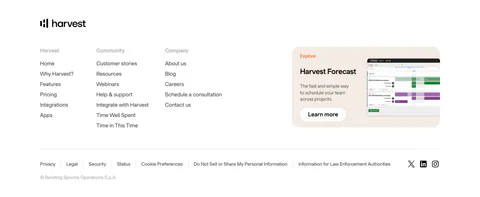
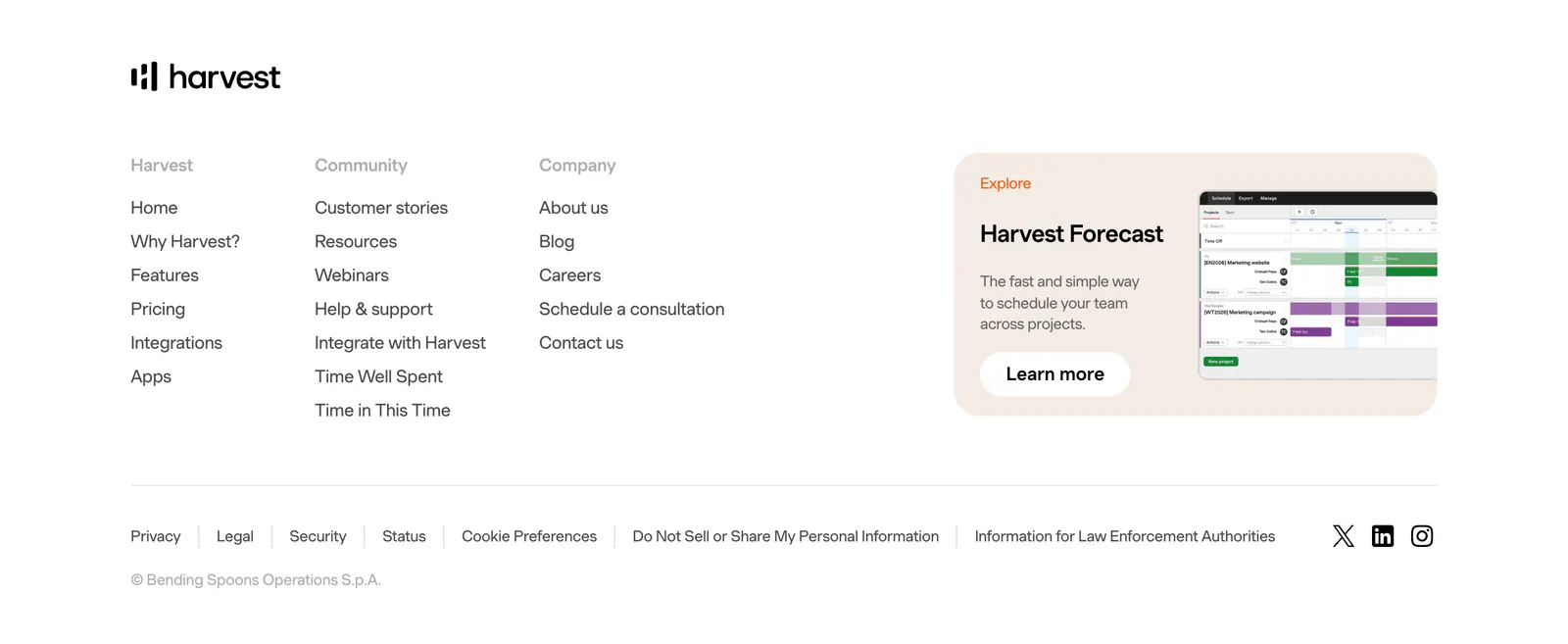
  7. Harvest footer section: logo above three link columns beside a Harvest Forecast promo card with screenshot, legal links and social icons
    07 Footer

Similar companies

All companies
    ↑↓ Navigate ↵ Open

    Section preview

    Website section