Gumloop website design

Every section we captured from the Gumloop website, in page order, from the hero section down to the footer. Open any thumbnail to see it full size.

Sections 12

In page order, top to bottom

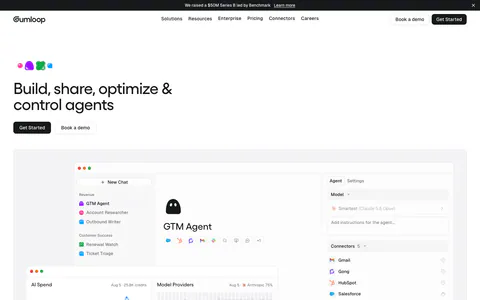
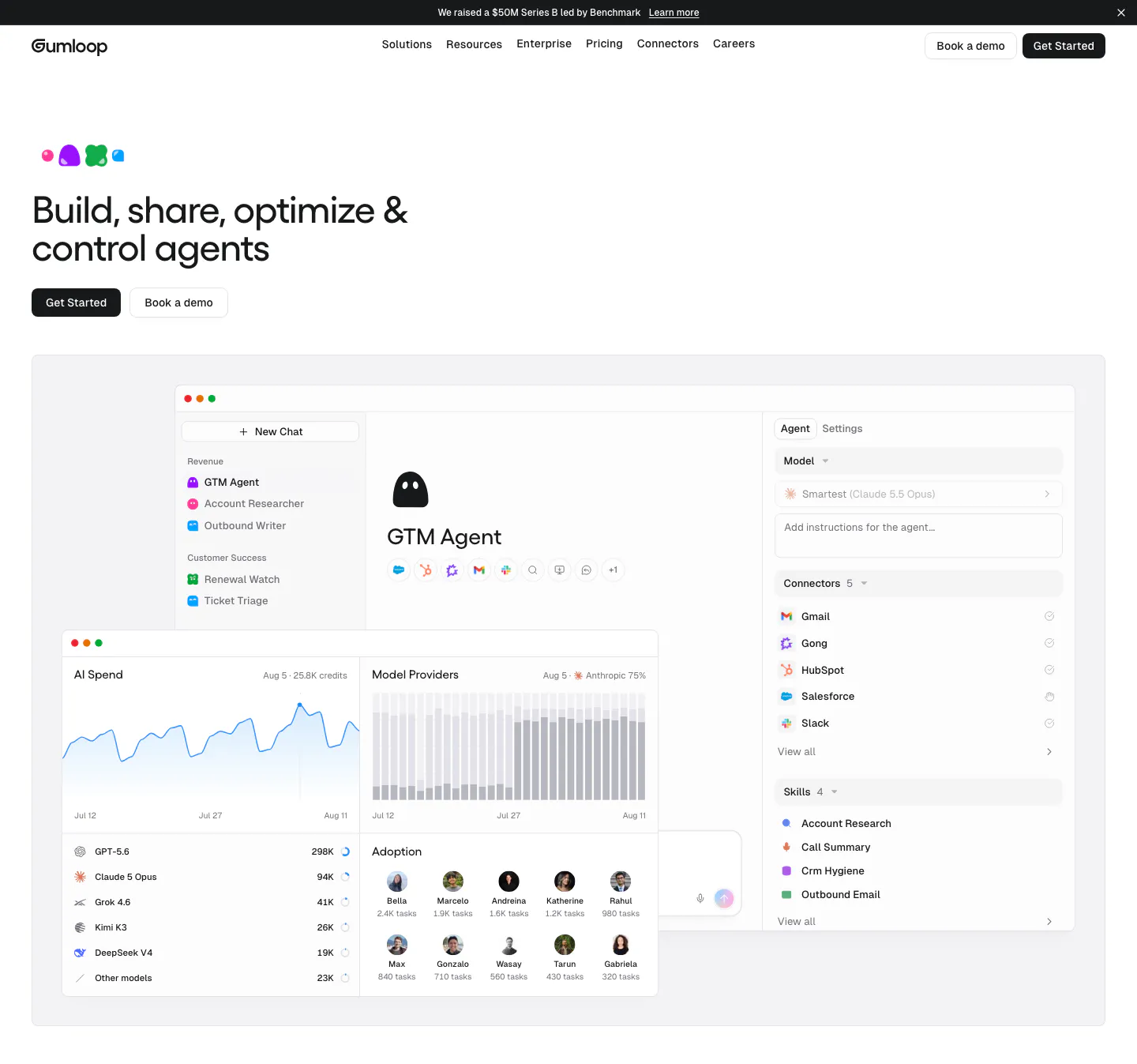
  1. Gumloop hero section: left-aligned headline and buttons above an agent builder and AI spend dashboard screenshot
    01 Hero

    Build, share, optimize & control agents

  2. Gumloop logo cloud section: grid of customer logos with case study links beside a headline and two large stats

    The agent infrastructure powering the world's most AI native companies

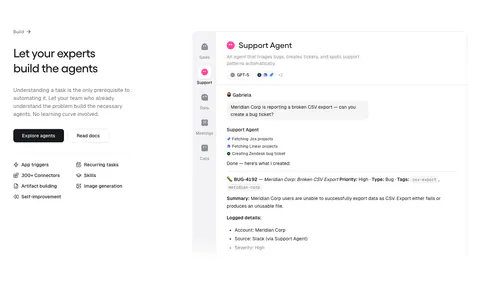
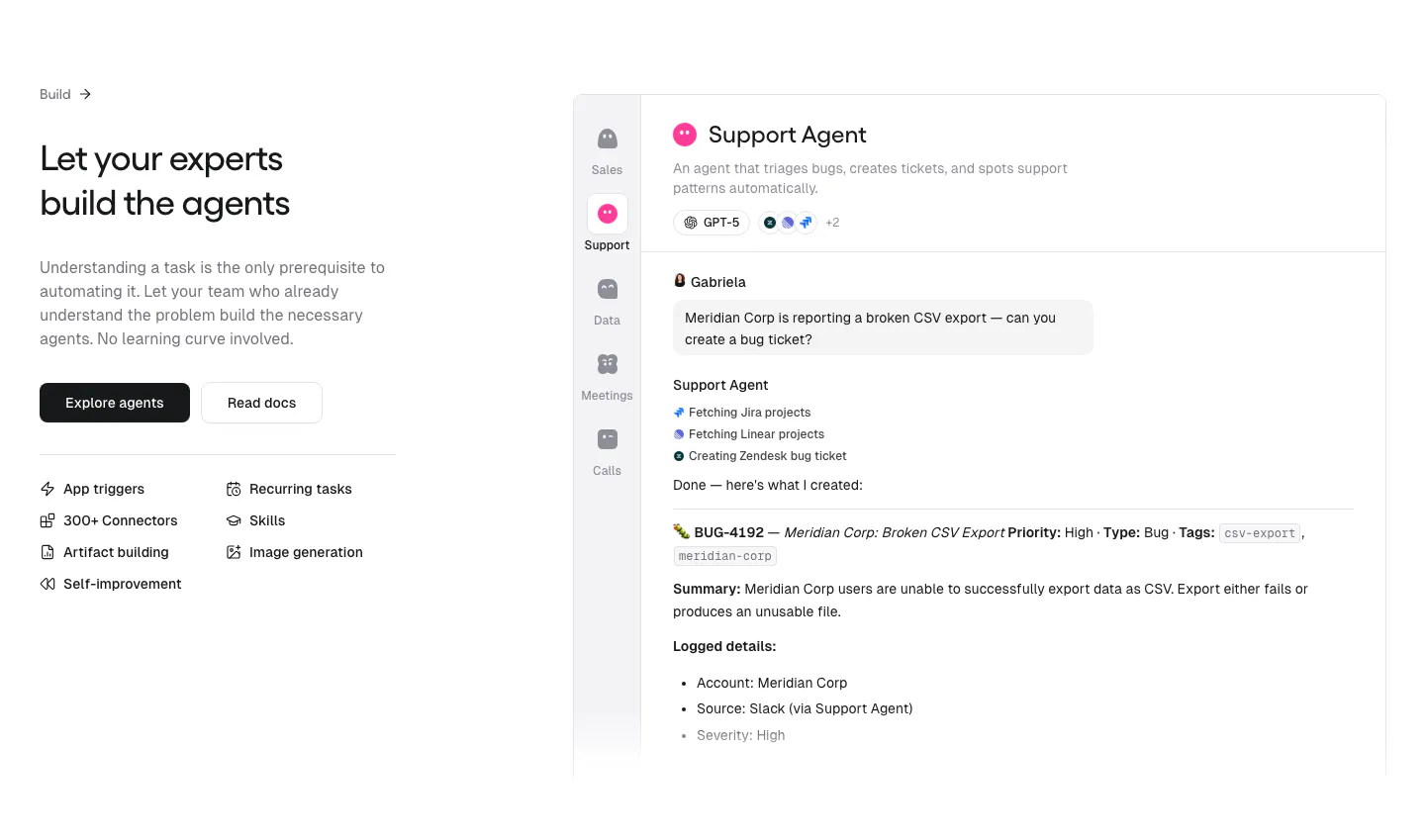
  3. Gumloop features section: headline, buttons and capability list on the left, support agent chat UI on the right

    Let your experts build the agents

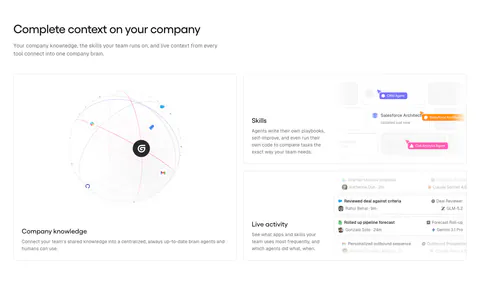
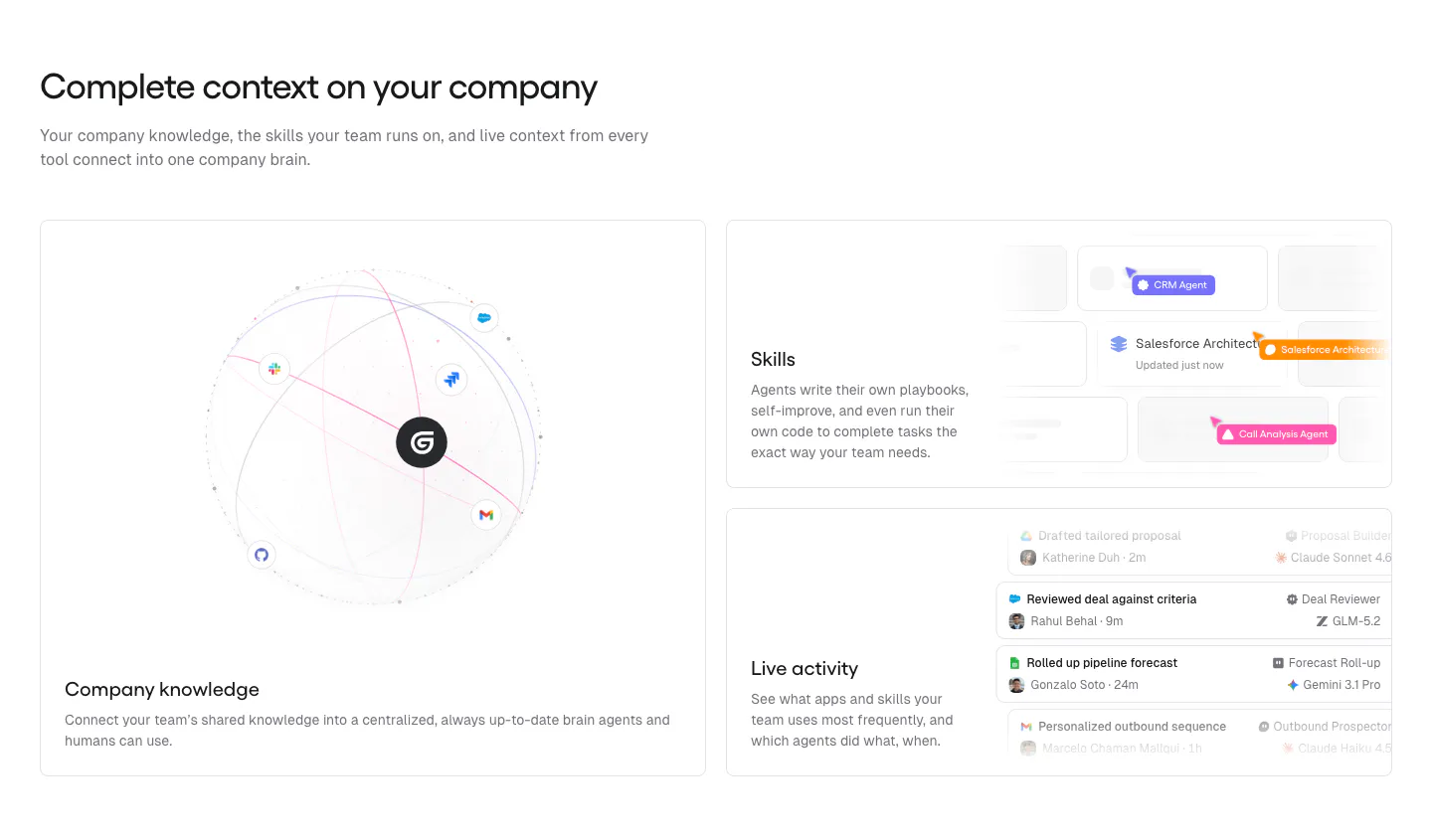
  4. Gumloop features section: headline above a large knowledge globe card and two stacked UI cards for skills and activity

    Complete context on your company

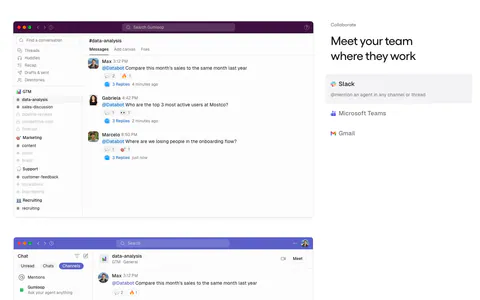
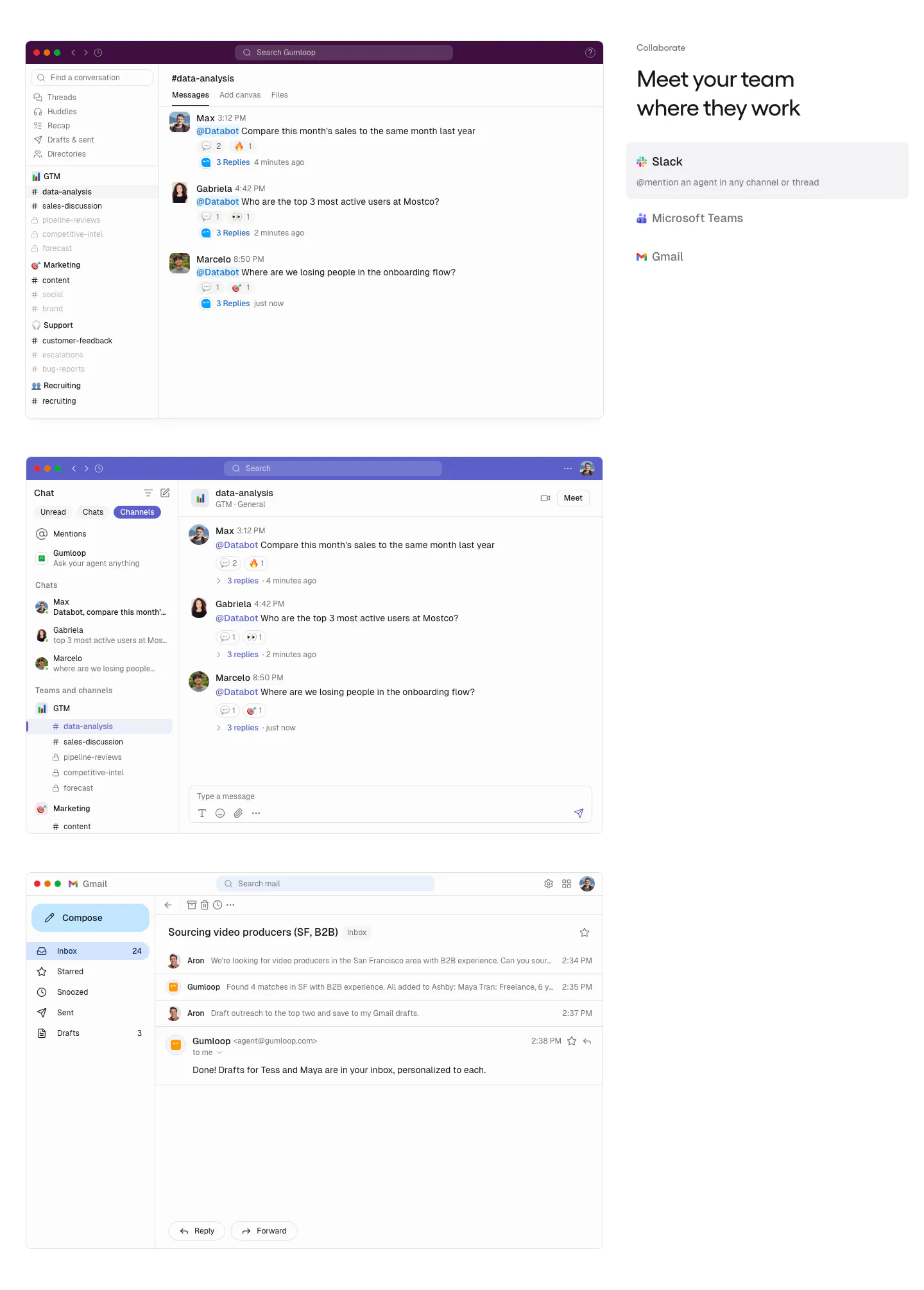
  5. Gumloop features section: stacked Slack, Teams and Gmail screenshots on the left, headline and app tab list on the right

    Meet your team where they work

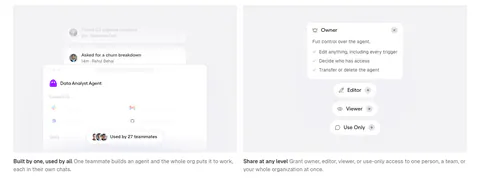
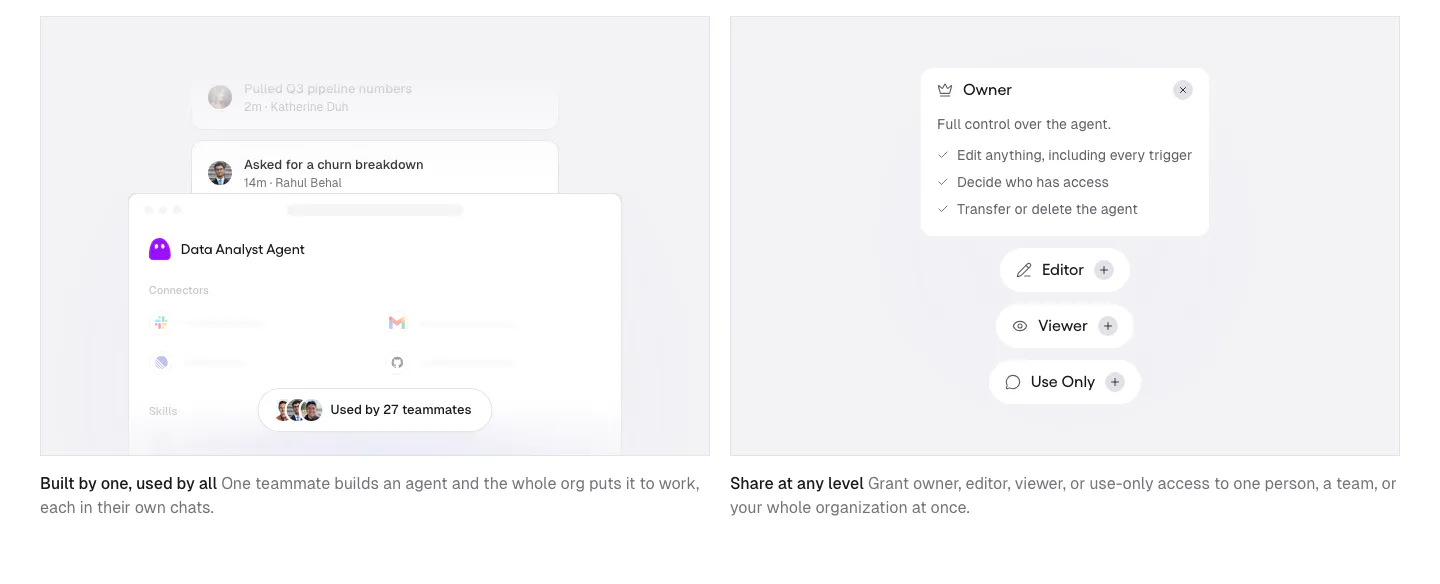
  6. Gumloop features section: two gray cards with agent sharing and permission UI mockups above short captions
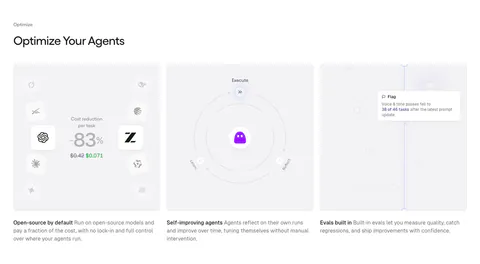
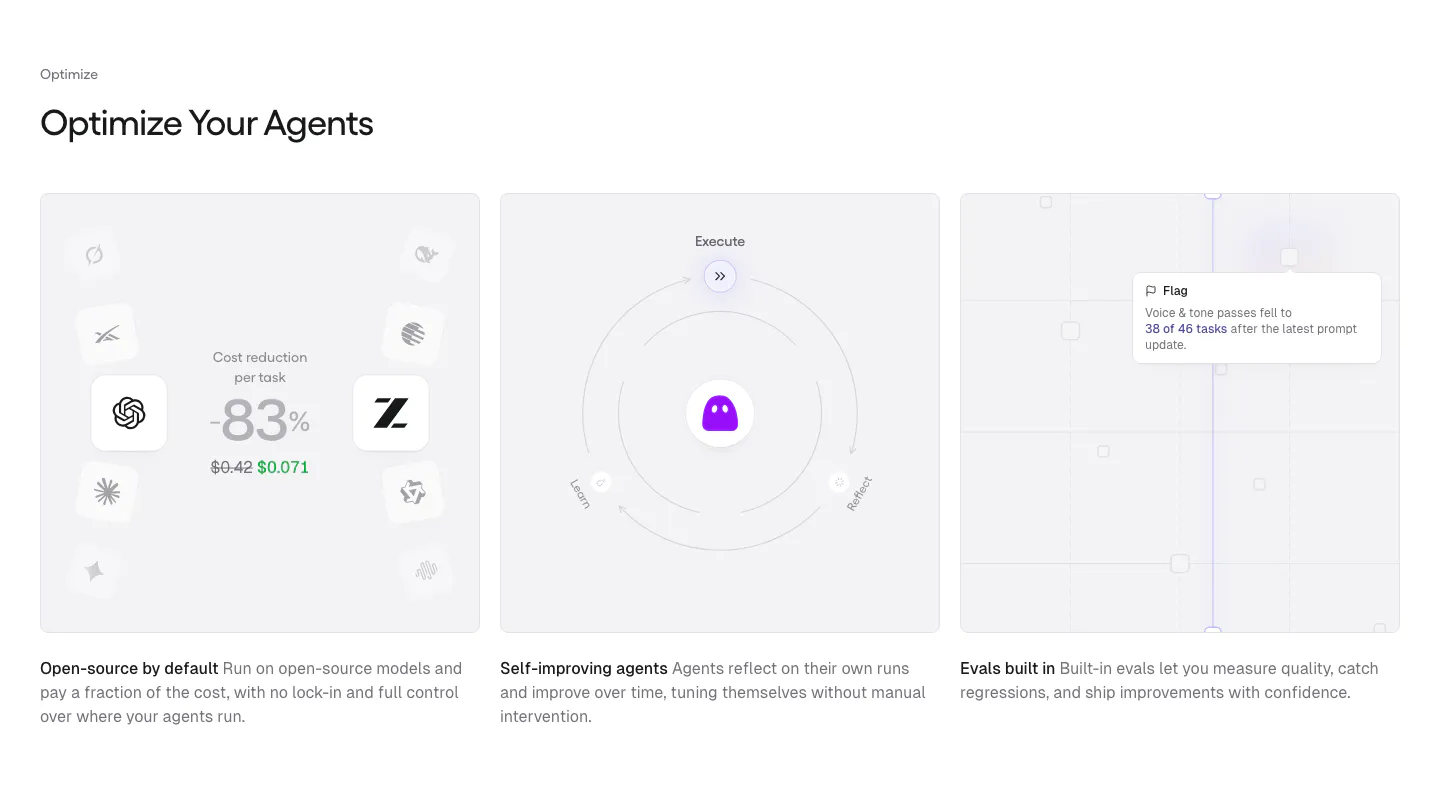
  7. Gumloop features section: left-aligned heading above three equal gray cards with cost, self-improving and evals visuals

    Optimize Your Agents

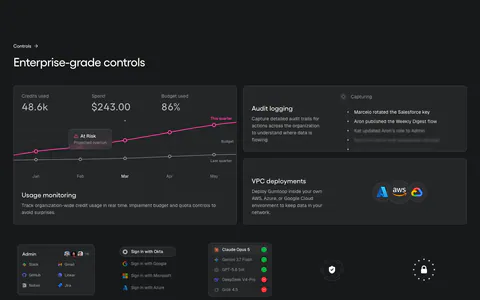
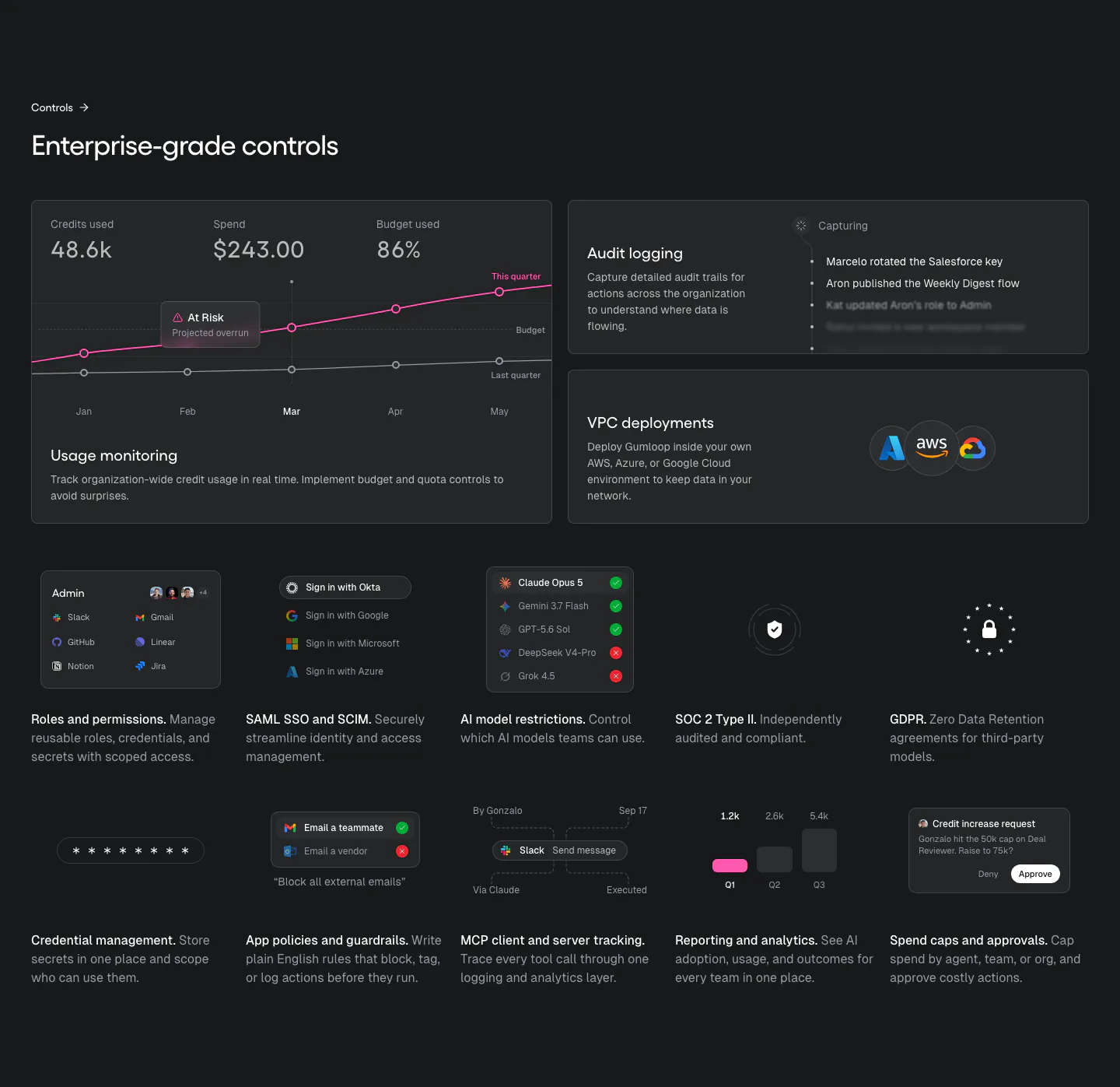
  8. Gumloop security section: dark bento of usage chart, audit log and VPC cards above a grid of small control tiles

    Enterprise-grade controls

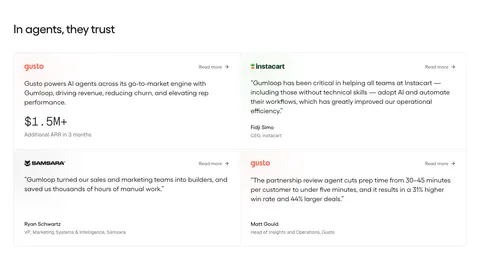
  9. Gumloop testimonials section: heading above a 2x2 grid of customer quote cards with brand logos on white

    In agents, they trust

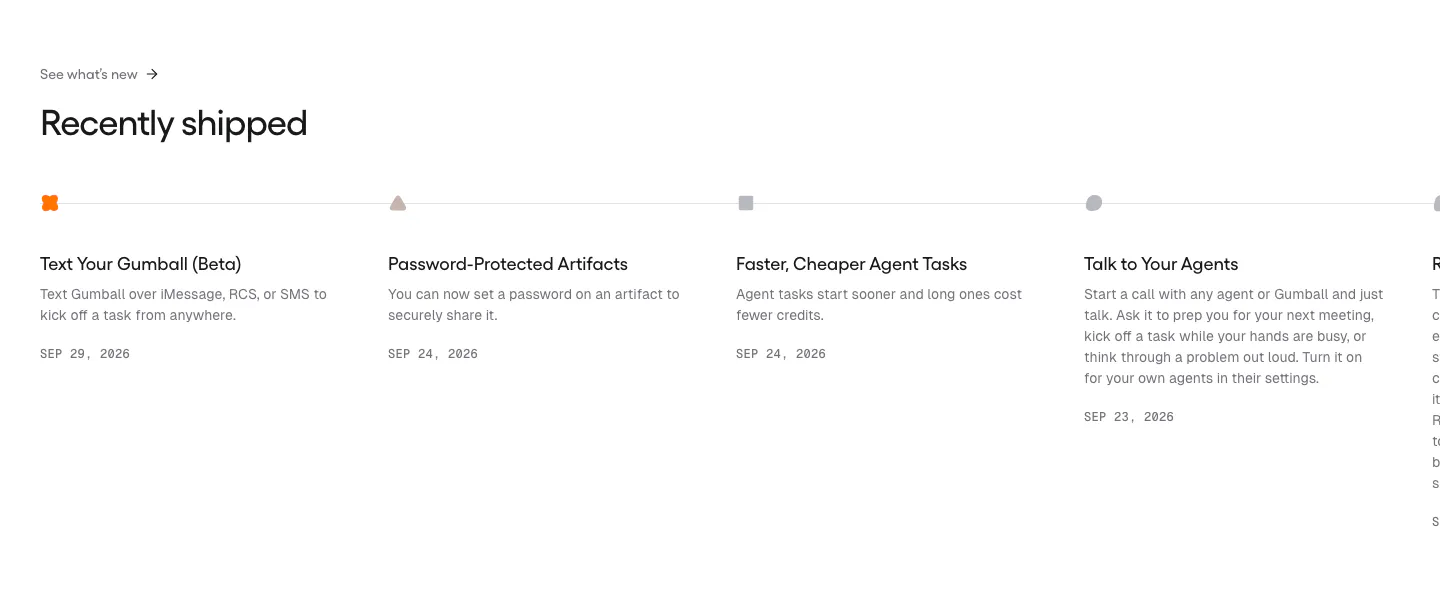
  10. Gumloop blog & resources section: changelog timeline of dated release entries running off the right edge

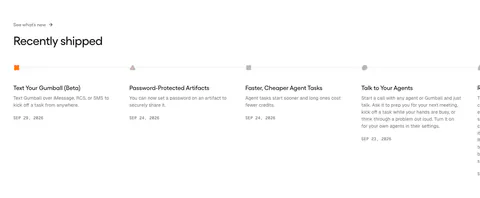
    Recently shipped

  11. Gumloop call-to-action section: centered headline, copy and button inside a light gray rounded panel

    Build your team of agents

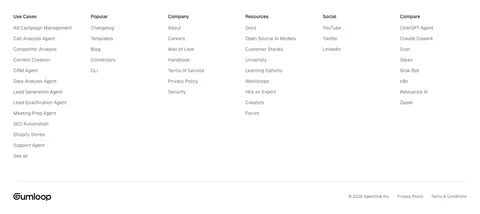
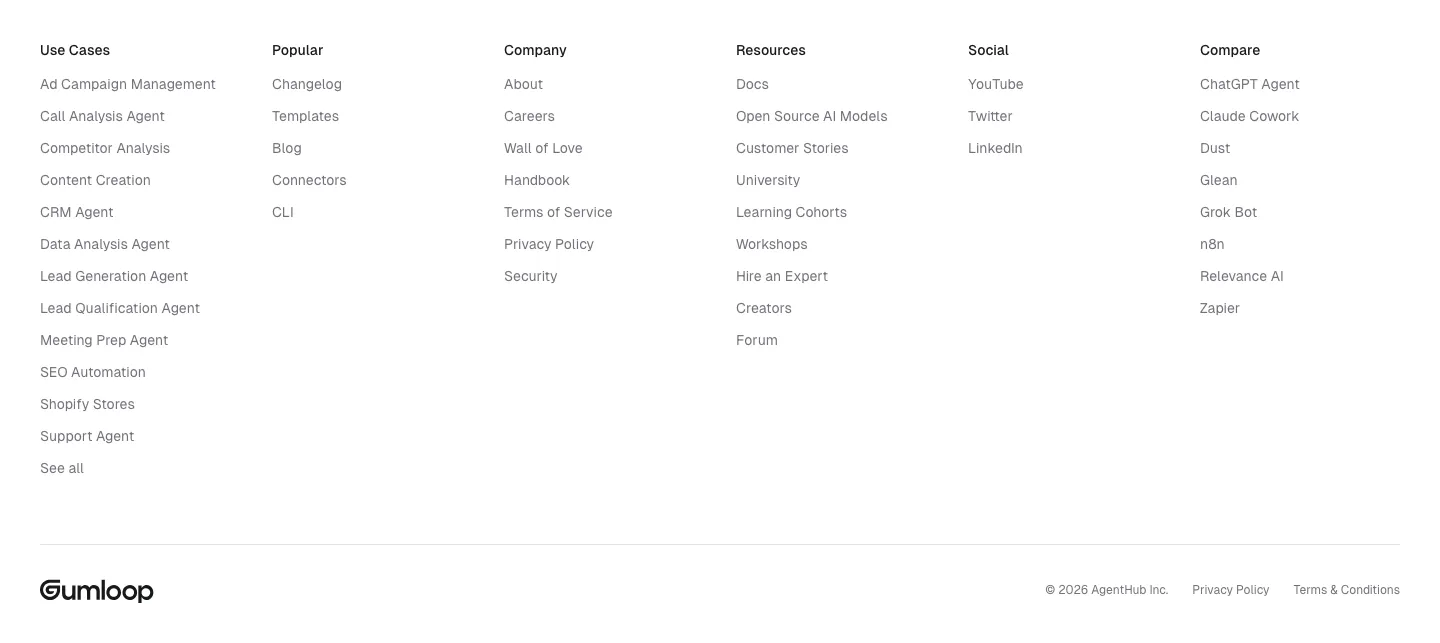
  12. Gumloop footer section: six link columns above a wordmark and copyright row on white
    12 Footer

Similar companies

All companies
    ↑↓ Navigate ↵ Open

    Section preview

    Website section