Customer.io website design

Every section we captured from the Customer.io website, in page order, from the hero section down to the footer. Open any thumbnail to see it full size.

Sections 26

In page order, top to bottom

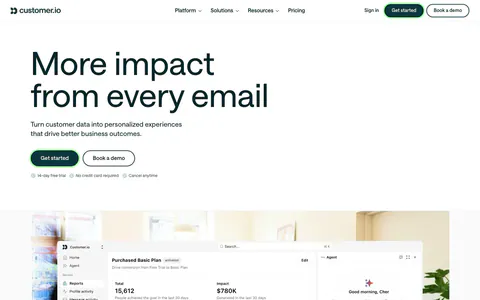
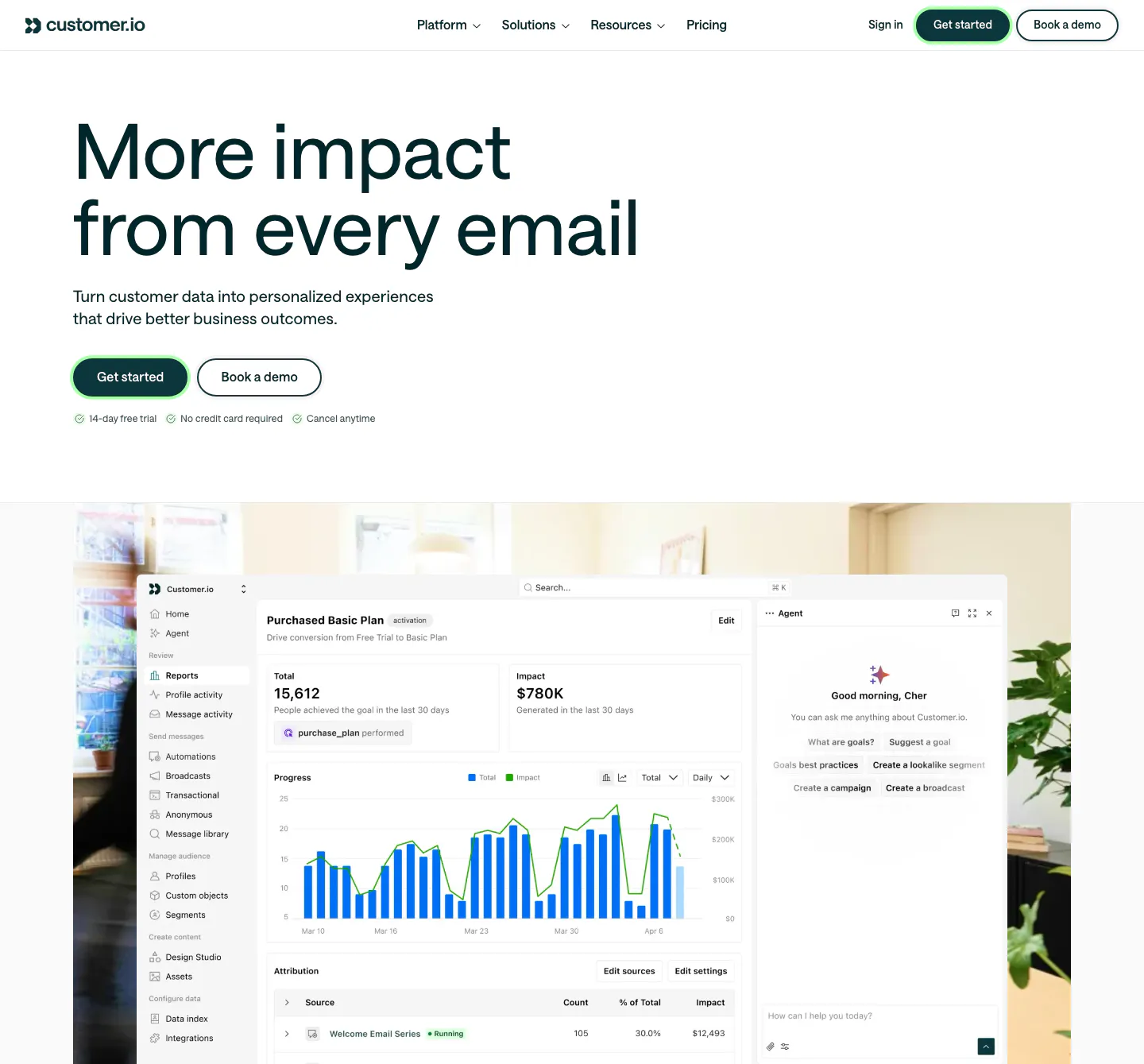
  1. Customer.io hero section: large left-aligned headline with two buttons above a reports dashboard screenshot set over an office photo
    01 Hero

    More impact from every email

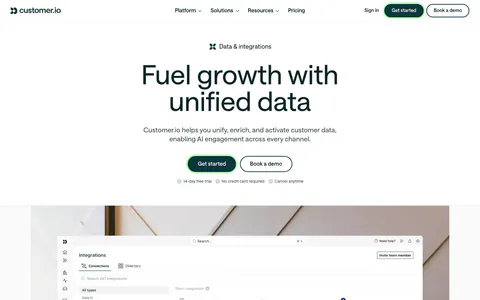
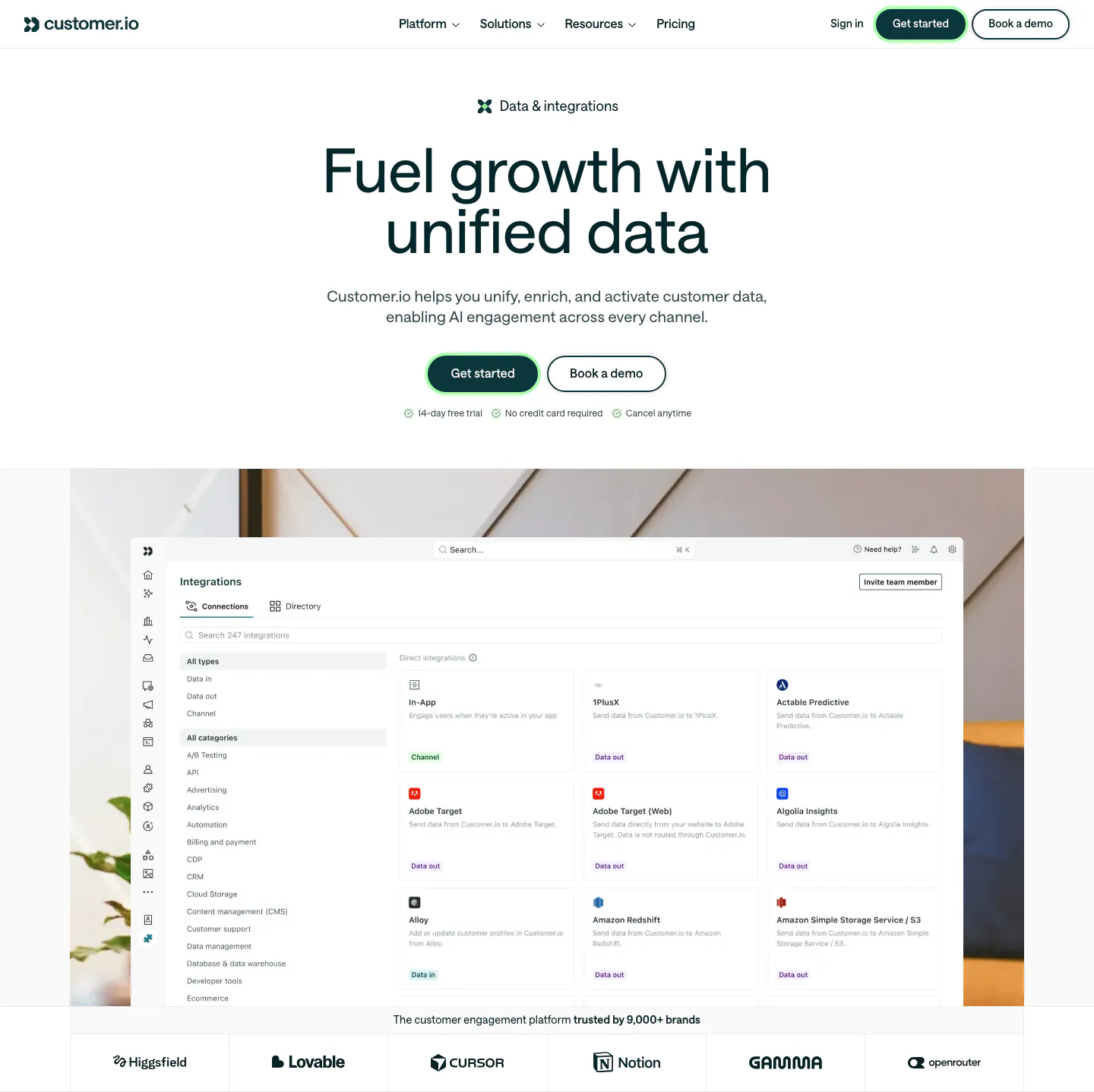
  2. Customer.io hero section: centered headline and buttons above an integrations directory screenshot on an office photo, with a logo row
    02 Hero

    Fuel growth with unified data

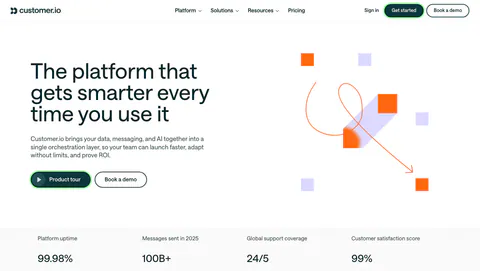
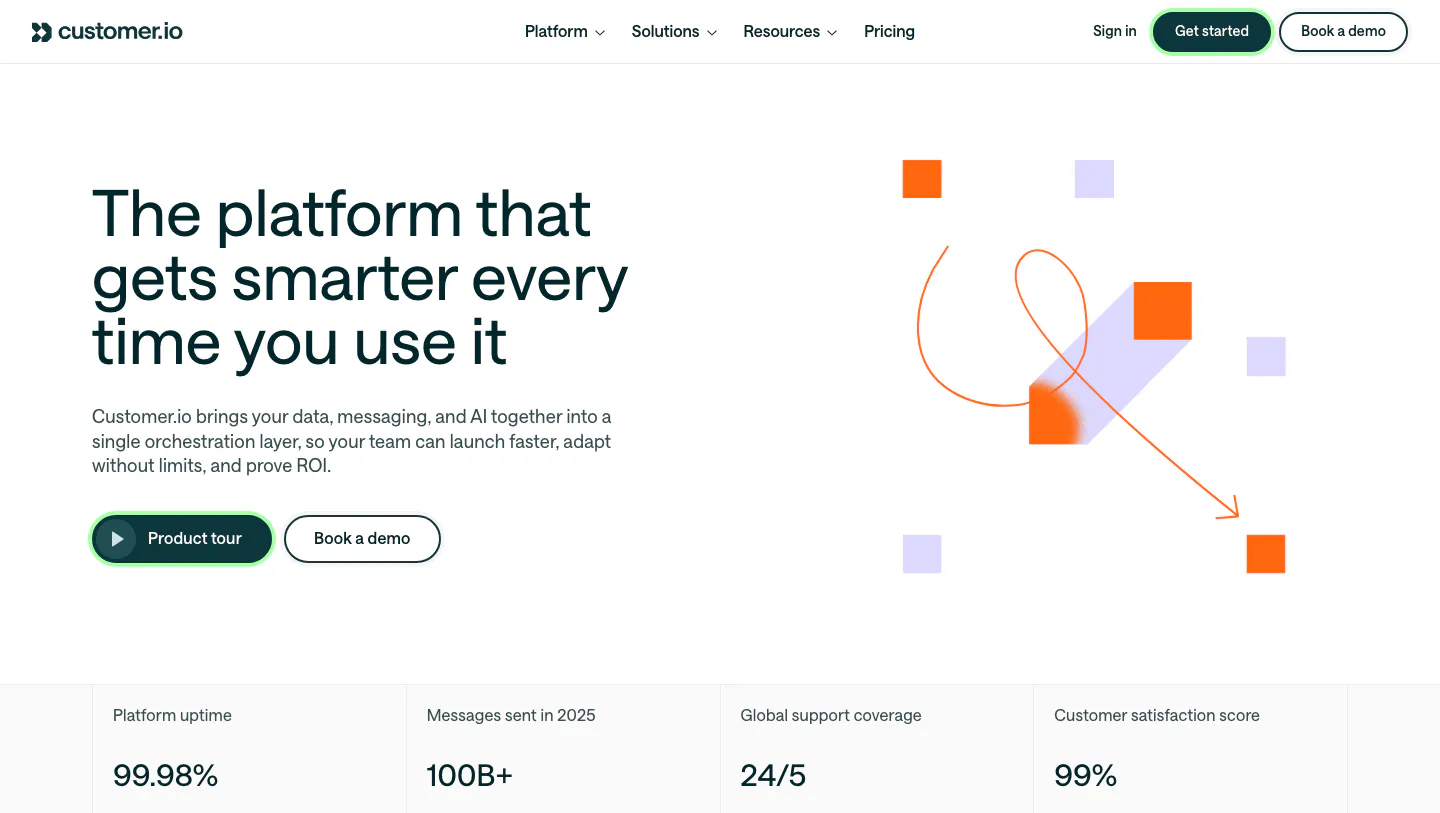
  3. Customer.io hero section: split layout with headline and buttons beside abstract orange and lavender square artwork, above a stats row
    03 Hero

    The platform that gets smarter every time you use it

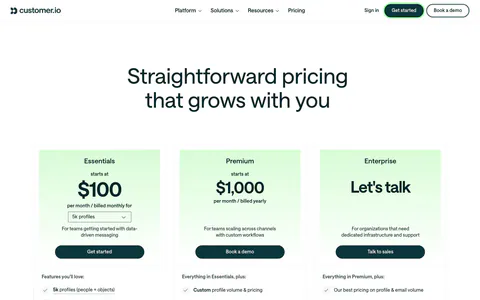
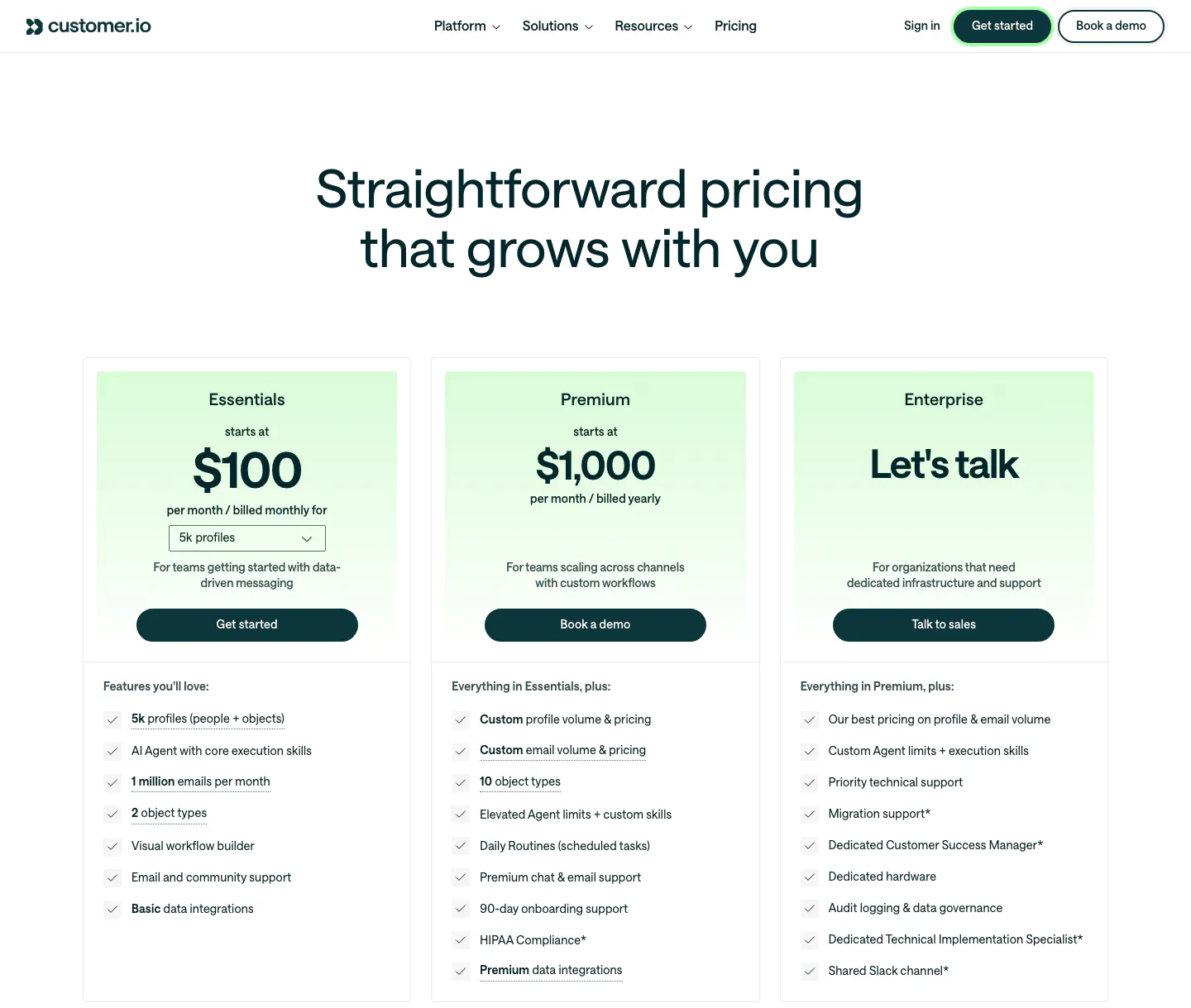
  4. Customer.io pricing section: nav and centered headline above three plan cards with mint-tinted headers, prices, buttons and checklists
    04 Pricing

    Straightforward pricing that grows with you

  5. Customer.io logo cloud section: two rows of customer logos in bordered cells divided by a trusted-by-9,000+ brands caption

    The customer engagement platform trusted by 9,000+ brands

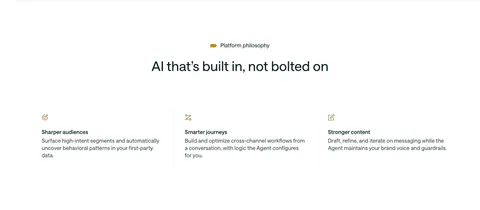
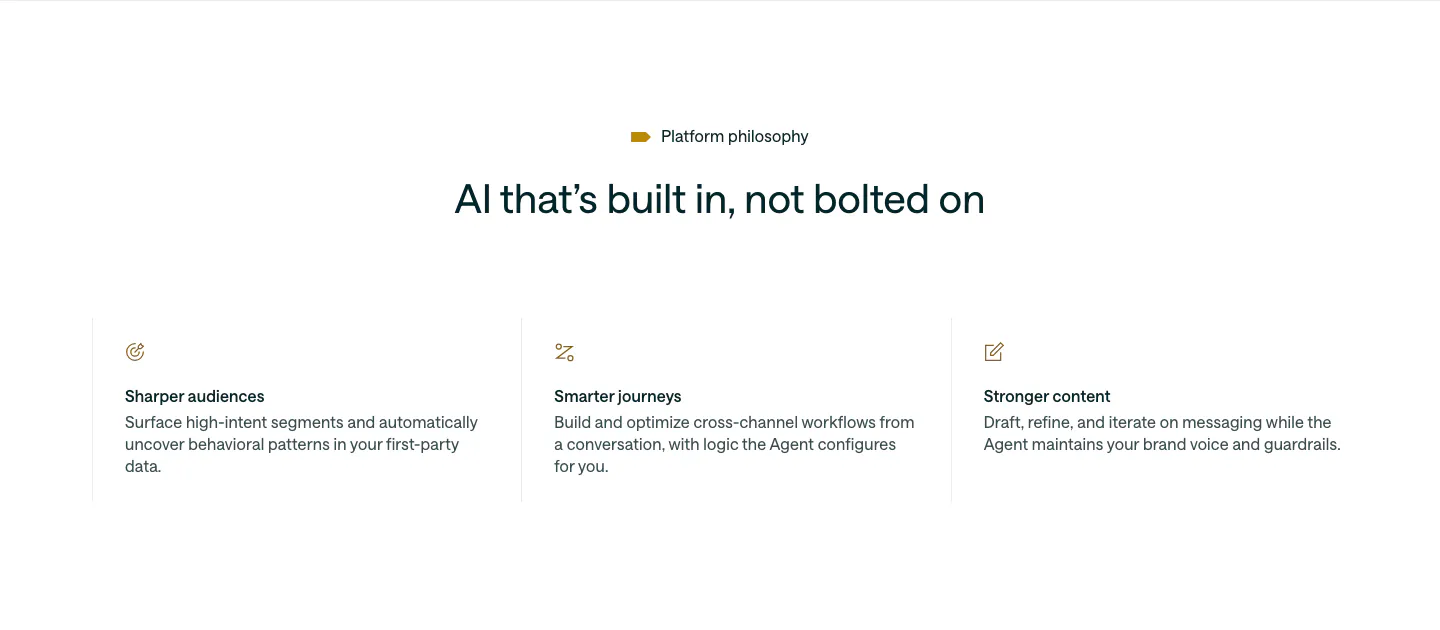
  6. Customer.io value proposition section: centered headline above three icon columns describing audiences, journeys and content

    AI that’s built in, not bolted on

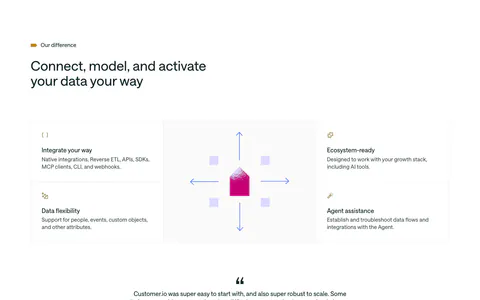
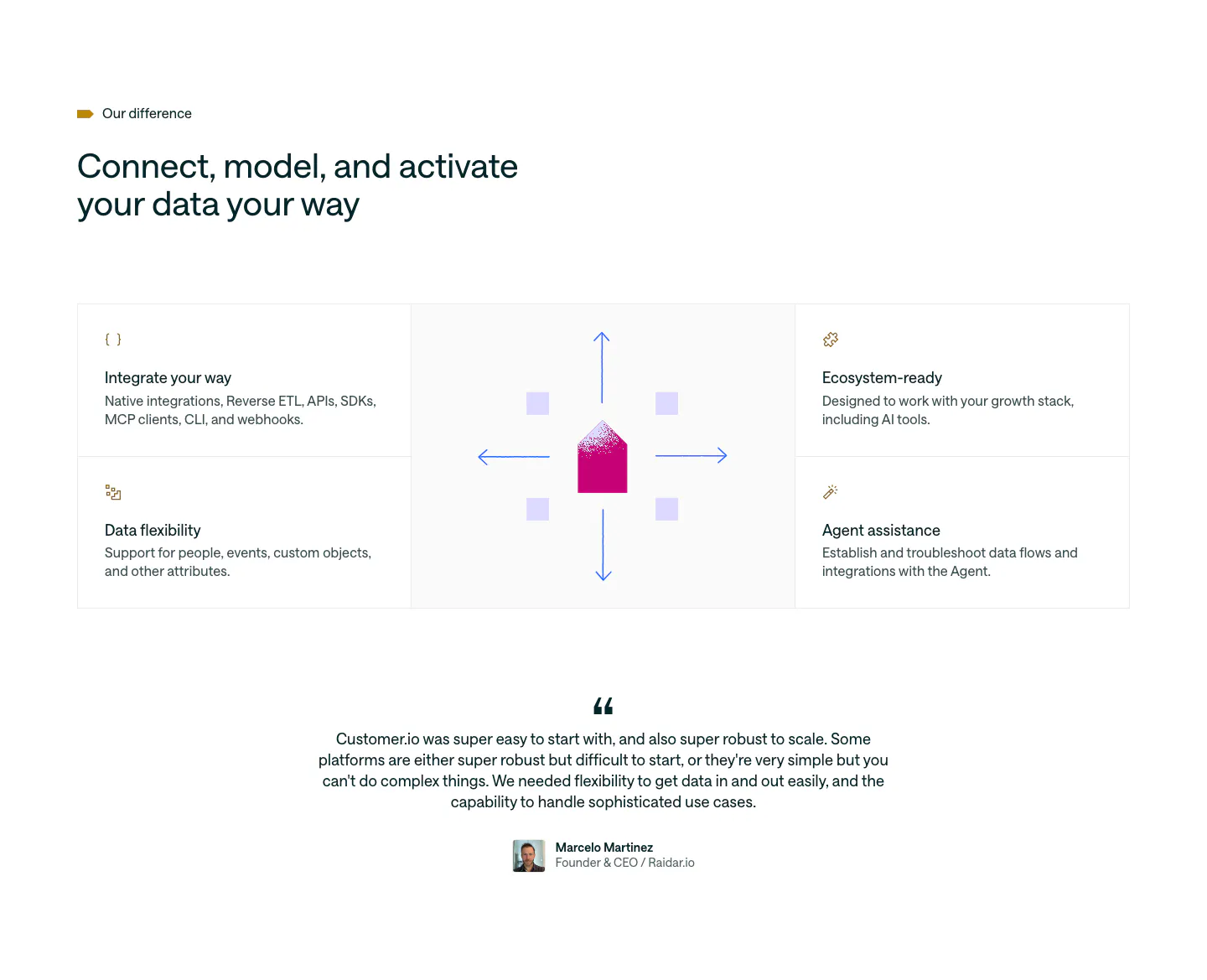
  7. Customer.io features section: four feature cells around a central envelope and arrows graphic, followed by a centered customer quote

    Connect, model, and activate your data your way

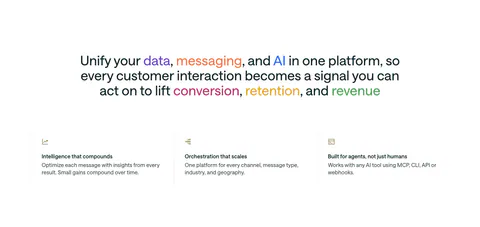
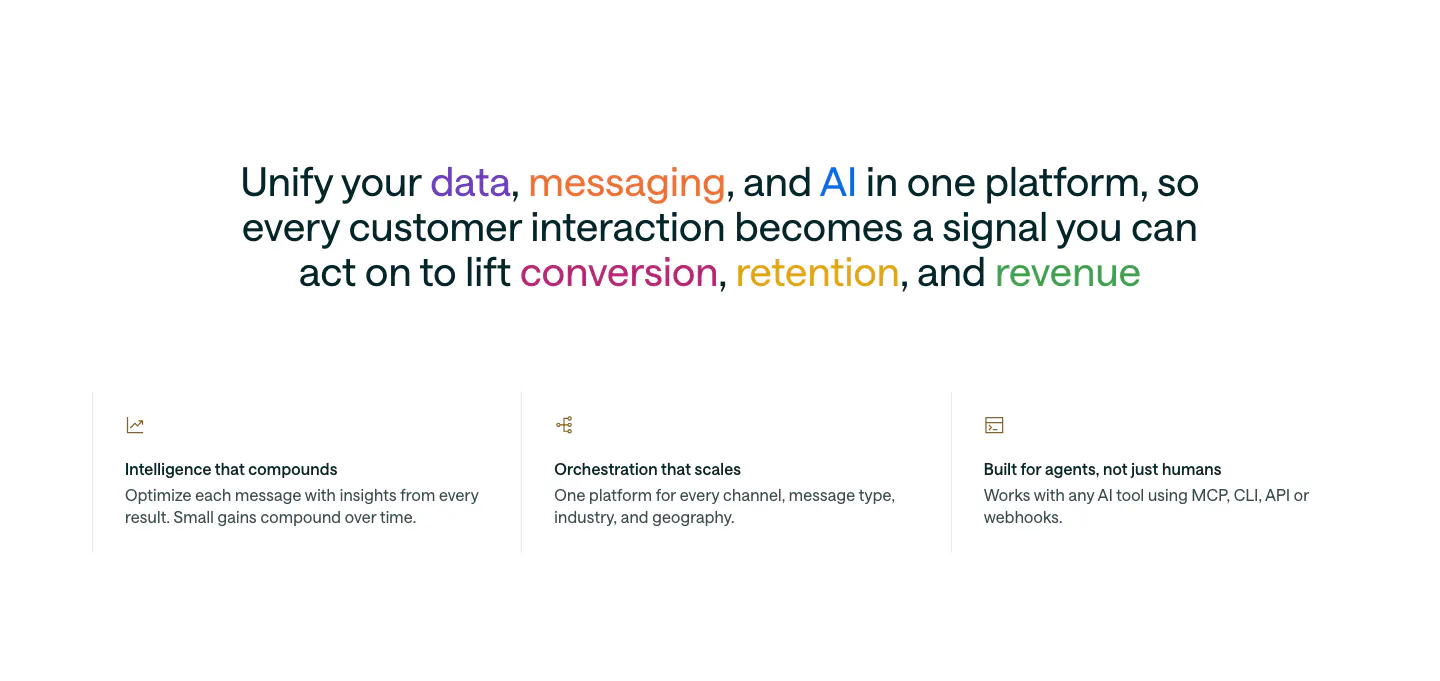
  8. Customer.io value proposition section: centered statement with multicolored keywords above three icon columns of benefits

    Unify your data, messaging, and AI in one platform, so every customer interaction becomes a signal you can act on to lift conversion, retention, and revenue

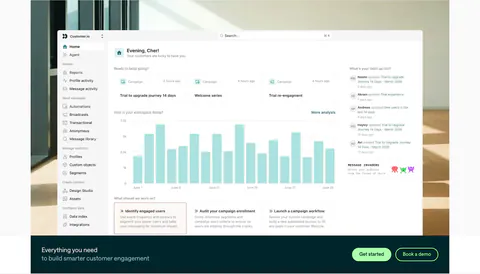
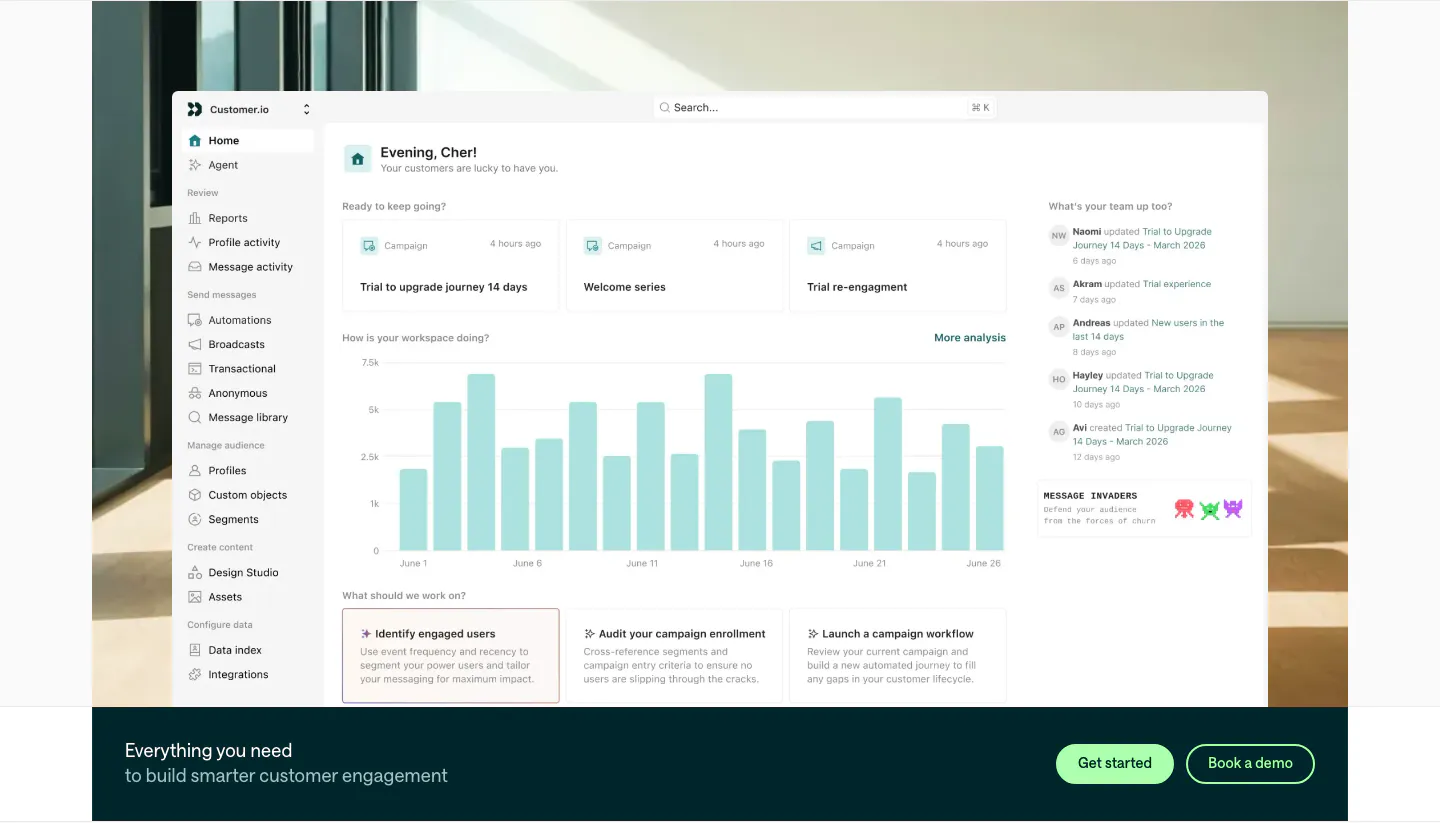
  9. Customer.io features section: large home dashboard screenshot over an office photo, with a dark teal CTA bar and two buttons below

    Everything you need to build smarter customer engagement

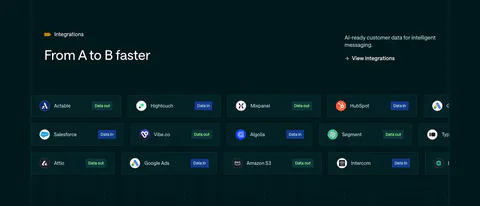
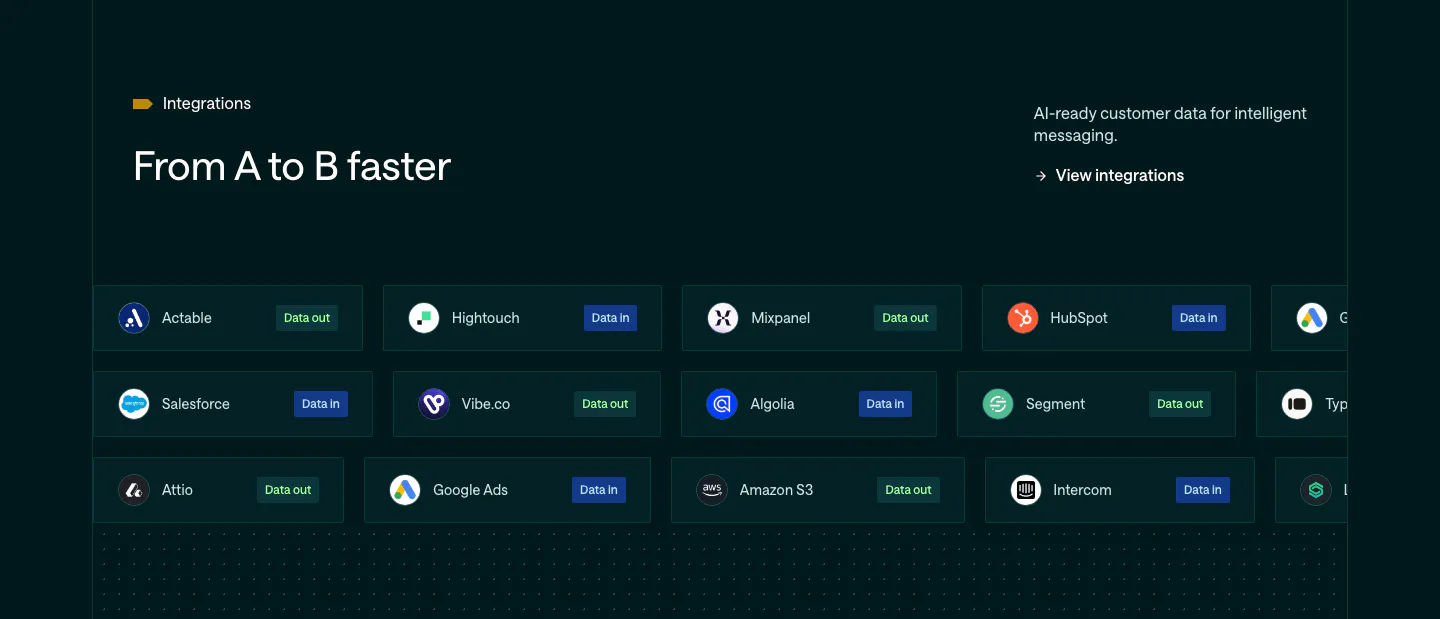
  10. Customer.io integrations section: dark teal band with headline and rows of integration pills tagged Data in or Data out

    From A to B faster

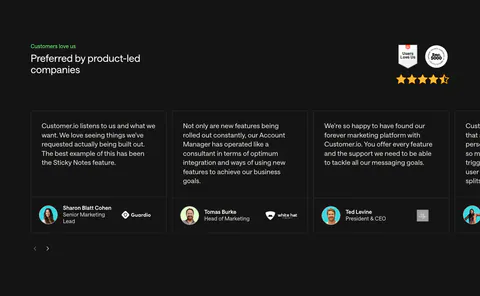
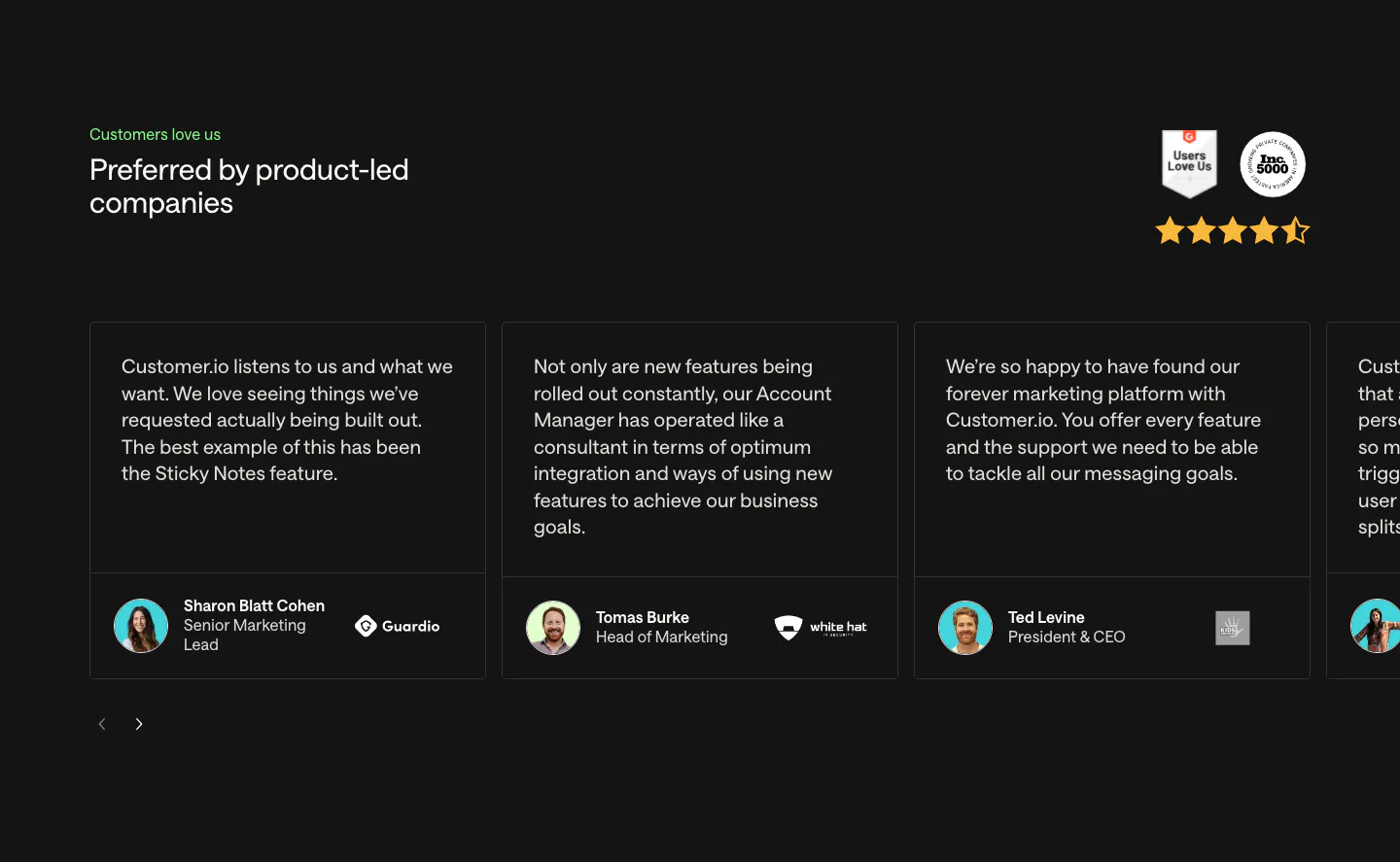
  11. Customer.io testimonials section: charcoal carousel of quote cards with avatars and company logos, plus G2 and Inc. 5000 badges and stars

    Preferred by product-led companies

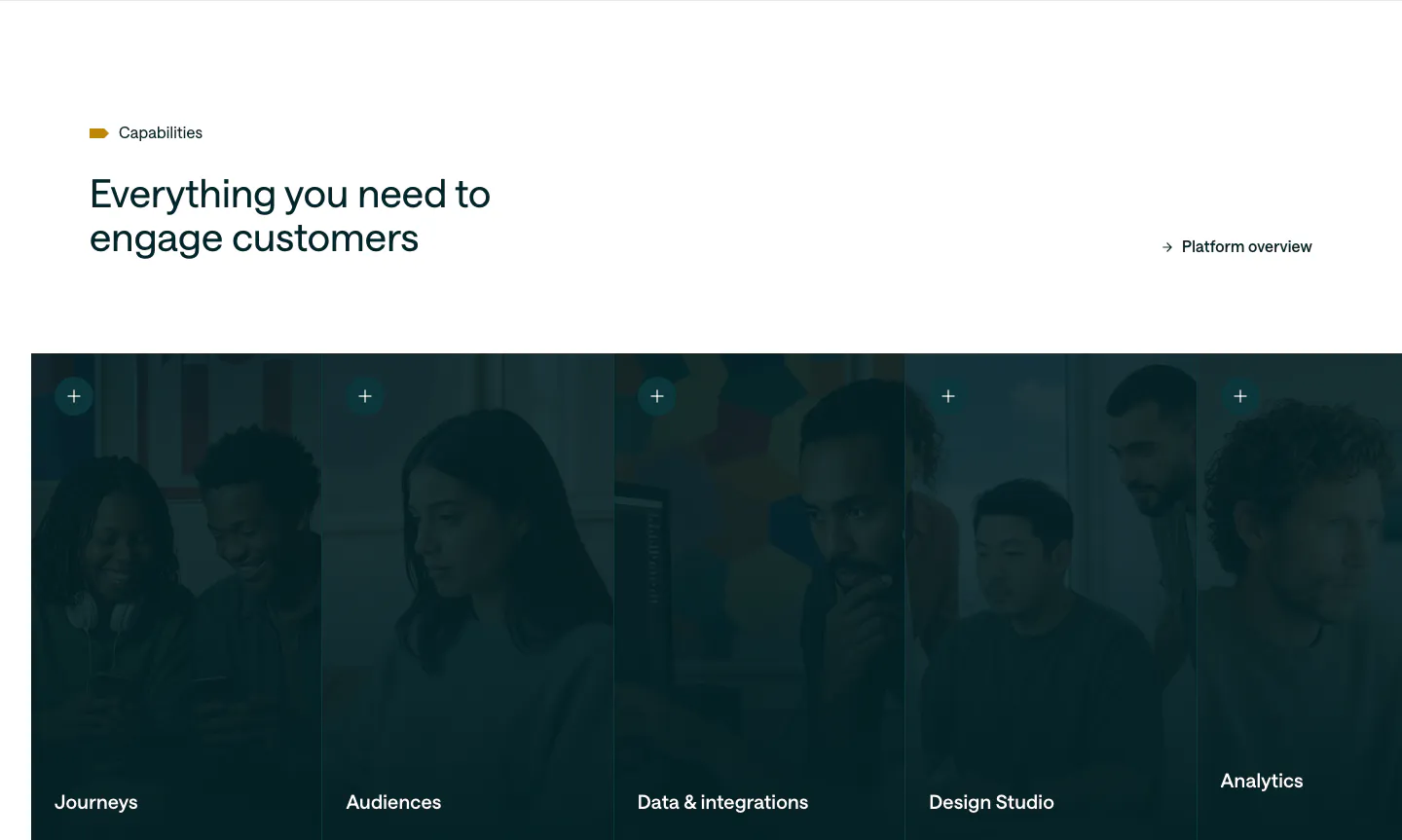
  12. Customer.io features section: headline above a row of five tall photo panels with a dark teal overlay, each labeled with a capability

    Everything you need to engage customers

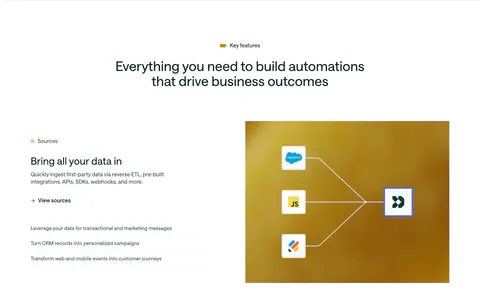
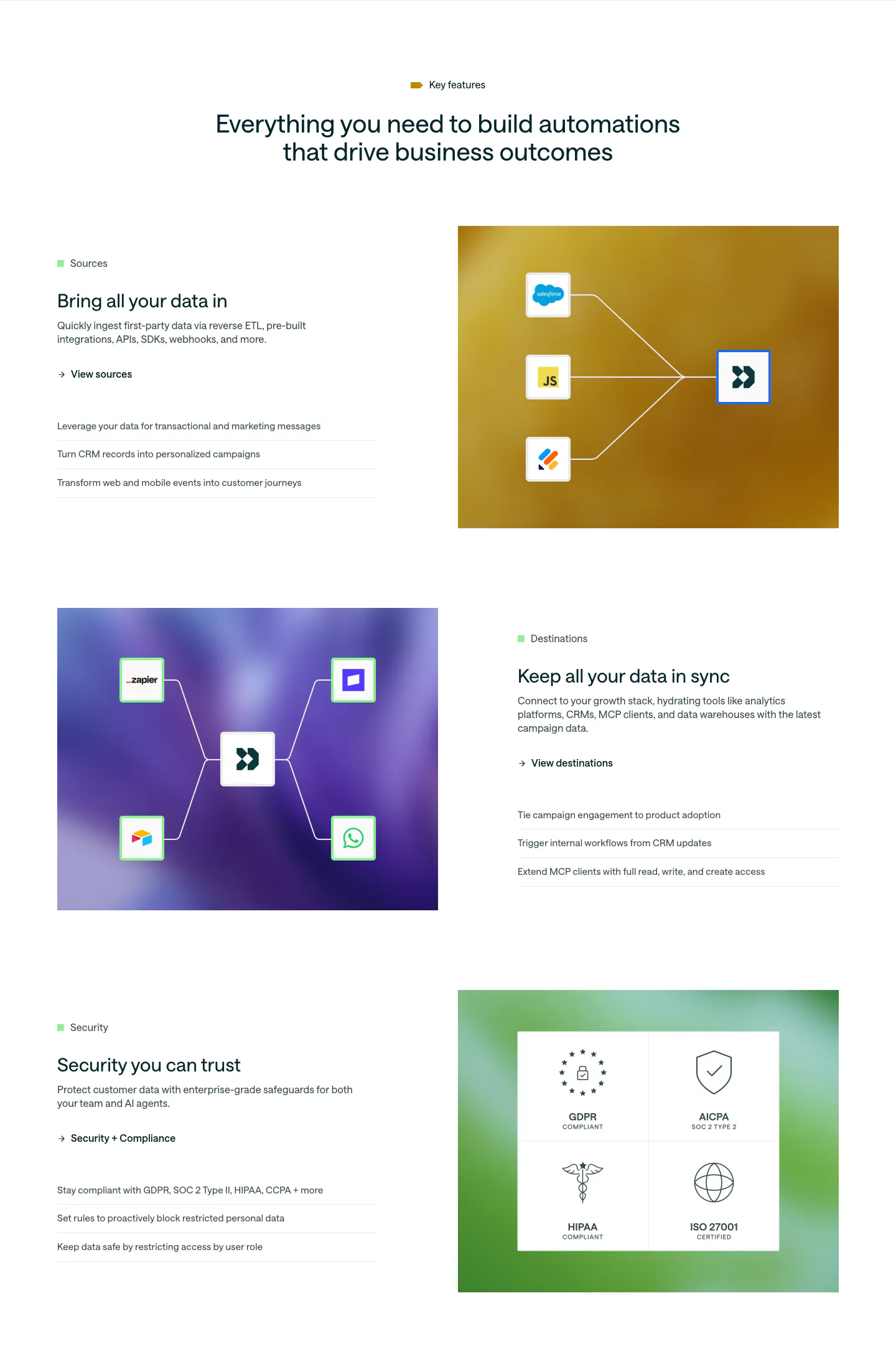
  13. Customer.io features section: centered headline above three alternating rows pairing copy with colorful gradient panels of connector diagrams

    Everything you need to build automations that drive business outcomes

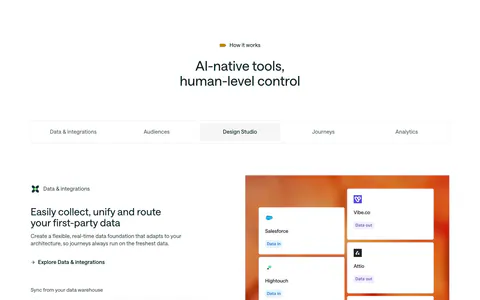
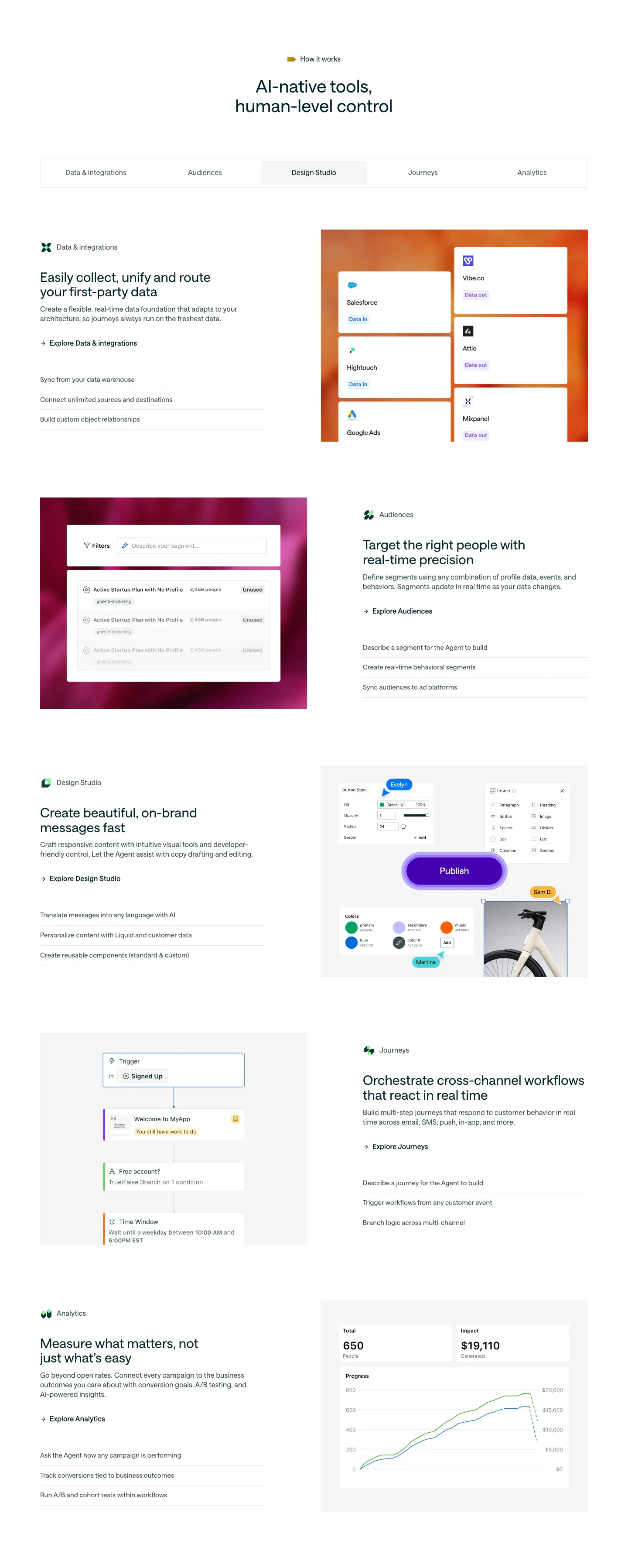
  14. Customer.io features section: centered headline, five-item tab bar and alternating rows of copy beside product UI on gradient panels

    AI-native tools, human-level control

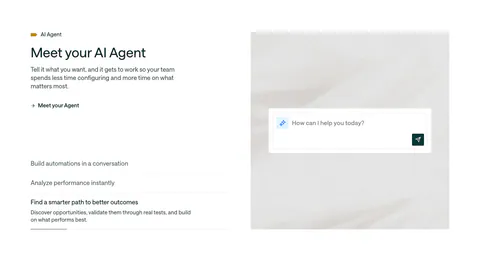
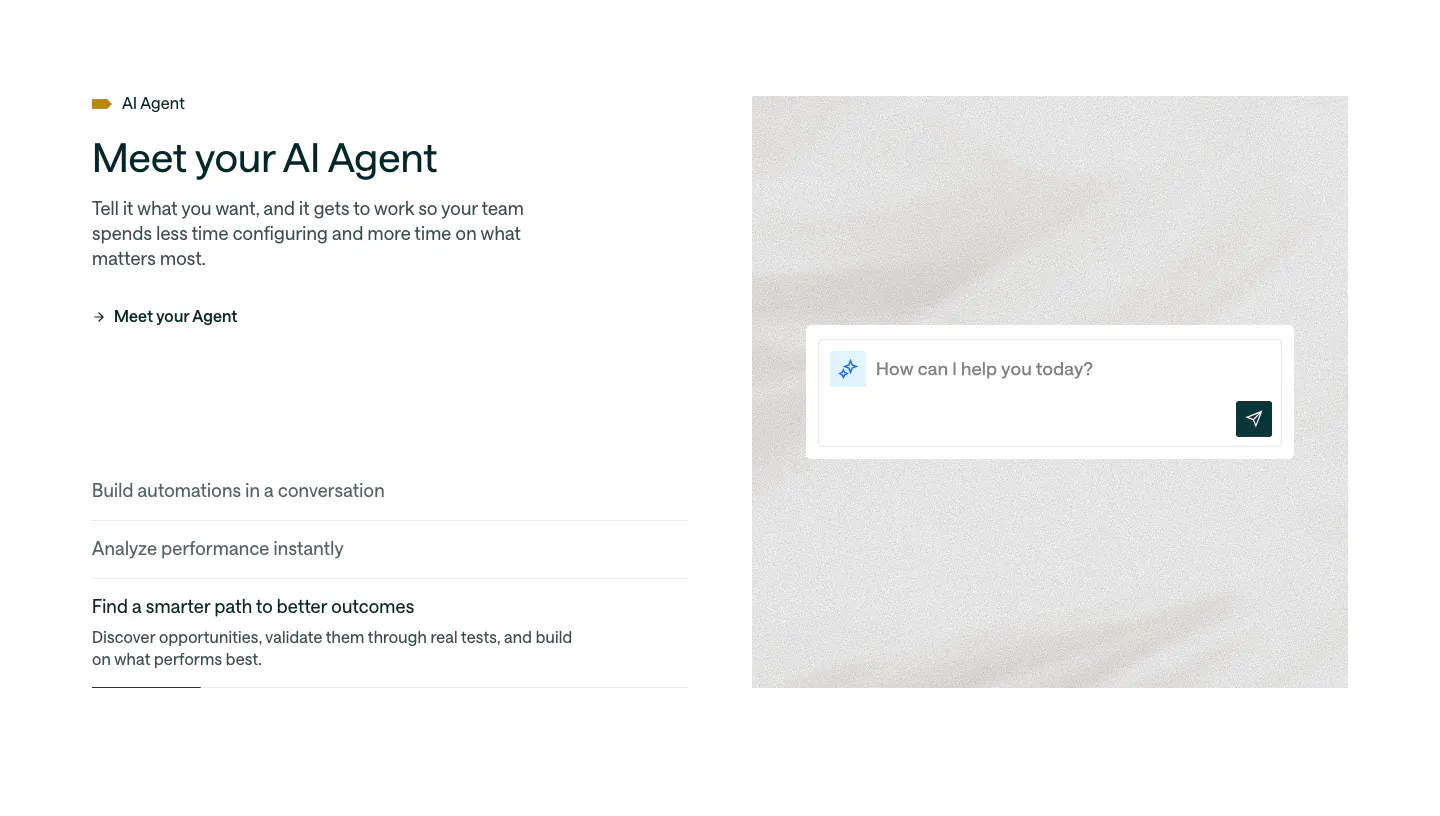
  15. Customer.io features section: split layout with headline and accordion list beside an AI agent chat input on a soft textured panel

    Meet your AI Agent

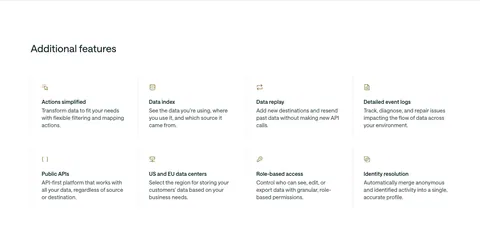
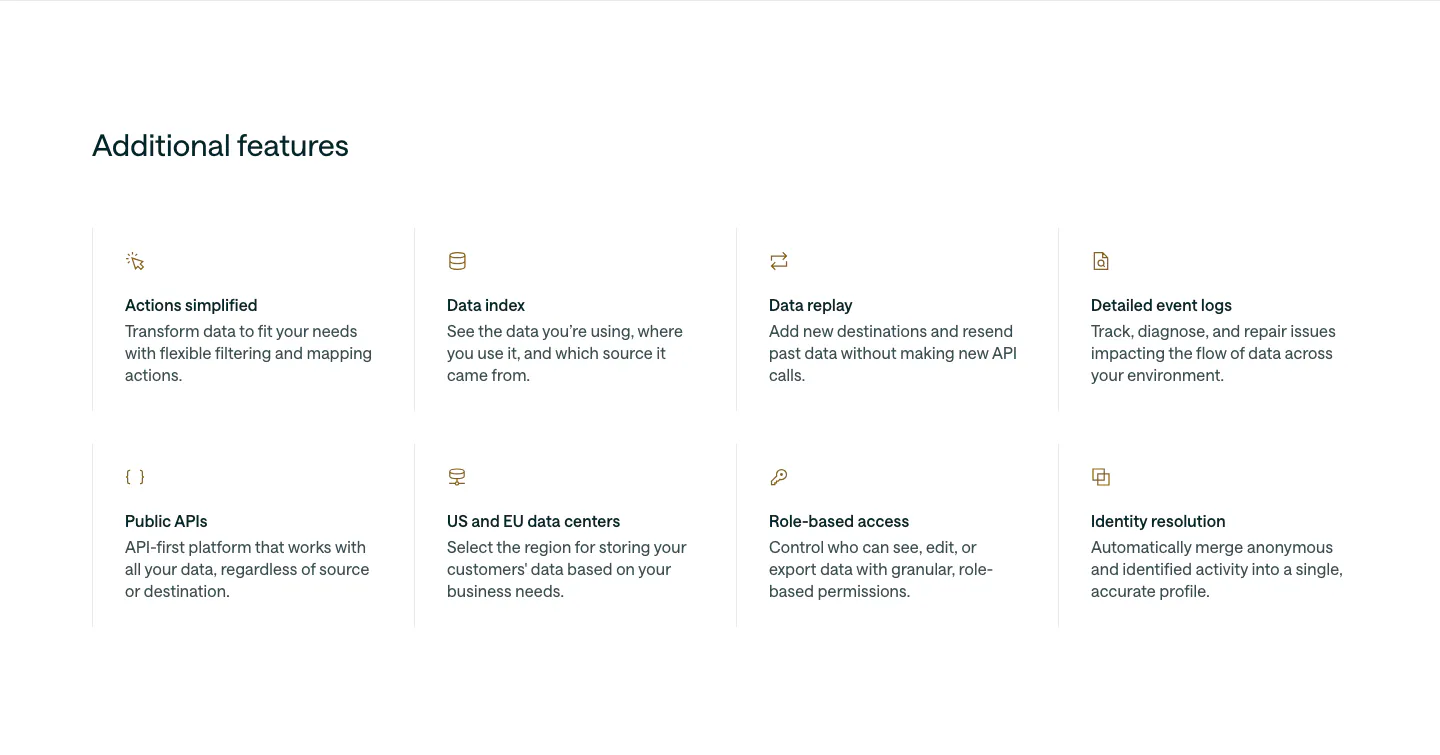
  16. Customer.io features section: left-aligned heading above a 4x2 grid of feature items with small gold icons, titles and descriptions

    Additional features

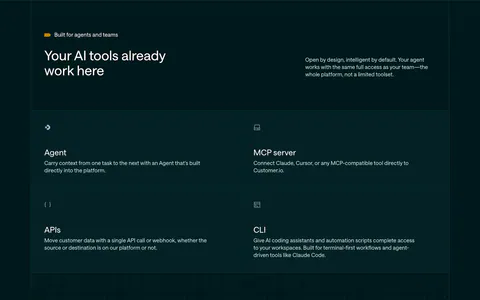
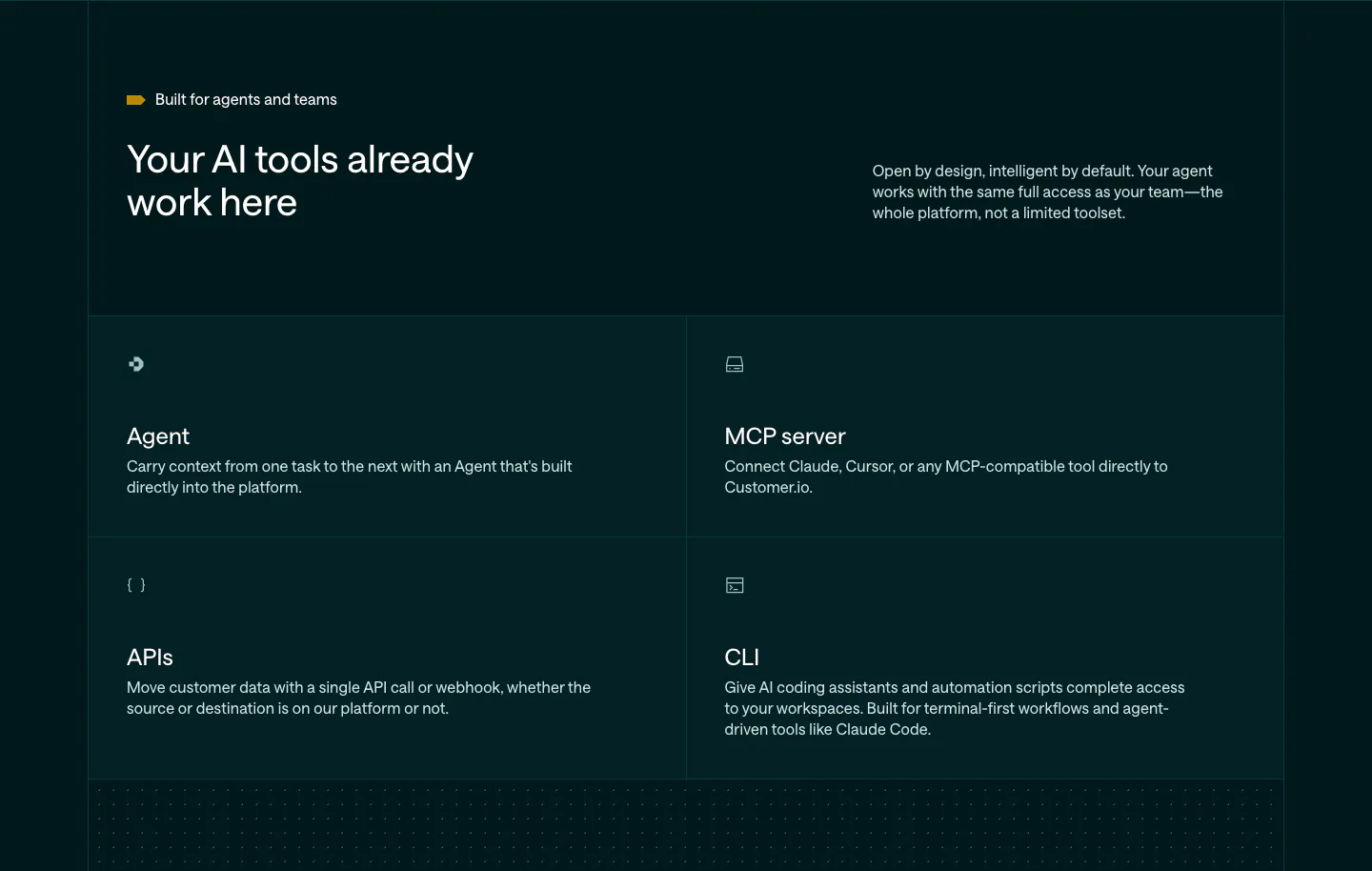
  17. Customer.io features section: dark teal header with headline and copy above a 2x2 grid of Agent, MCP server, APIs and CLI cells

    Your AI tools already work here

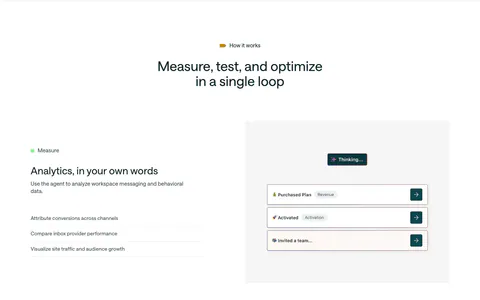
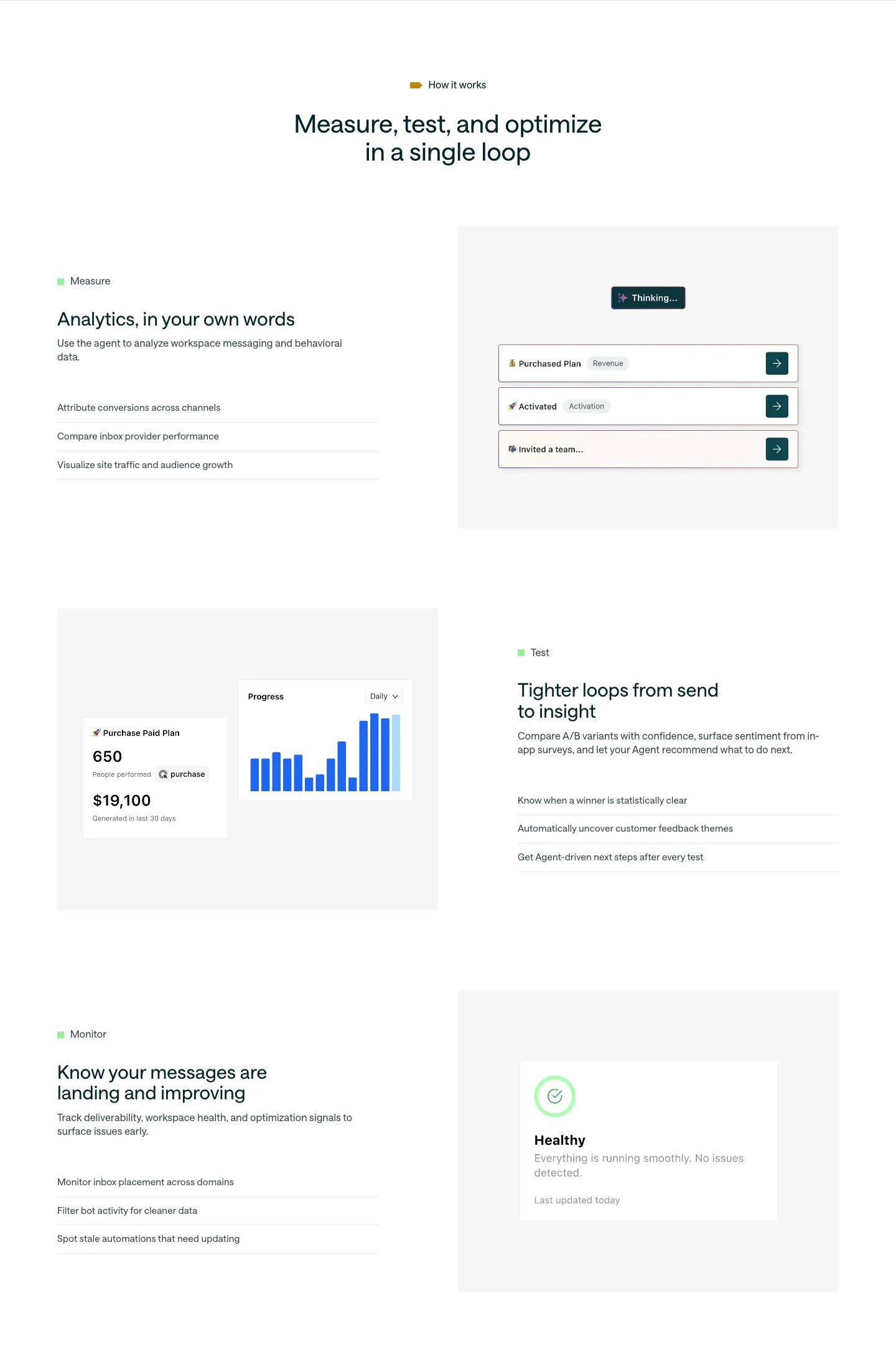
  18. Customer.io features section: centered headline above three alternating rows of Measure, Test and Monitor copy beside UI mockups

    Measure, test, and optimize in a single loop

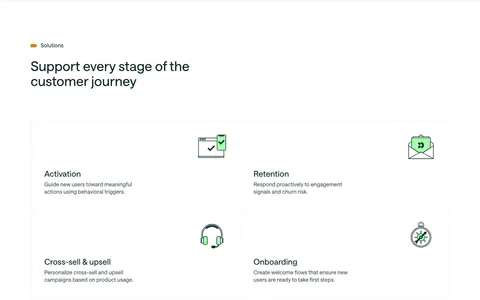
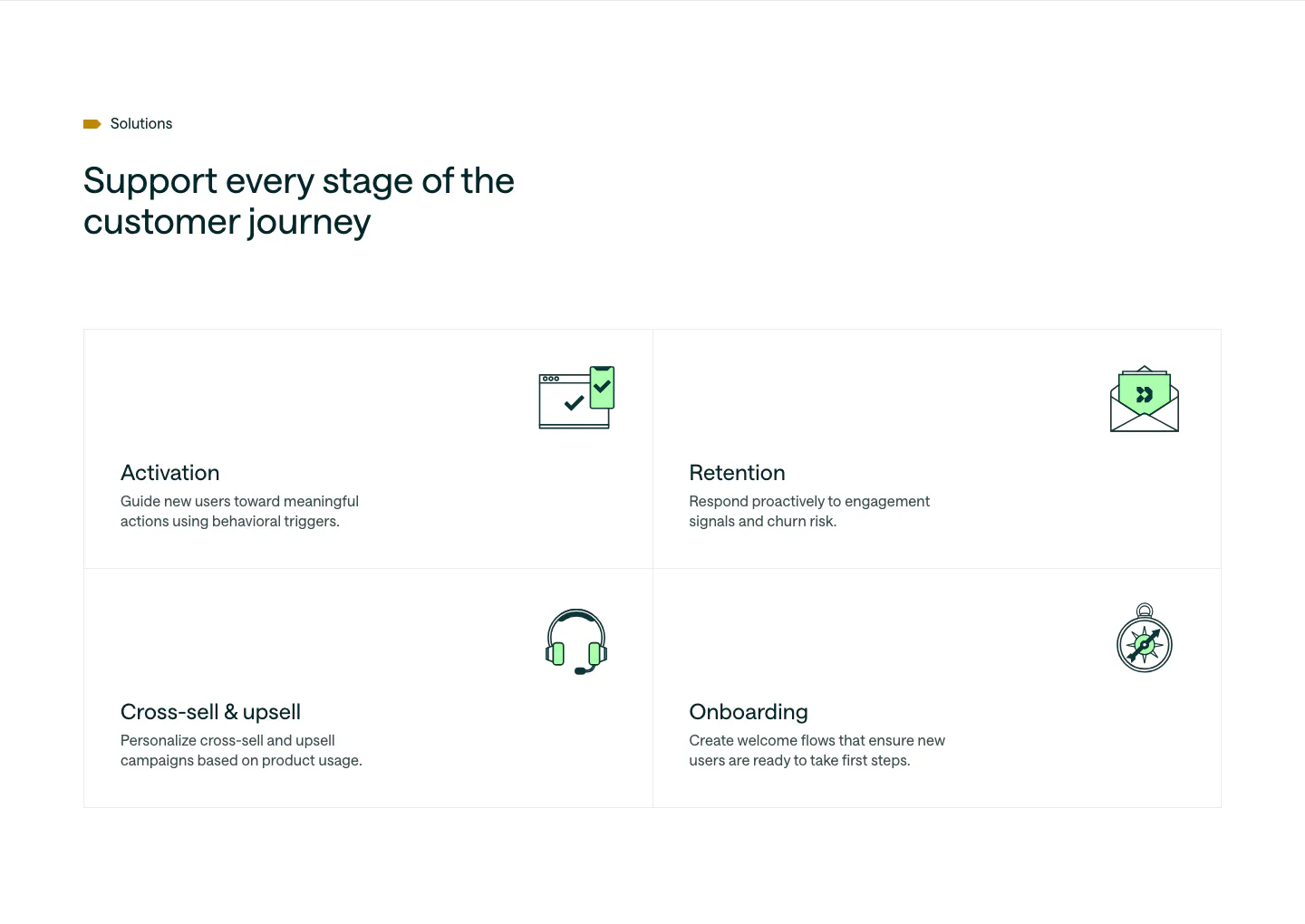
  19. Customer.io use cases section: headline above a 2x2 bordered grid of lifecycle stages, each with a green line icon and short copy

    Support every stage of the customer journey

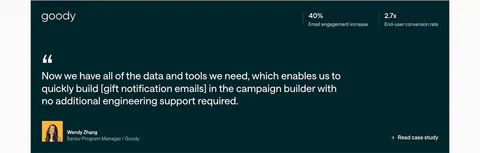
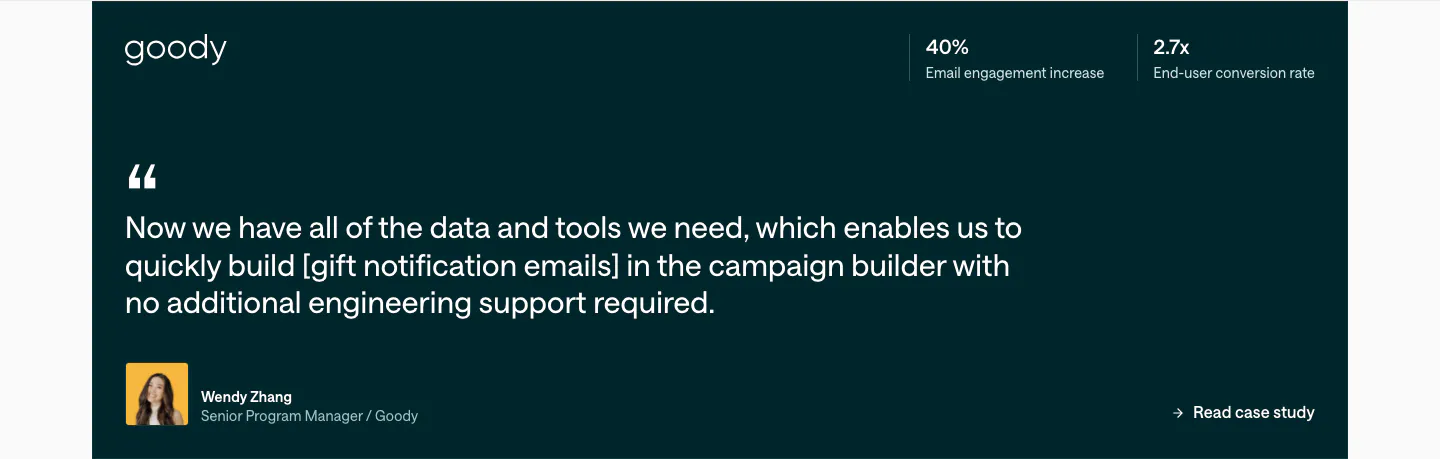
  20. Customer.io testimonials section: dark teal quote card with Goody logo, two stats at top right, large quote and author avatar
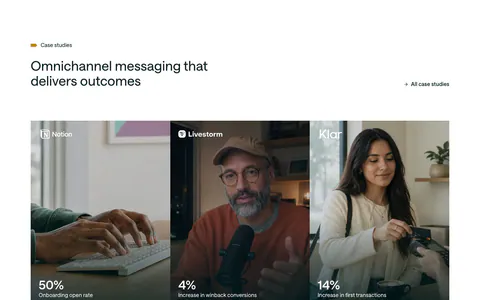
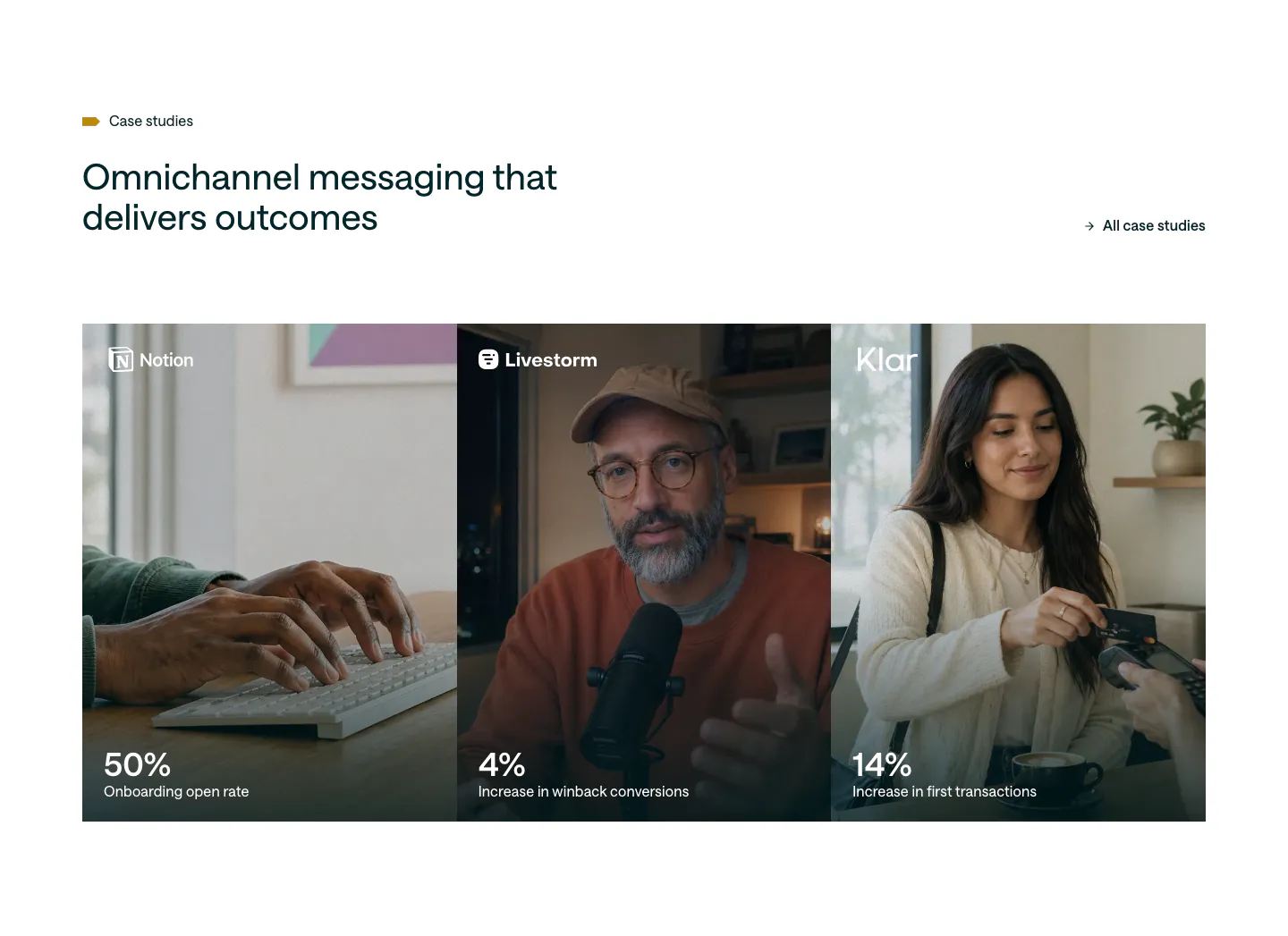
  21. Customer.io testimonials section: headline and case studies link above three photo panels for Notion, Livestorm and Klar with large stats

    Omnichannel messaging that delivers outcomes

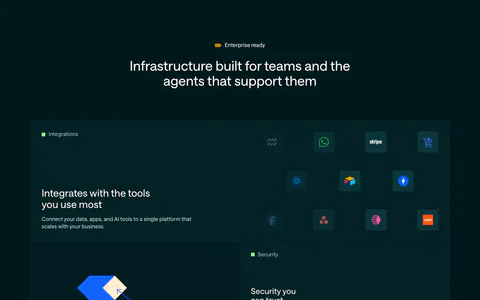
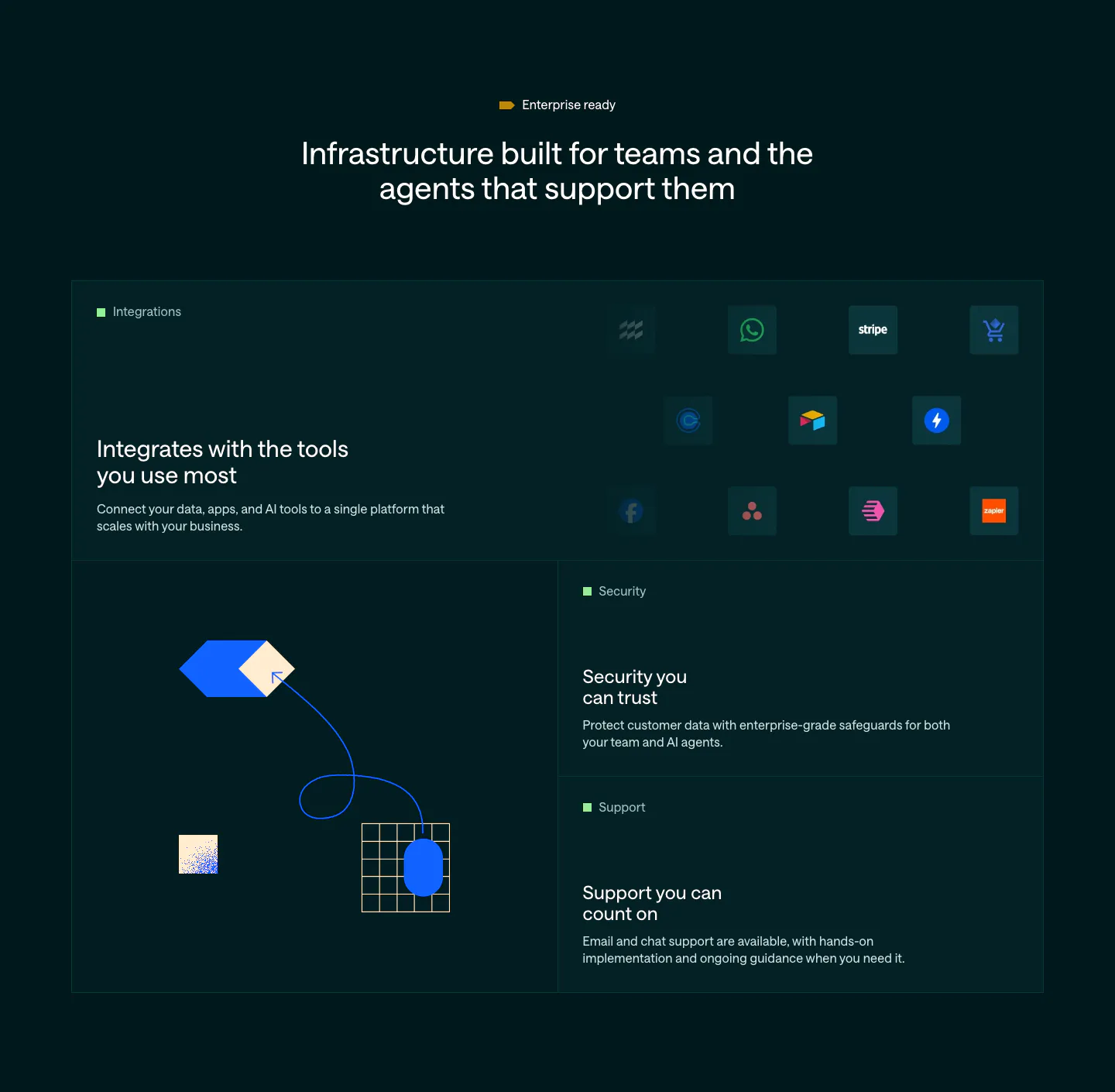
  22. Customer.io features section: dark bento grid with an integration icon tile, abstract hexagon and grid artwork, and security and support tiles

    Infrastructure built for teams and the agents that support them

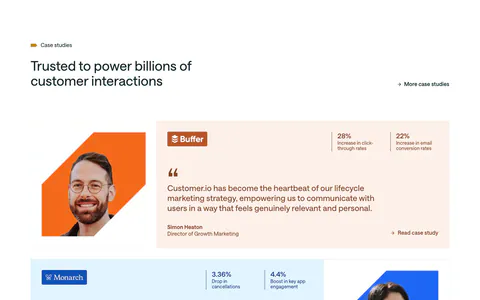
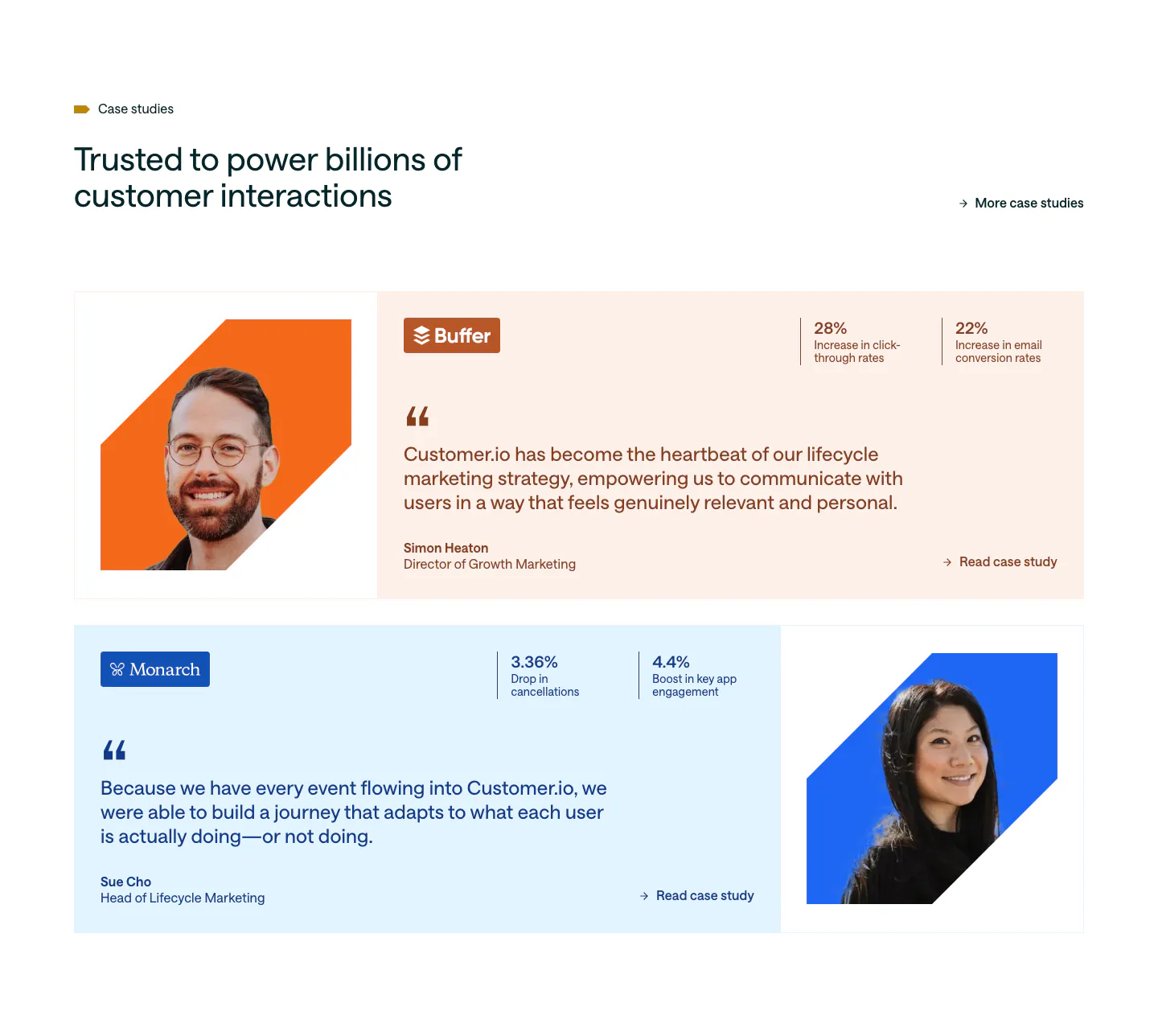
  23. Customer.io testimonials section: two case study rows on peach and pale blue cards with cut-out portraits, quotes and stat pairs

    Trusted to power billions of customer interactions

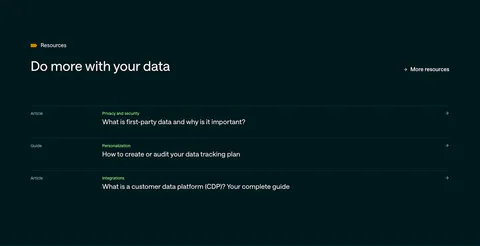
  24. Customer.io blog & resources section: dark teal list of three article and guide links with category labels and arrows

    Do more with your data

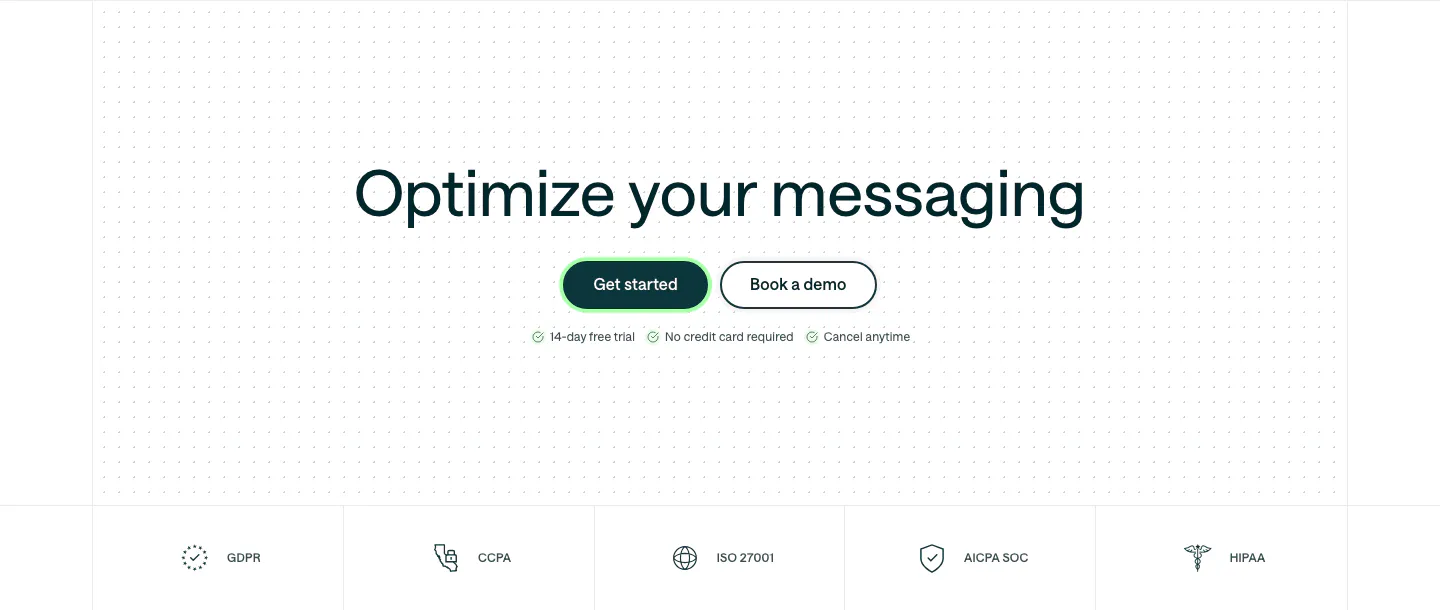
  25. Customer.io call to action section: centered headline and two buttons on a dot grid, above a row of compliance badges

    Optimize your messaging

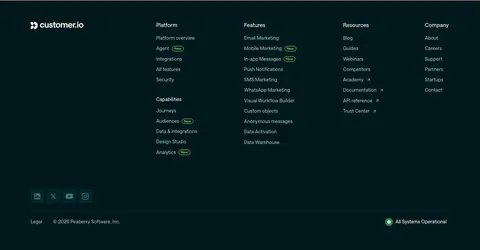
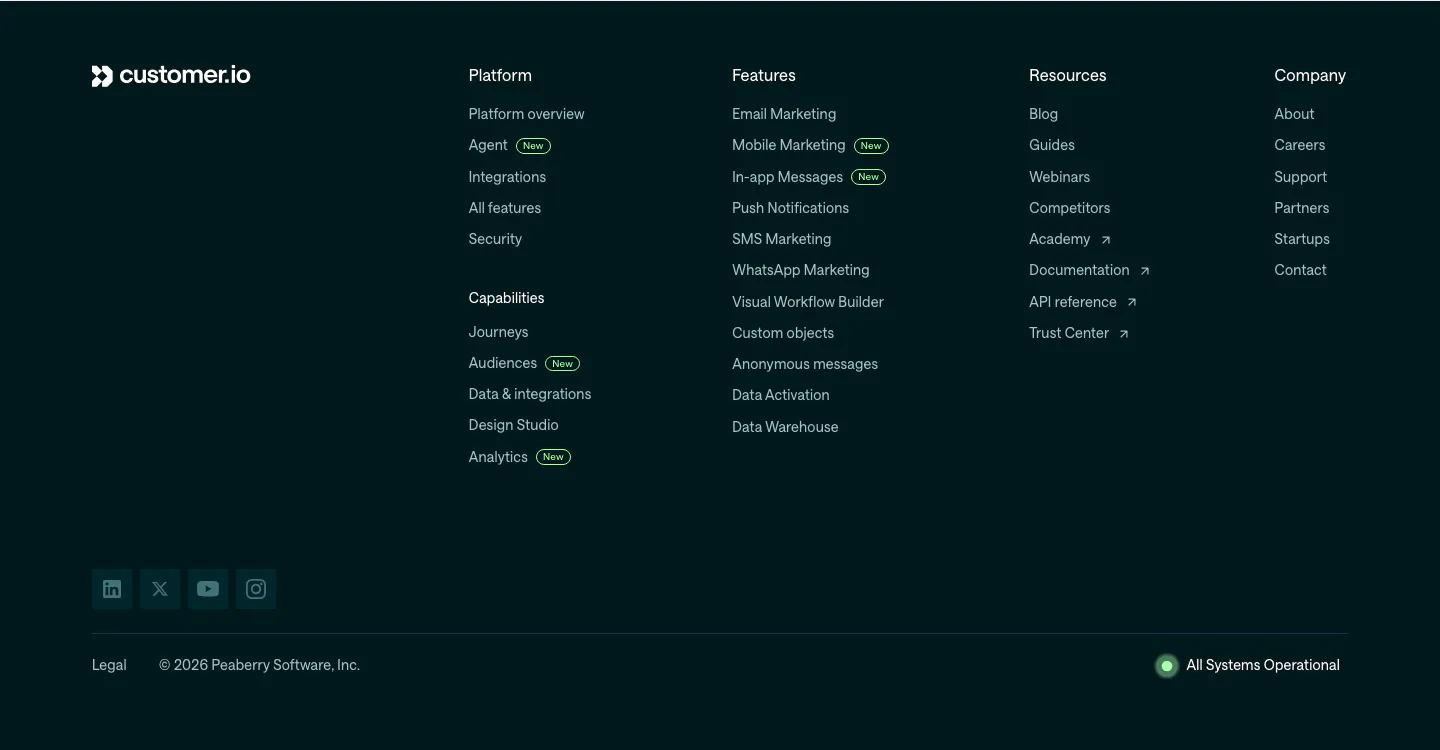
  26. Customer.io footer section: dark teal footer with logo, link columns with New badges, social icons, copyright and system status
    26 Footer

Similar companies

All companies
    ↑↓ Navigate ↵ Open

    Section preview

    Website section