Weav website design

Every section we captured from the Weav website, in page order, from the hero section down to the footer. Open any thumbnail to see it full size.

Sections 11

In page order, top to bottom

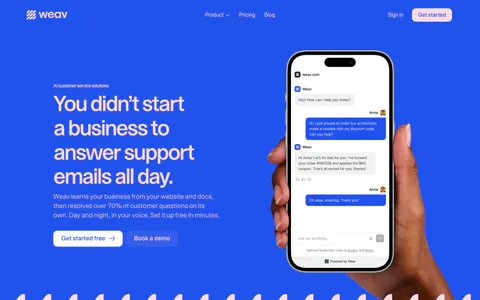
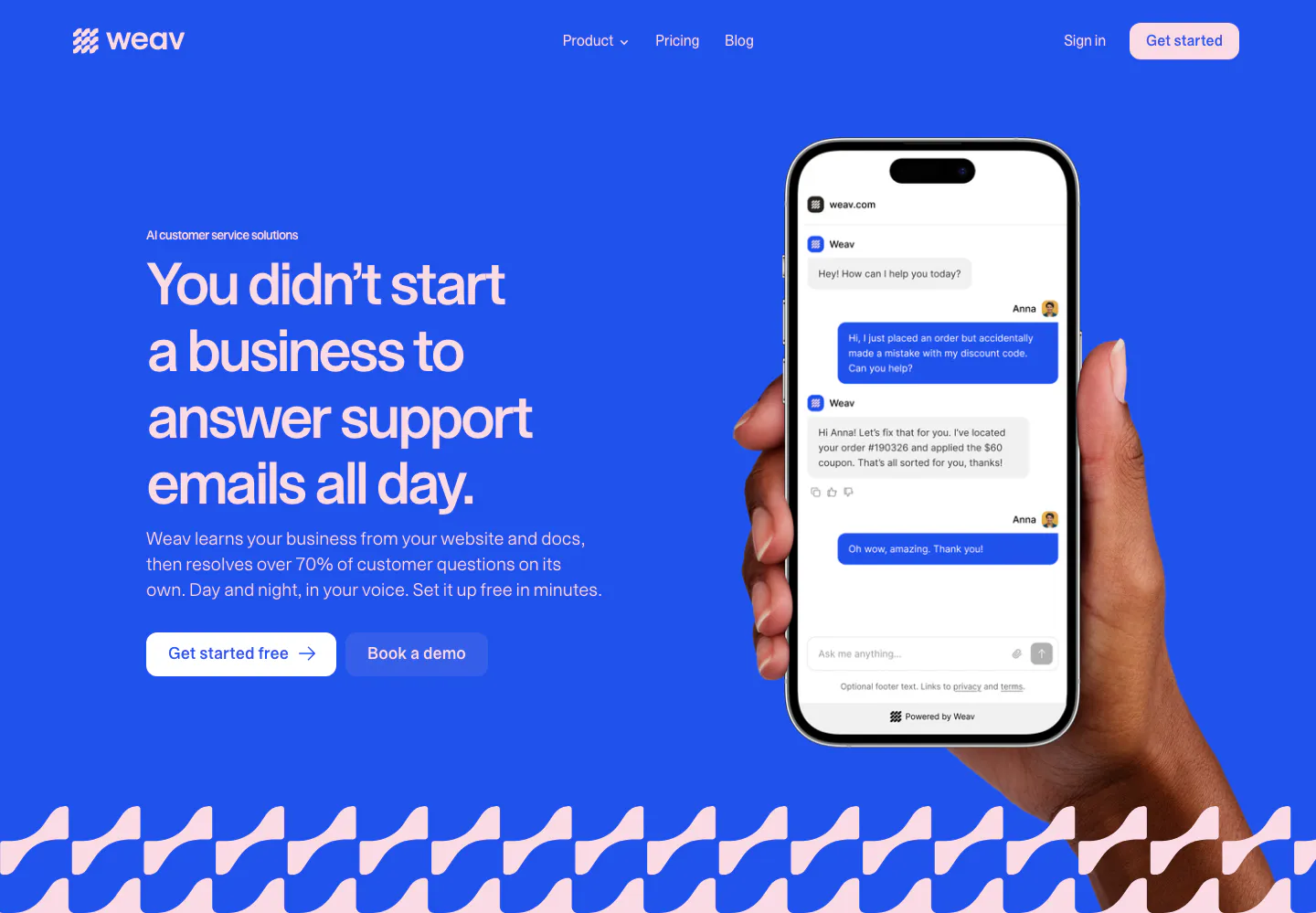
  1. Weav hero section: headline and two buttons on a bright blue background beside a hand holding a phone with a support chat, wave pattern below
    01 Hero

    You didn’t start a business to answer support emails all day.

  2. Weav logo cloud section: thin pink strip with a small trust label and a row of blue customer logos separated by dividers

    Trusted by the brands that set the standard for CX

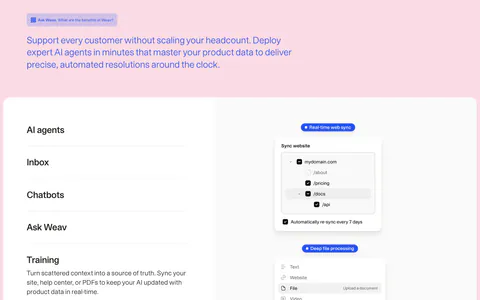
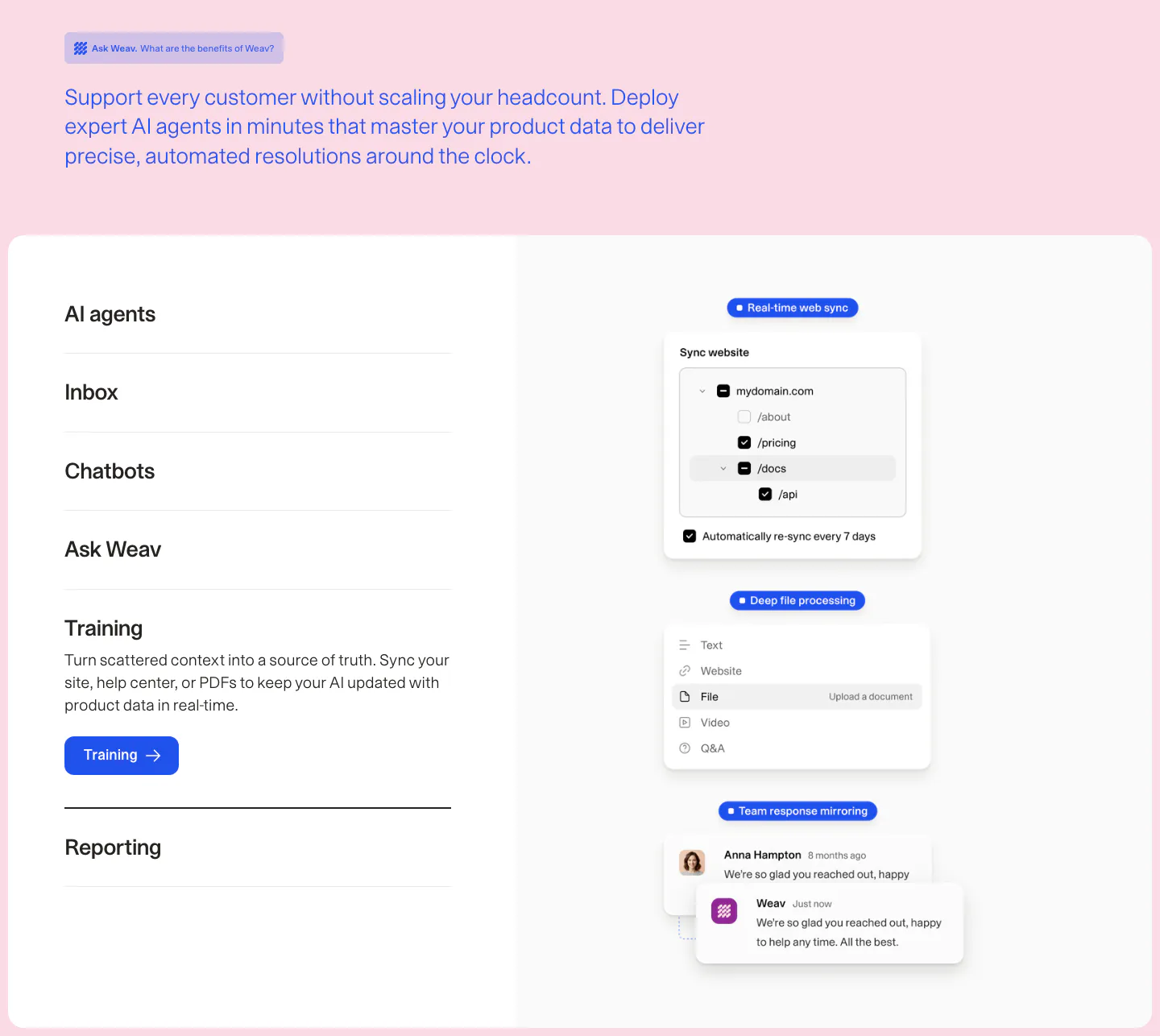
  3. Weav features section: intro text on pink above a white card with an expandable feature list on the left and stacked sync and chat UI cards

    Support every customer without scaling your headcount. Deploy expert AI agents in minutes that master your product data to deliver precise, automated resolutions around the clock.

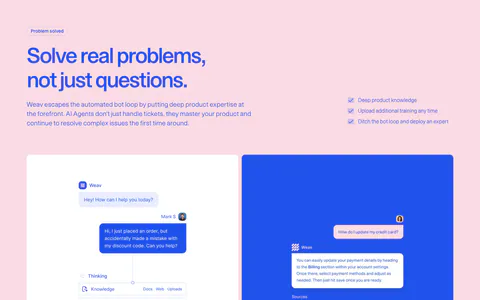
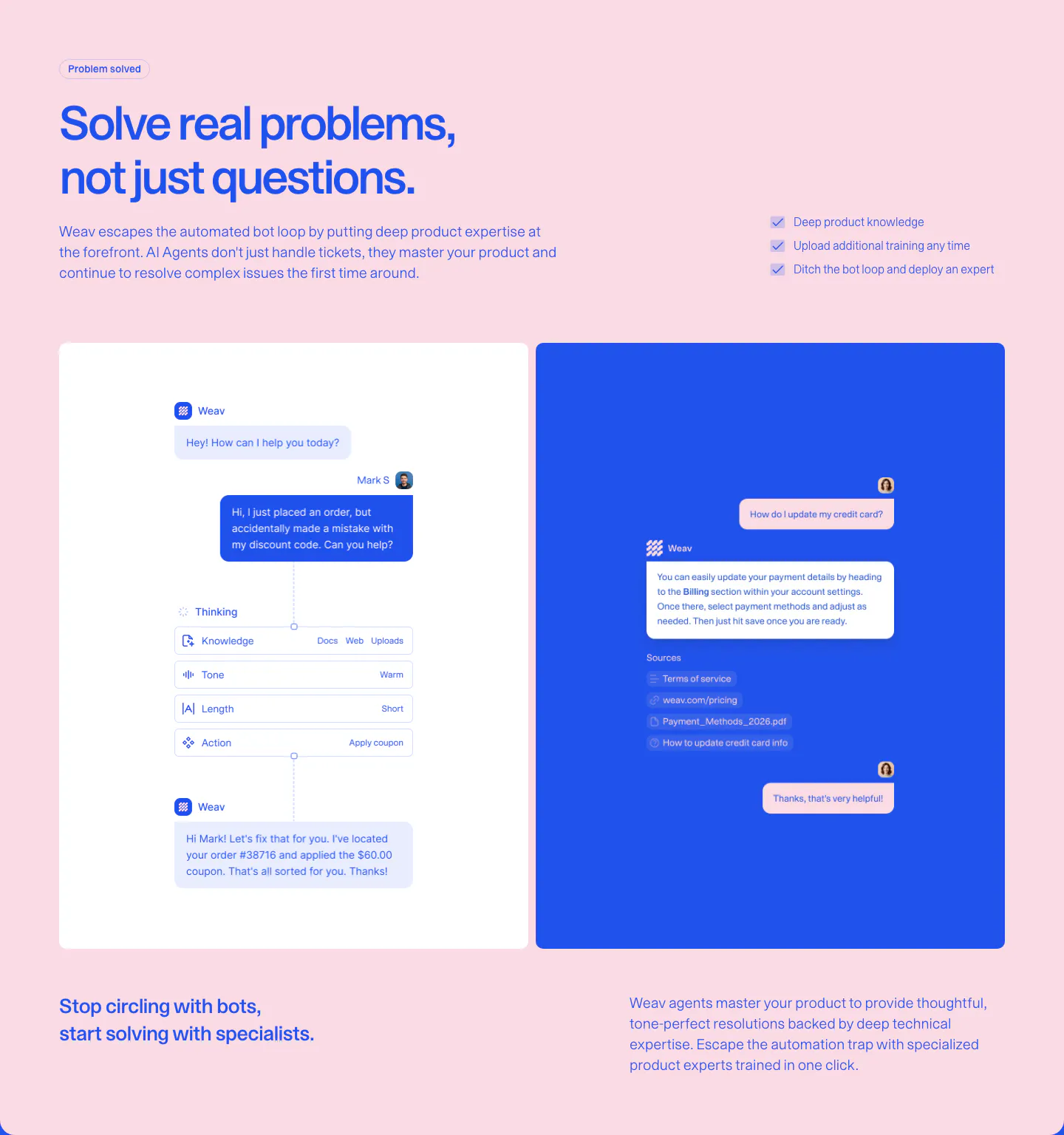
  4. Weav features section: blue headline and checklist on pink above a white panel with an AI reasoning chat flow and a blue panel with a sourced reply

    Solve real problems, not just questions.

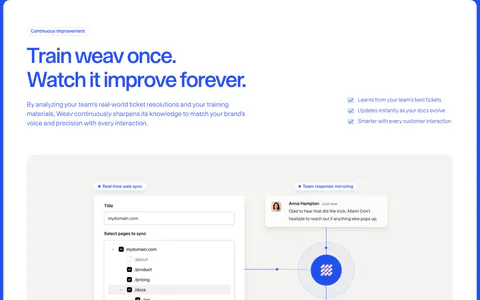
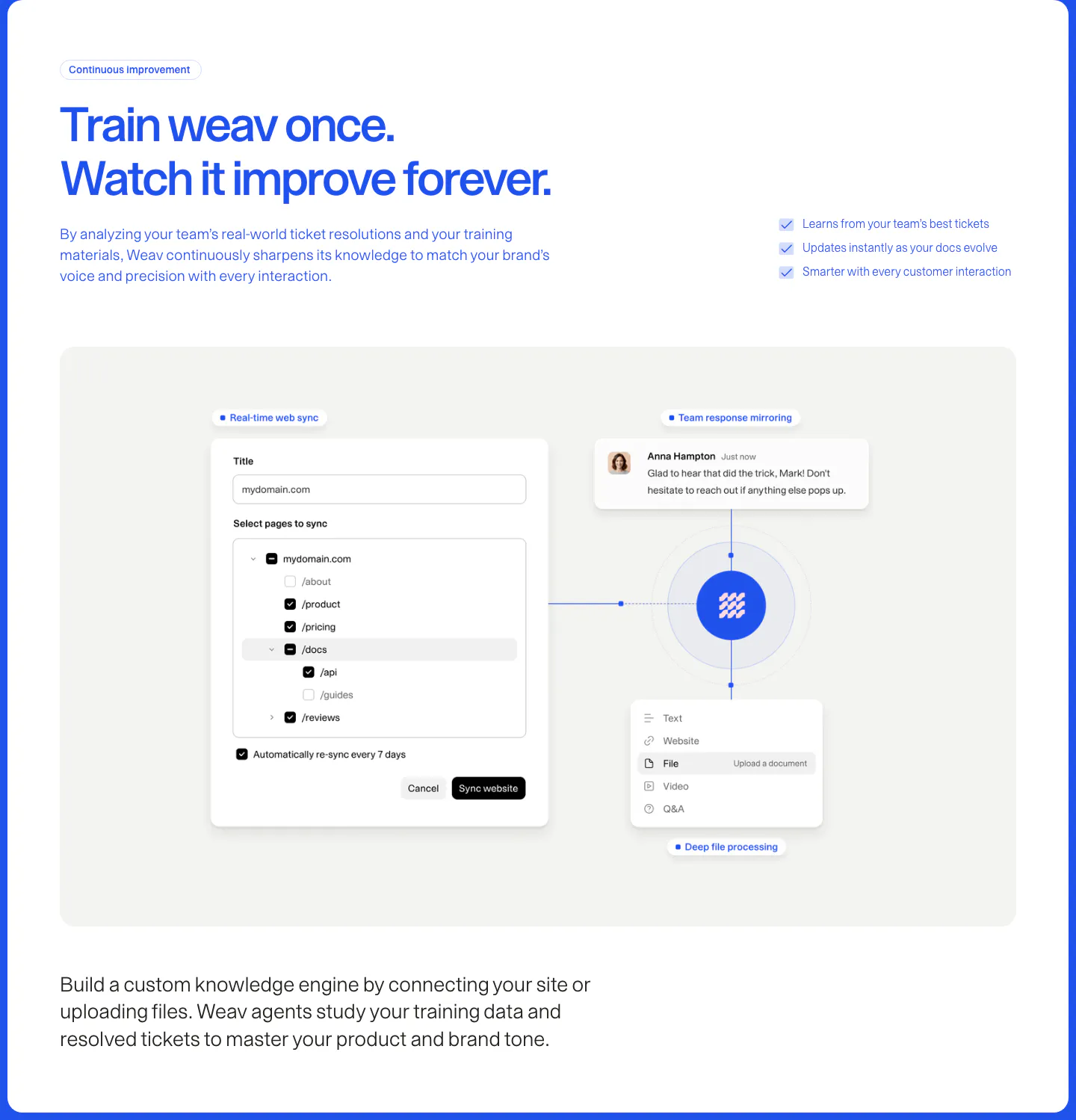
  5. Weav features section: blue headline and checklist above a gray panel with a website sync form and file and chat cards linked to a central logo

    Train weav once. Watch it improve forever.

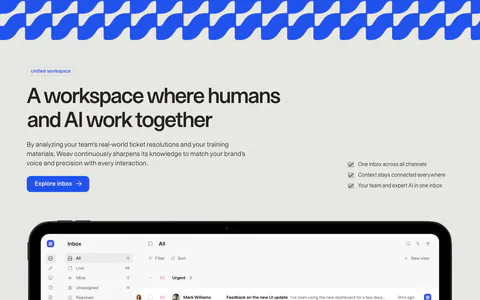
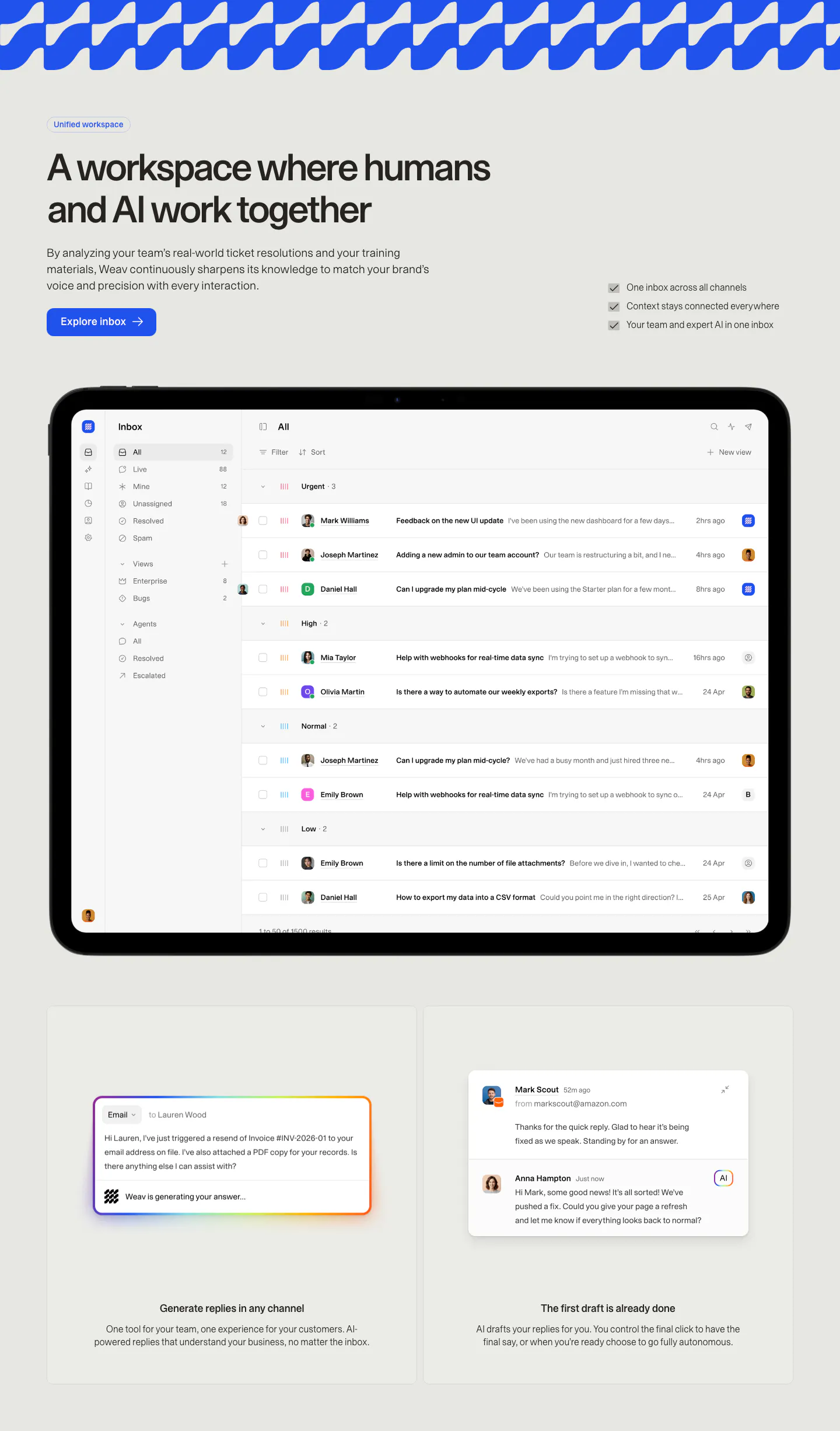
  6. Weav features section: headline, button and checklist above a tablet showing a support inbox, with two cards for AI drafted replies below

    A workspace where humans and AI work together

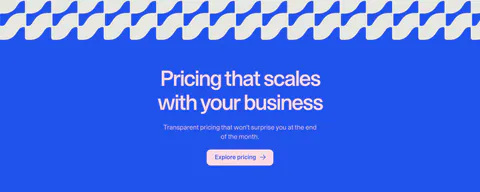
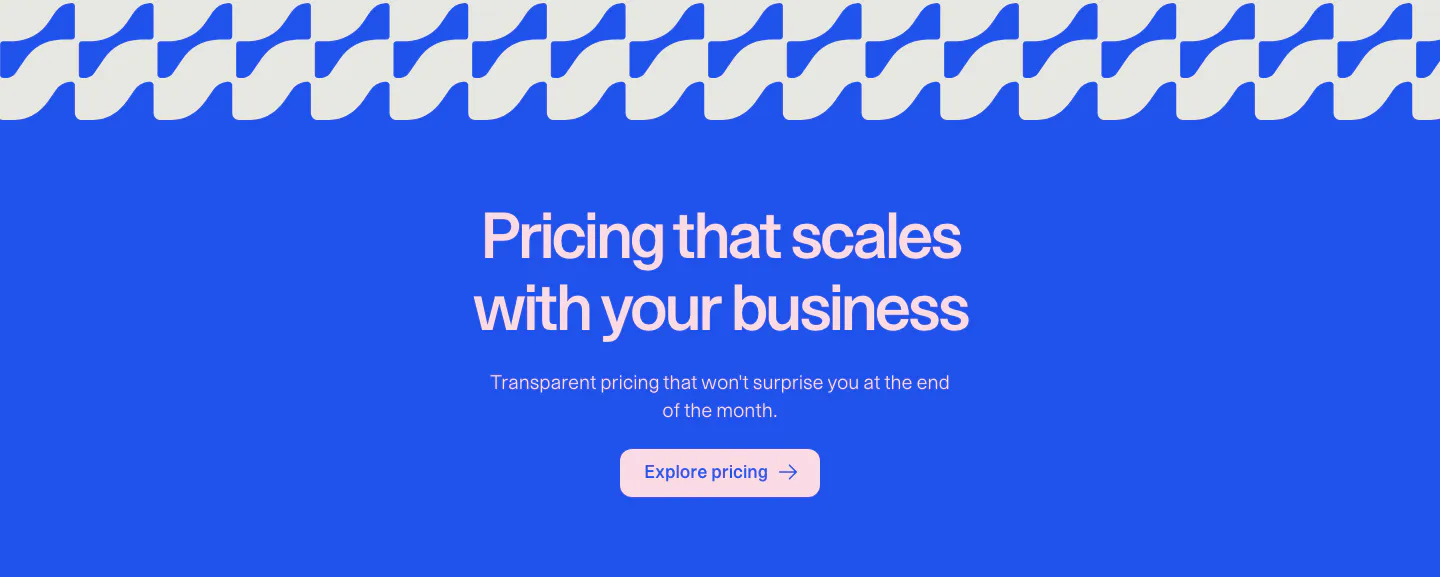
  7. Weav call to action section: centered headline, copy and pink button on a bright blue background under a wave pattern strip

    Pricing that scales with your business

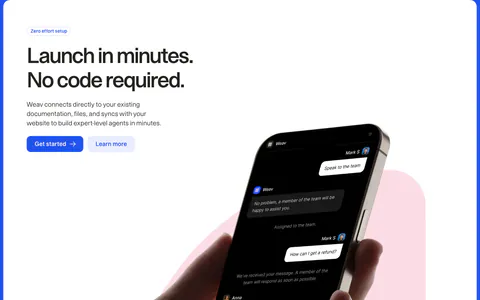
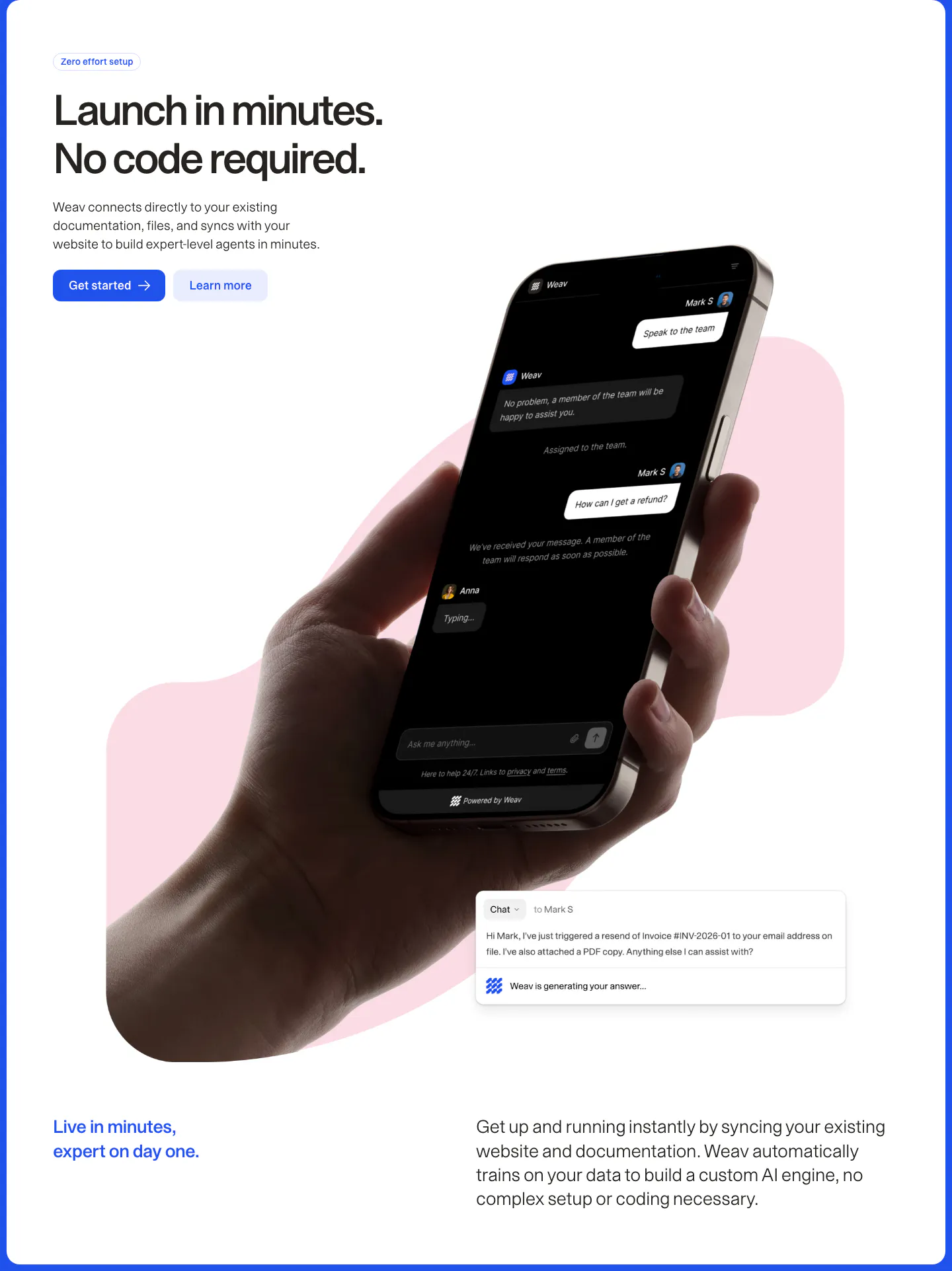
  8. Weav features section: headline and two buttons above a hand holding a phone with a dark chat UI over a pink blob, plus a chat reply card

    Launch in minutes. No code required.

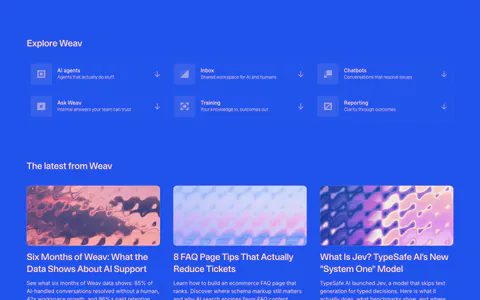
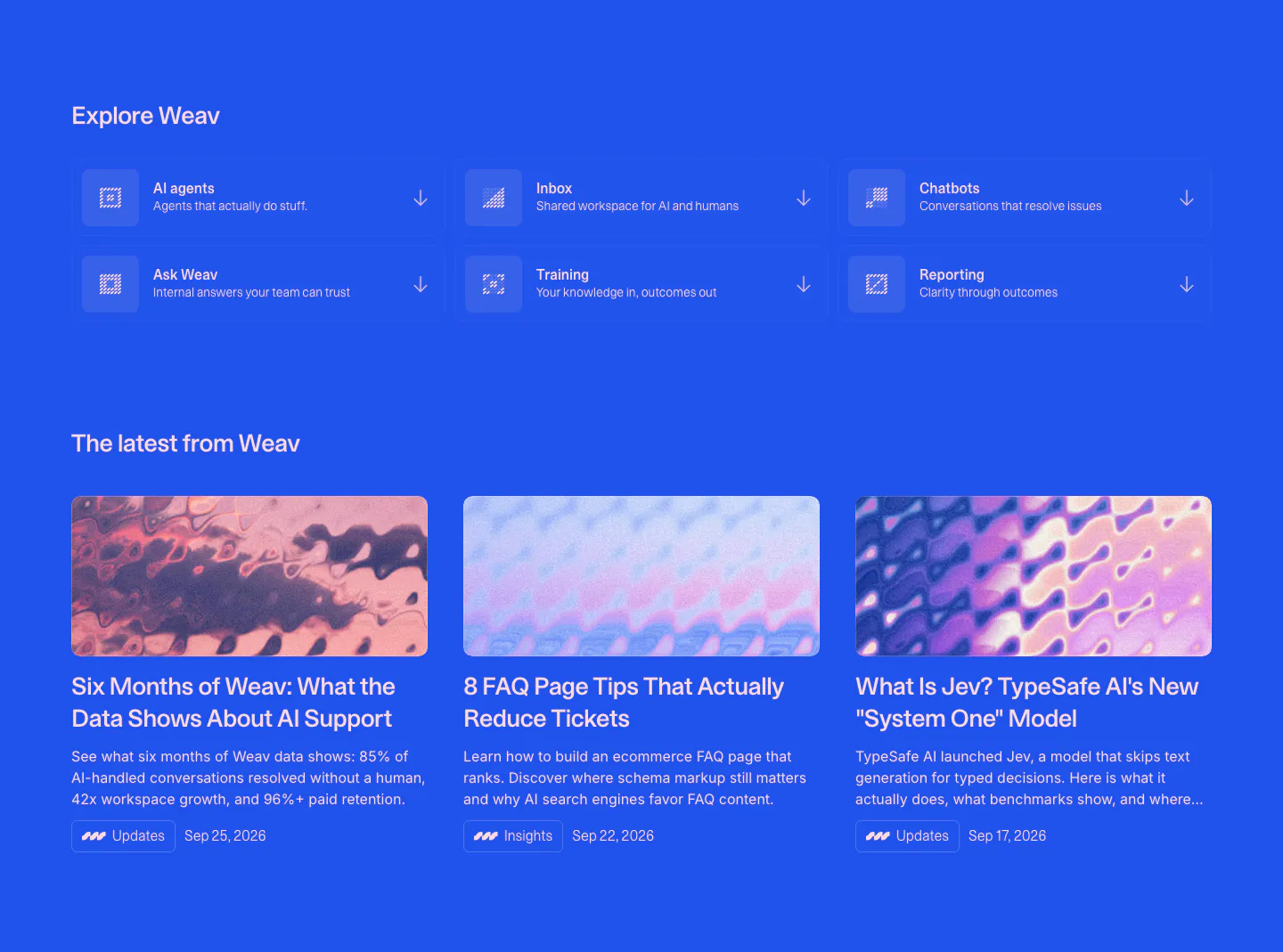
  9. Weav blog & resources section: blue background with a 3x2 grid of product links above three article cards with abstract thumbnails

    The latest from Weav

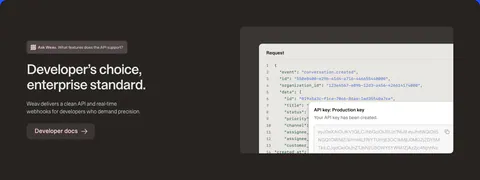
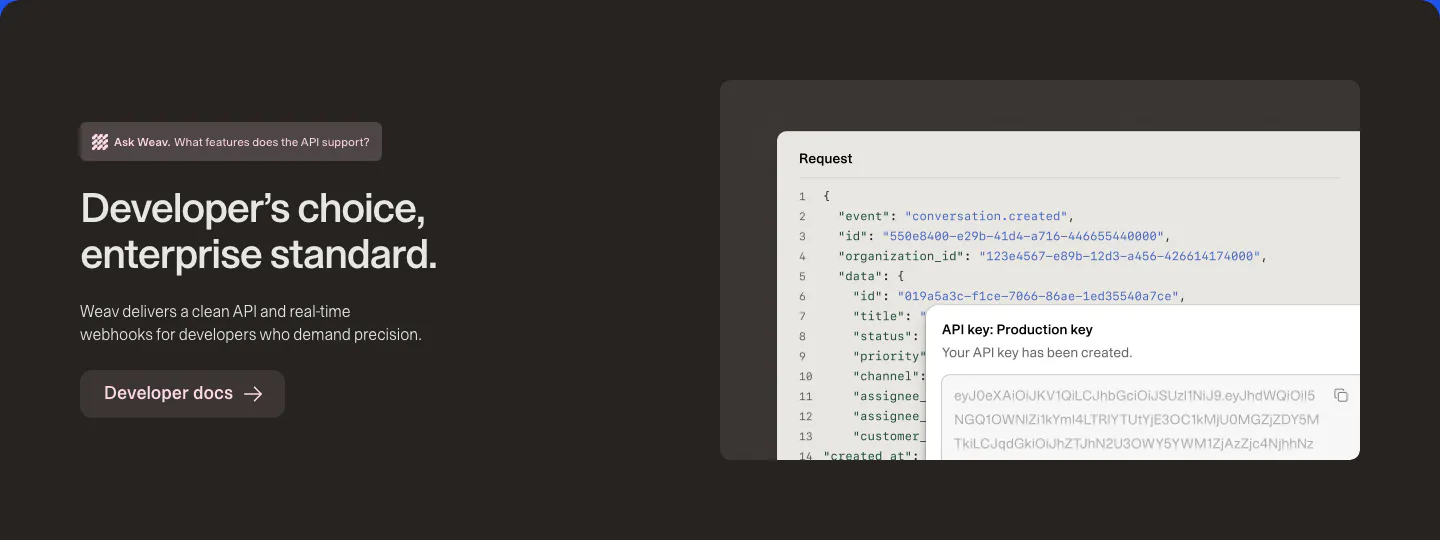
  10. Weav features section: dark brown band with headline and docs button on the left and a JSON request code block with an API key popup

    Developer’s choice, enterprise standard.

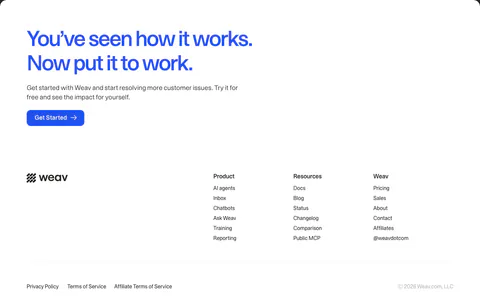
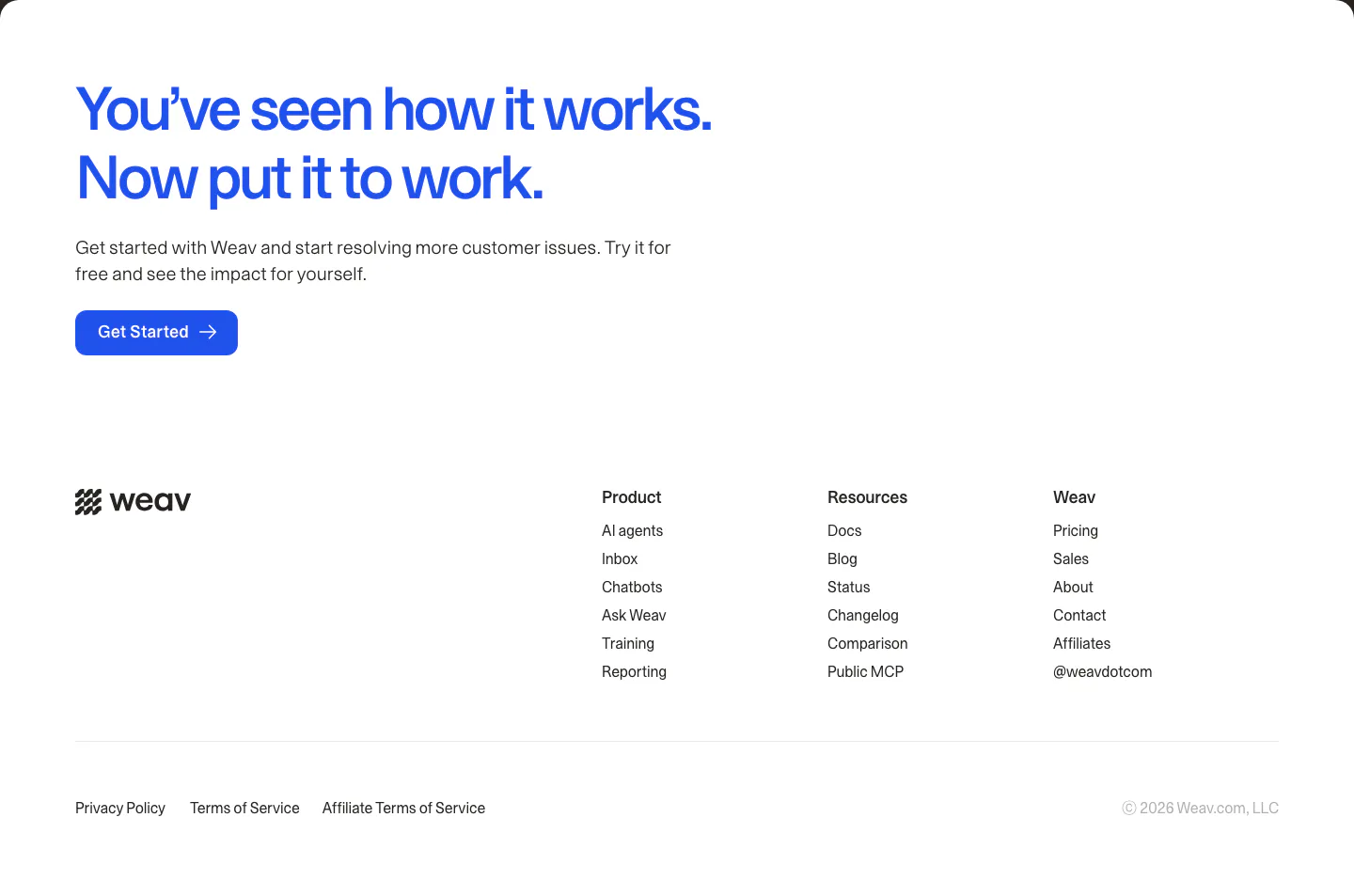
  11. Weav footer section: large blue CTA headline and button above a white footer with wordmark, three link columns and legal links
    11 Footer

    You’ve seen how it works. Now put it to work.
Similar companies

All companies
    ↑↓ Navigate ↵ Open

    Section preview

    Website section