Whop website design

Every section we captured from the Whop website, in page order, from the hero section down to the footer. Open any thumbnail to see it full size.

Sections 9

In page order, top to bottom

  1. Whop hero section: nav over a darkened full-bleed outdoor photo, bottom-left white headline, subline and orange Get started button
    01 Hero

    The new economy.

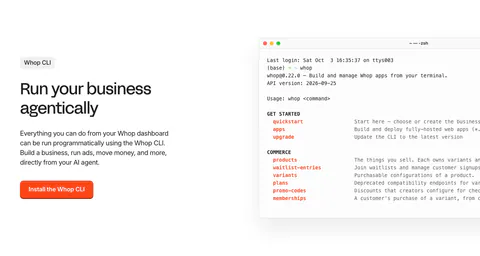
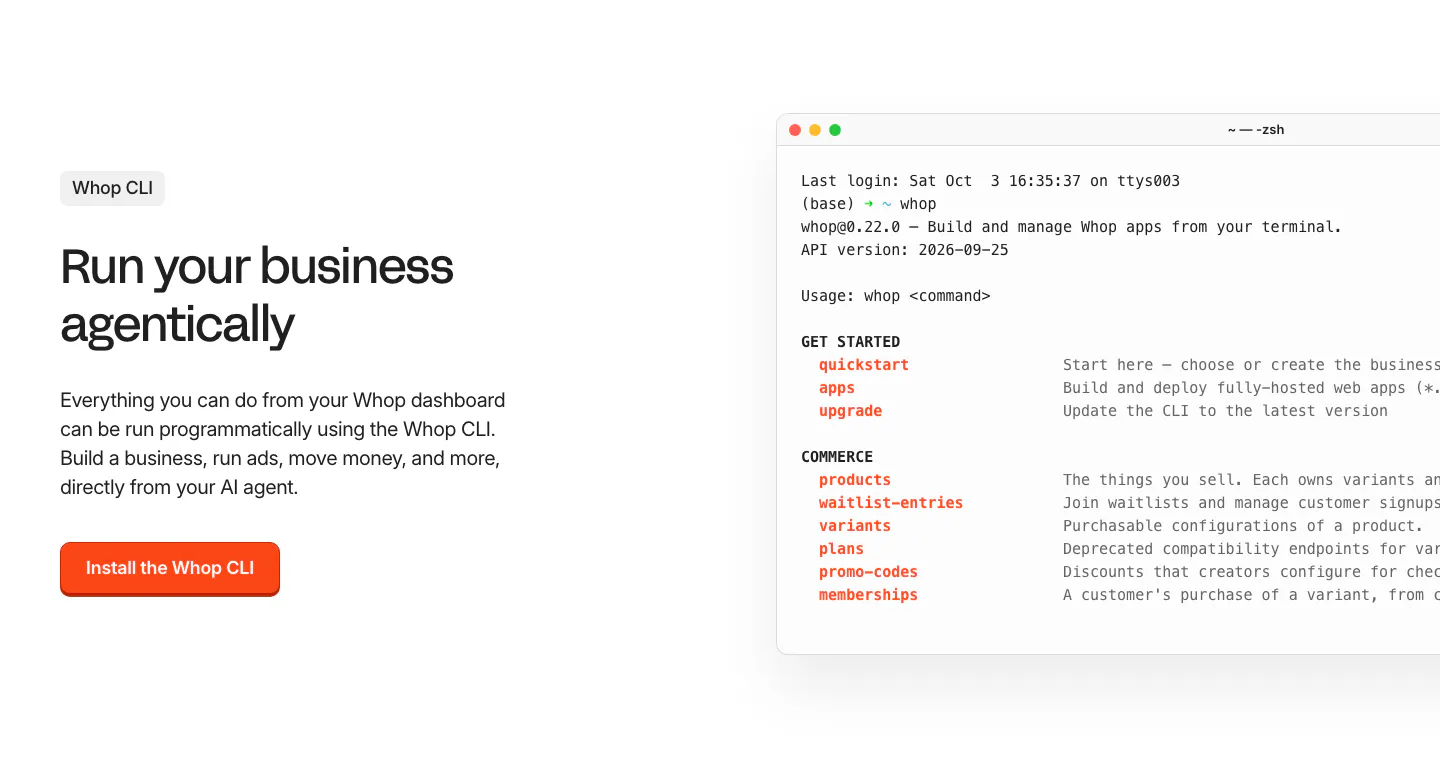
  2. Whop features section: Whop CLI label, headline and orange install button on the left, terminal window listing CLI commands on the right

    Run your business agentically

  3. Whop features section: Economic Intelligence label, headline and orange button on the left, stacked recommendation cards with icons on the right

    The fastest path to your next dollar

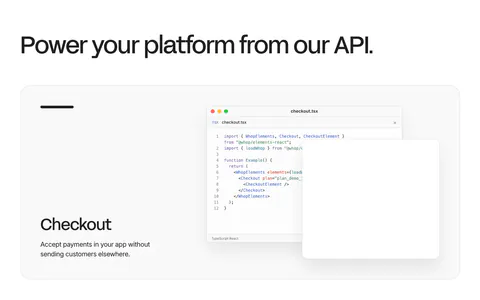
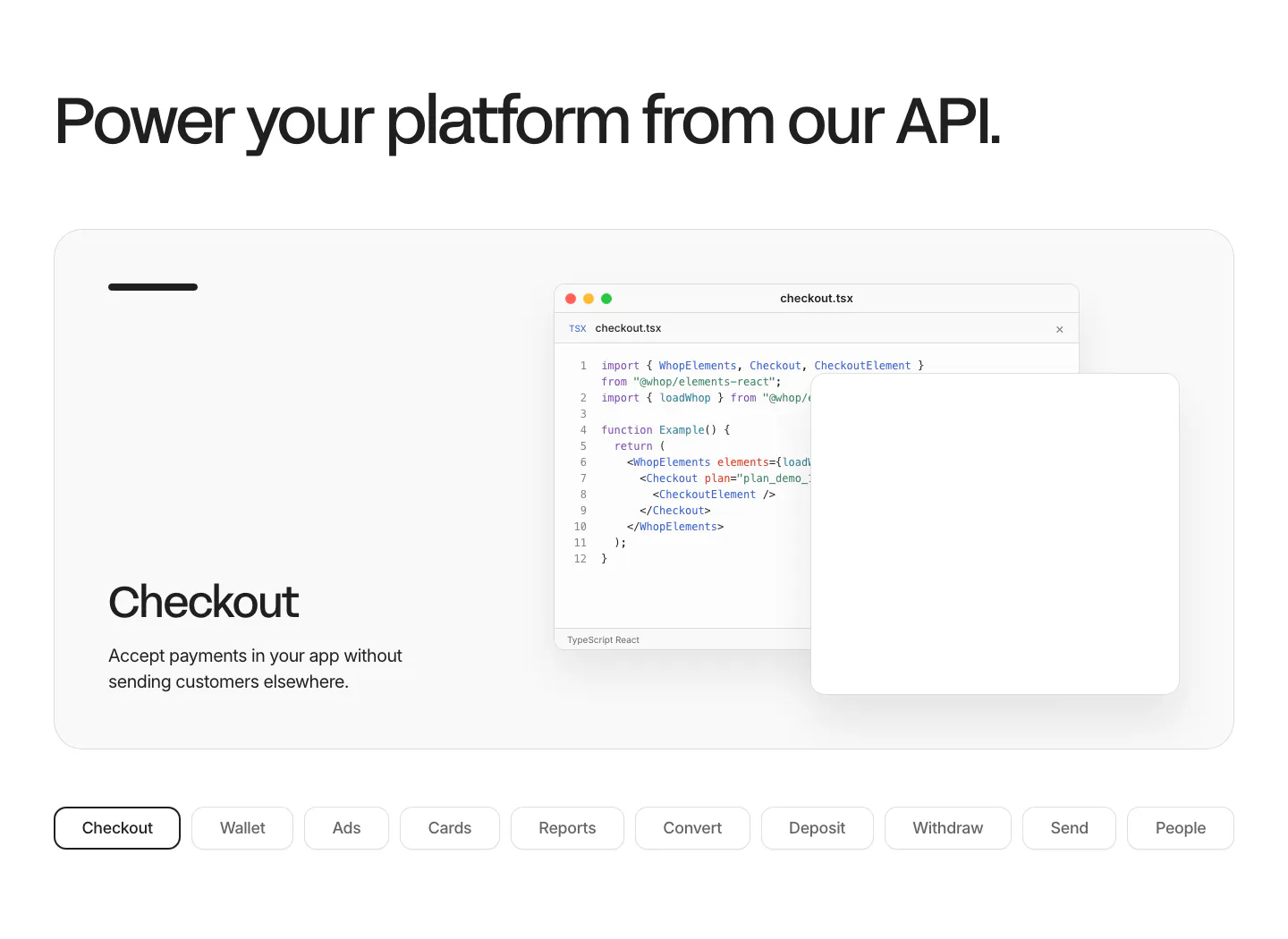
  4. Whop features section: gray panel with Checkout copy and a TSX code editor window, above a row of pill tabs for API products

    Power your platform from our API.

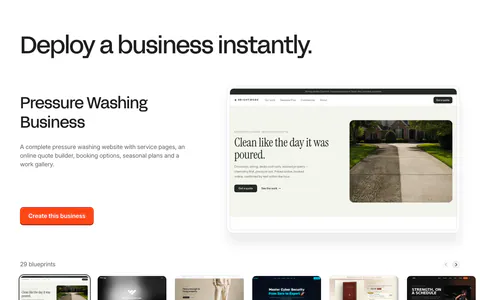
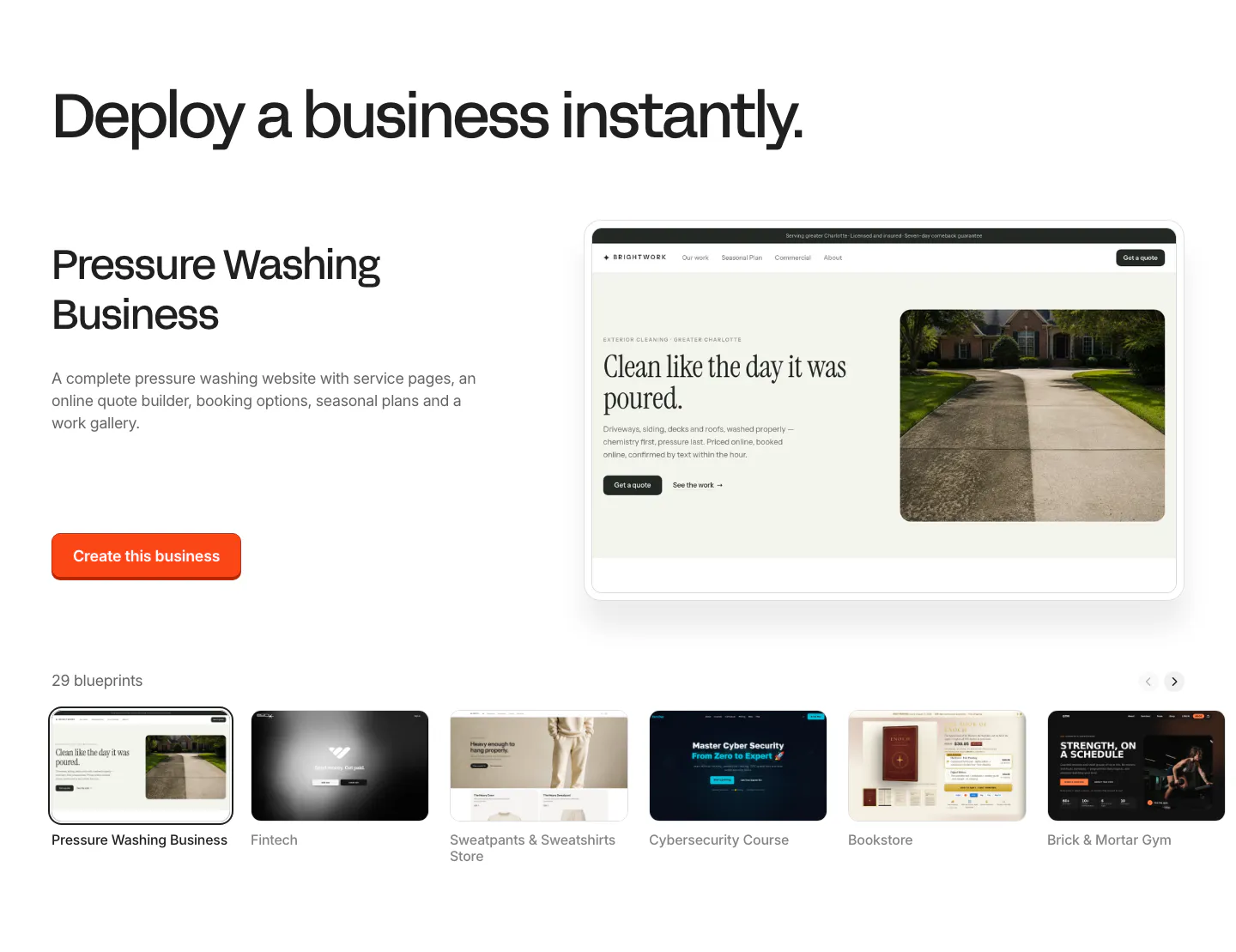
  5. Whop features section: blueprint description and orange button beside a website template preview, with a row of template thumbnails below

    Deploy a business instantly.

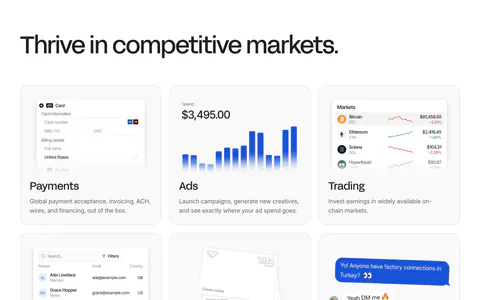
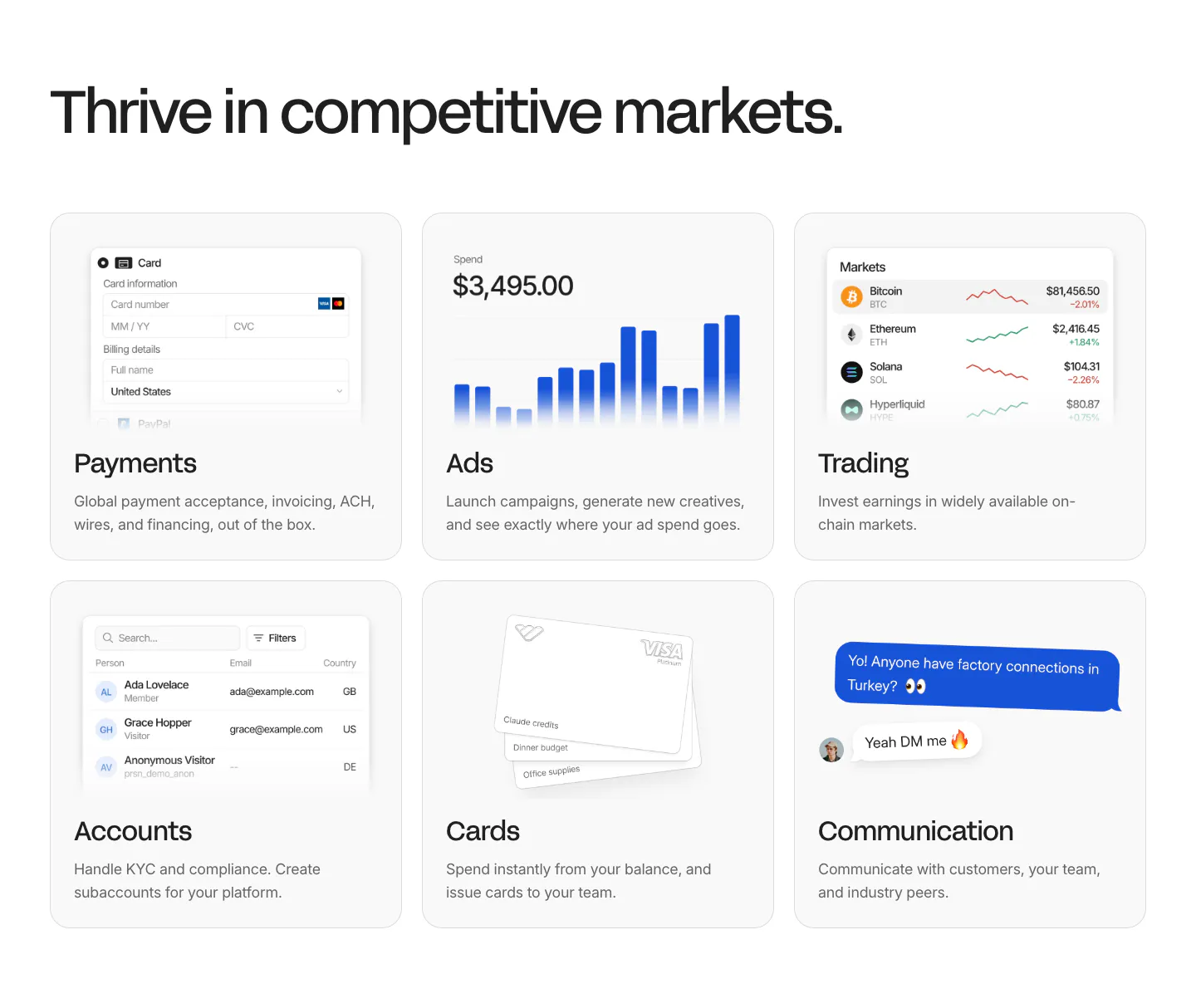
  6. Whop features section: six light gray cards in a 3x2 grid, each with a small UI mockup for payments, ads, trading, accounts, cards and chat

    Thrive in competitive markets.

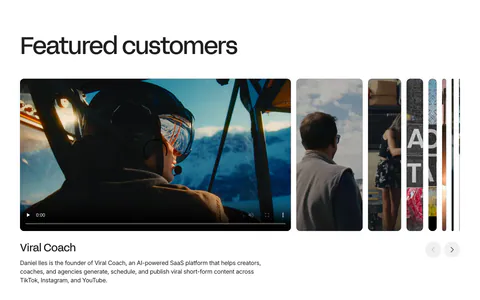
  7. Whop testimonials section: customer story video player beside narrowing video thumbnails, with name, description and arrow controls below

    Featured customers

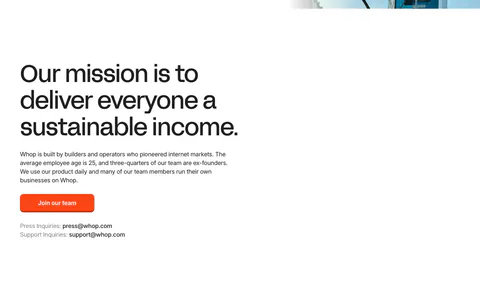
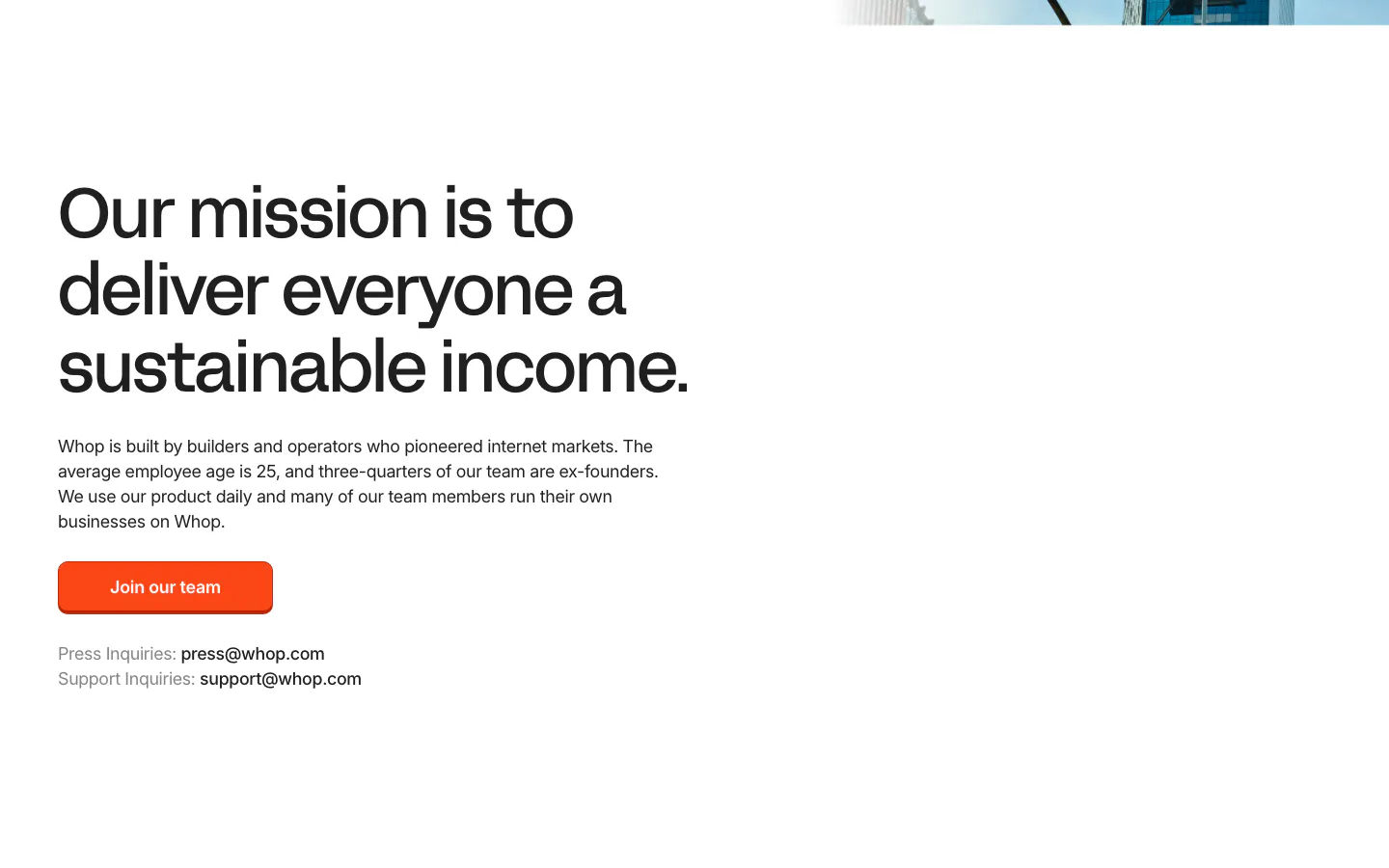
  8. Whop about & mission section: left-aligned mission headline, short team paragraph, orange Join our team button and press contacts on white

    Our mission is to deliver everyone a sustainable income.

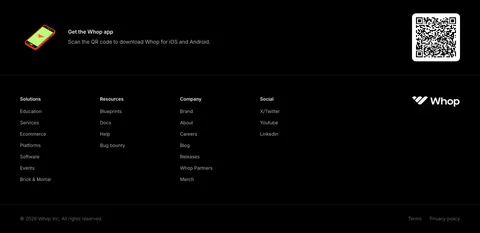
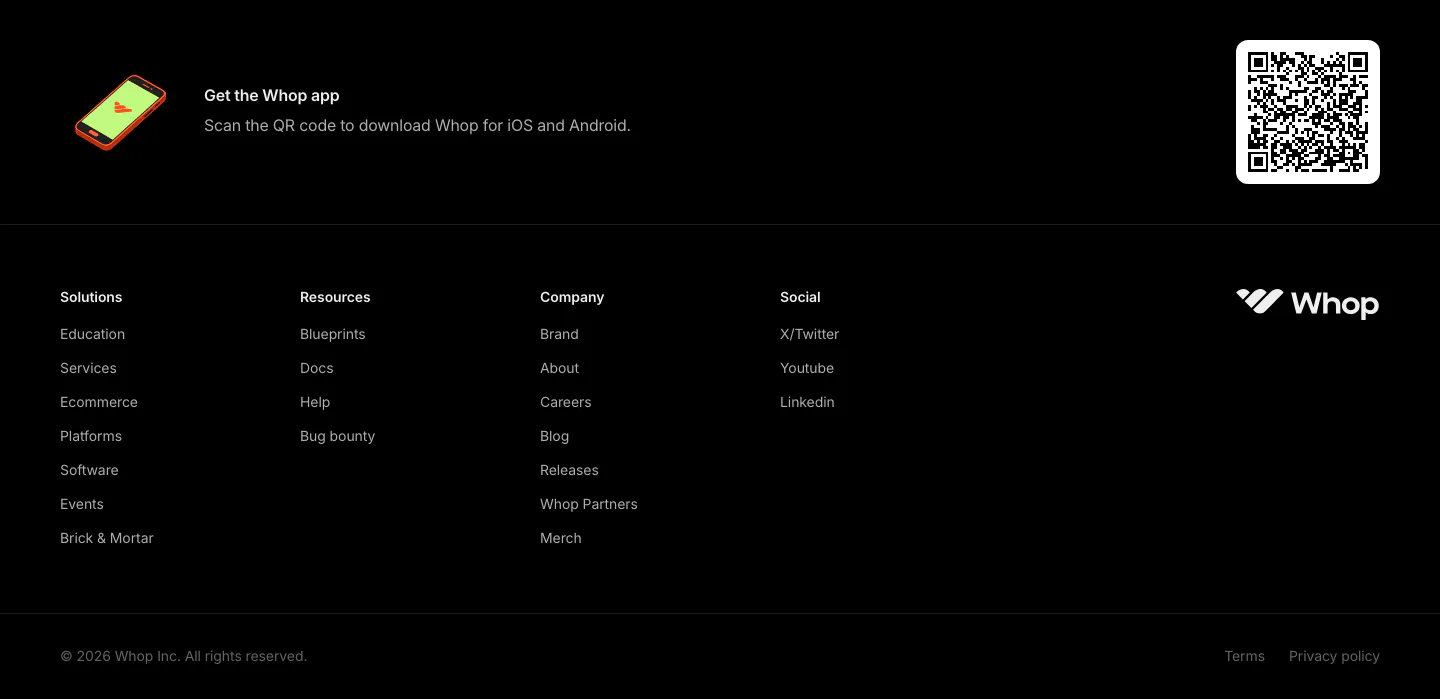
  9. Whop footer section: black footer with app download QR code strip, four link columns, Whop wordmark at right and copyright row
    09 Footer

Similar companies

All companies
    ↑↓ Navigate ↵ Open

    Filter sections

    Loading filters…

      Section preview

      Website section