Interfere website design

Every section we captured from the Interfere website, in page order, from the hero section down to the footer. Open any thumbnail to see it full size.

Sections 9

In page order, top to bottom

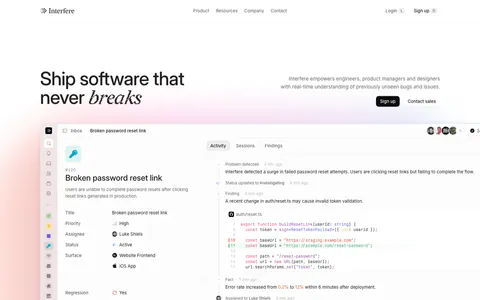
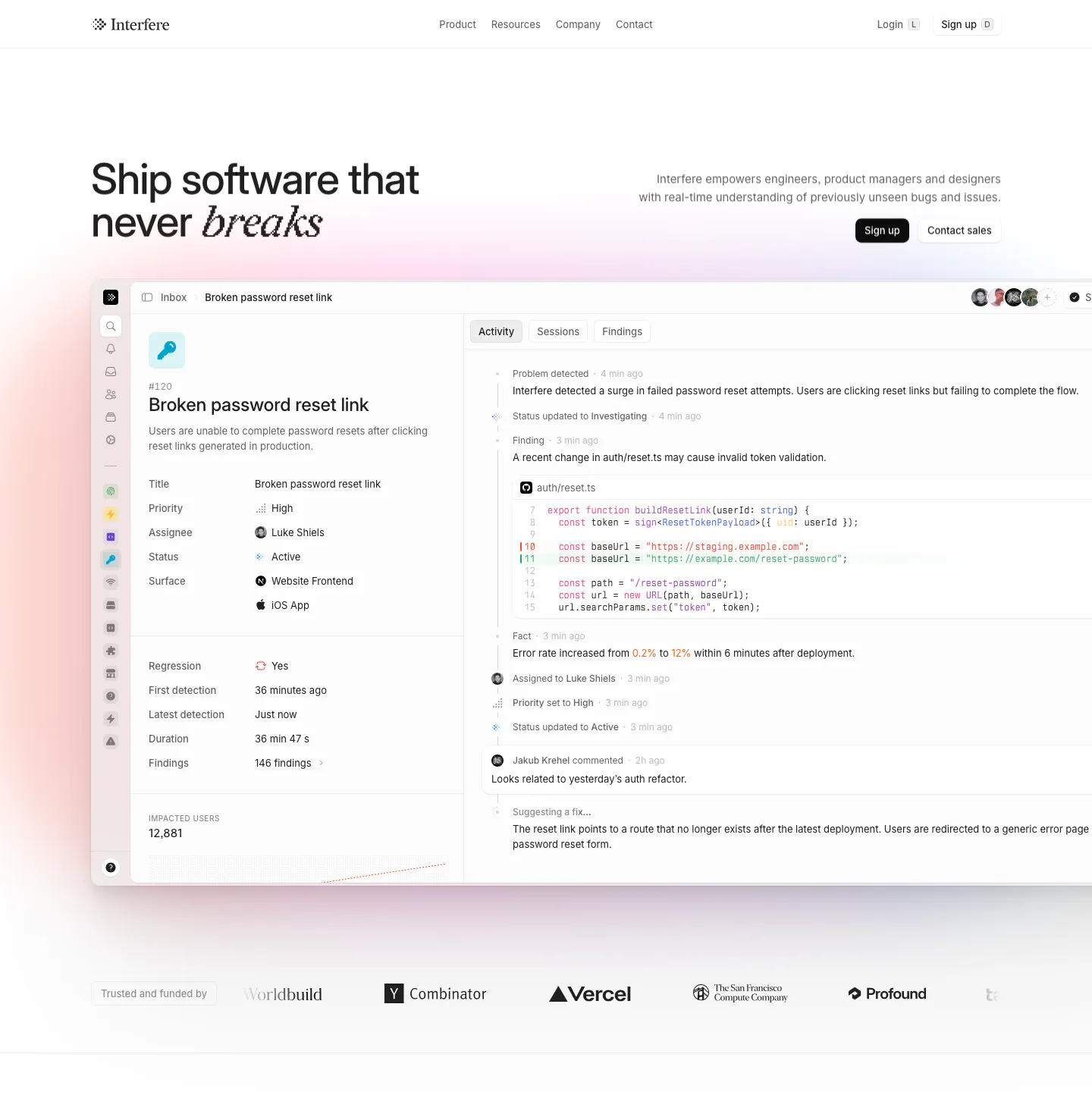
  1. Interfere hero section: headline left and copy with buttons right above a large issue-tracker product screenshot and a logo row
    01 Hero

    Ship software that never breaks
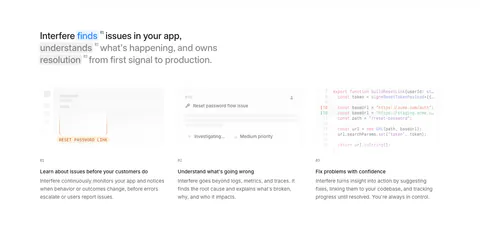
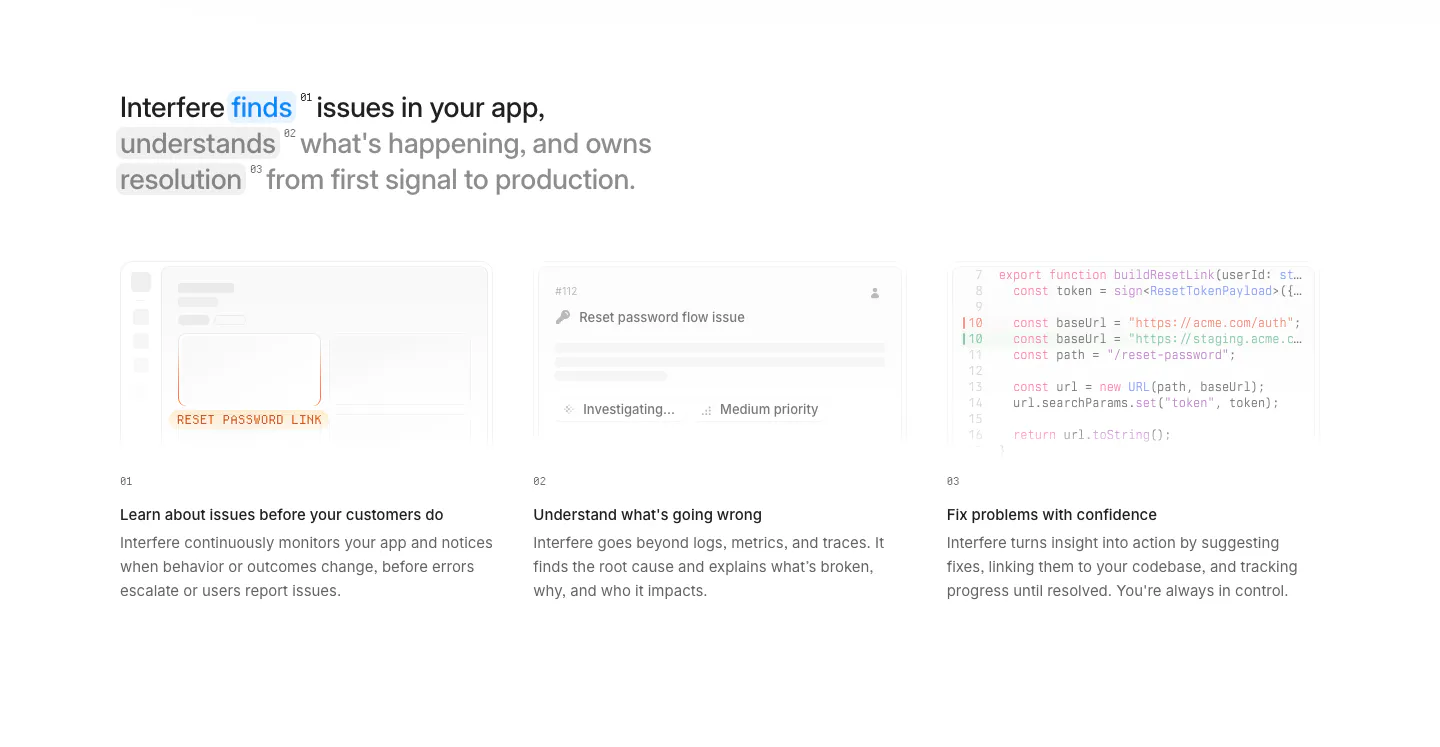
  2. Interfere how it works section: multi-line headline above three numbered columns with faded UI and code vignettes on white

    Interfere finds issues in your app, understands what's happening, and owns resolution from first signal to production.

  3. Interfere testimonials section: centered serif quote fading in over a soft pastel gradient card with author avatar below

    Every hour spent chasing bugs is time away from building features that users actually want. Interfere gives your team time to focus on what actually matters.

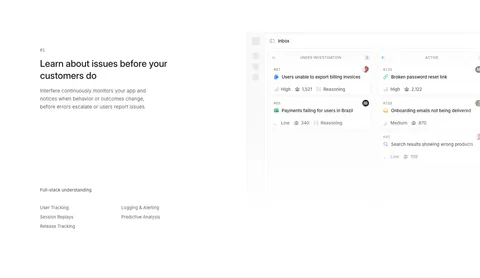
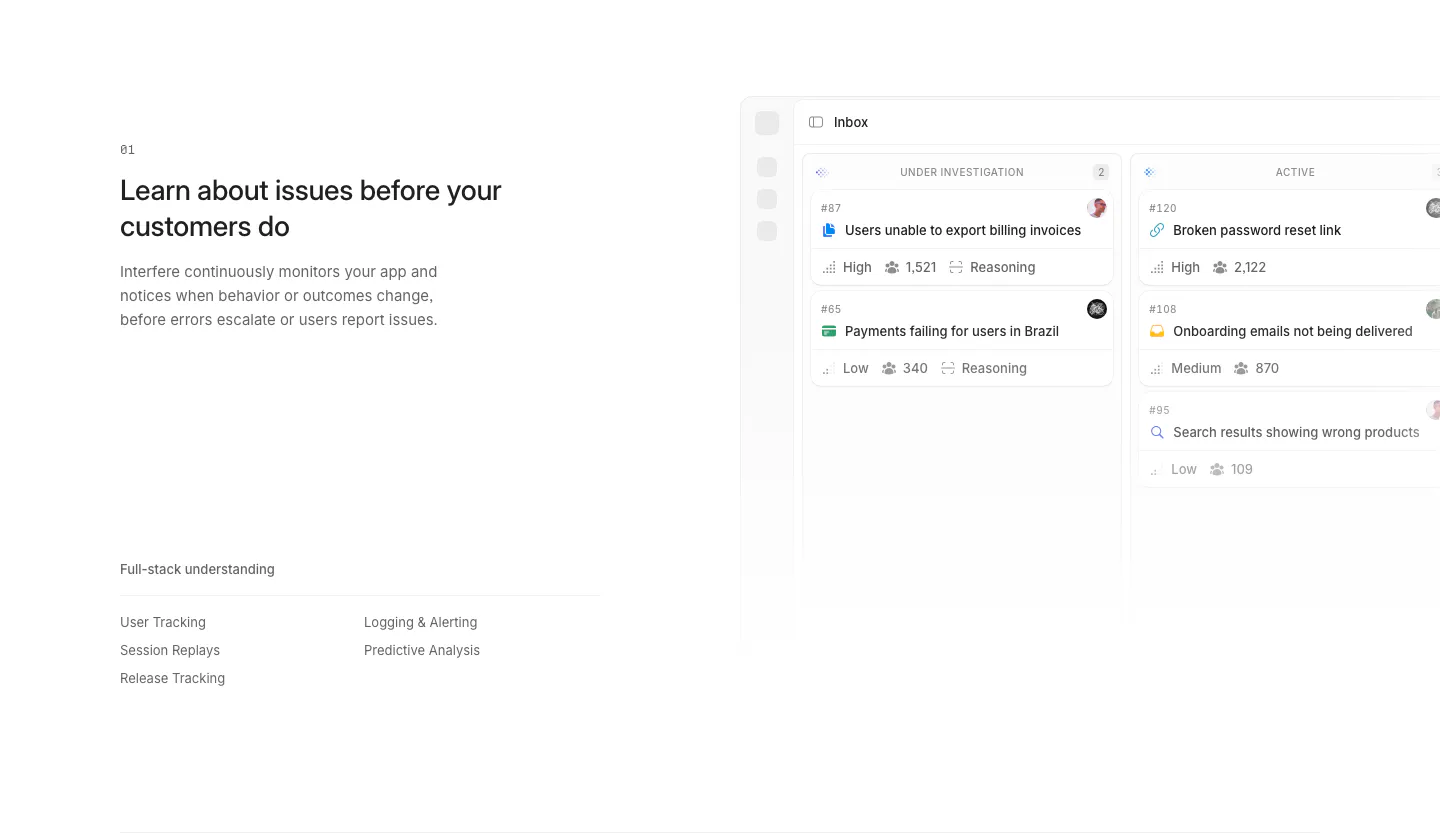
  4. Interfere features section: numbered text block with capability list on the left and an issue inbox board screenshot on the right

    Learn about issues before your customers do

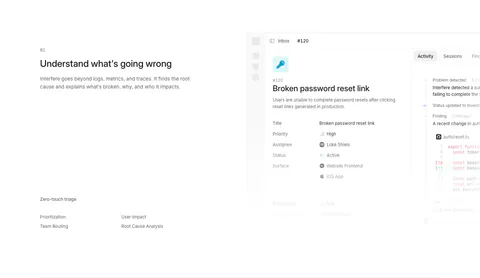
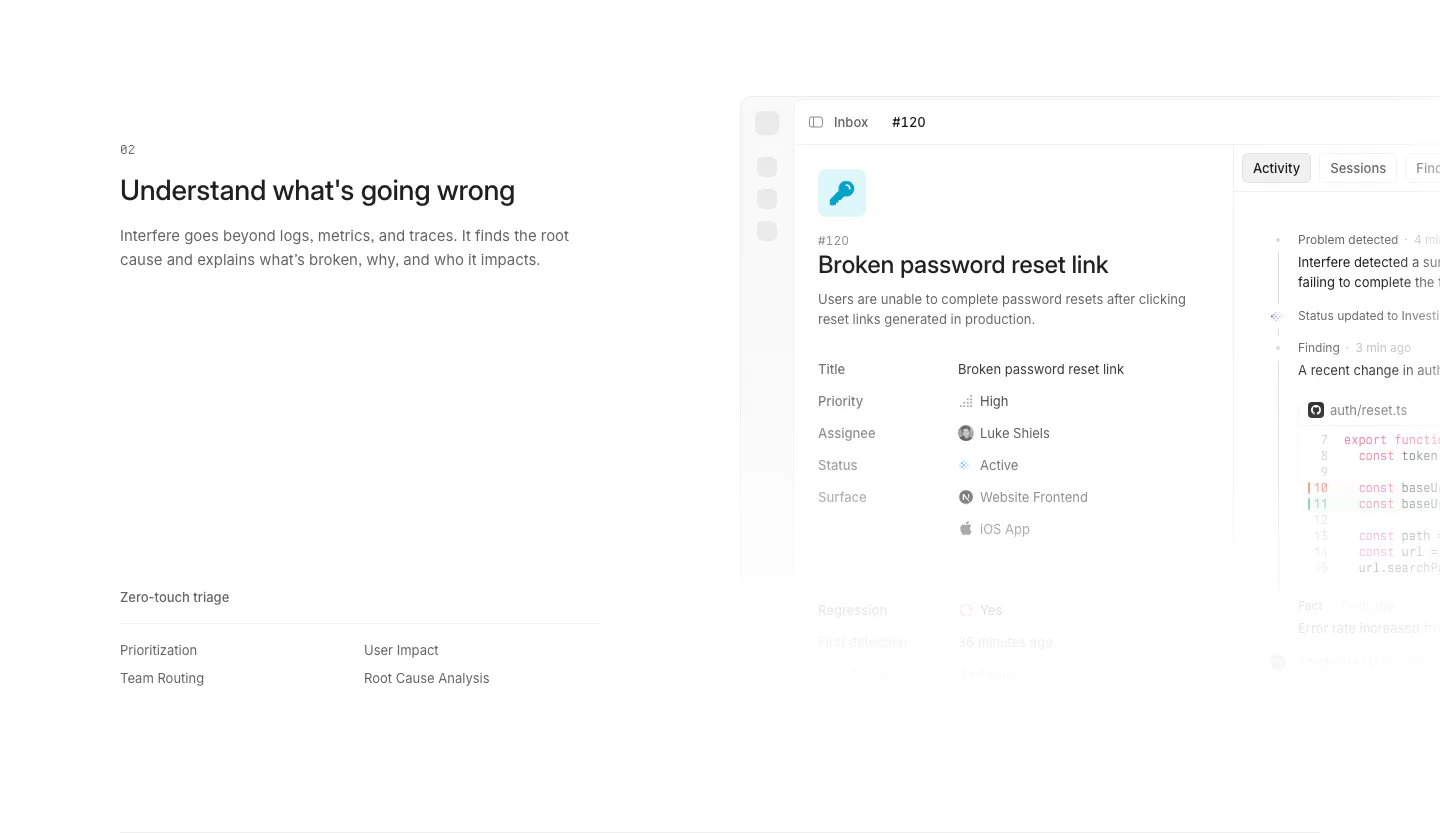
  5. Interfere features section: numbered text block with triage list on the left and an issue detail screenshot on the right

    Understand what's going wrong

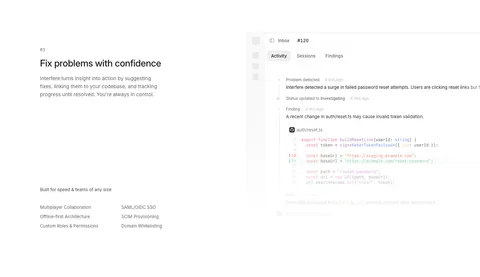
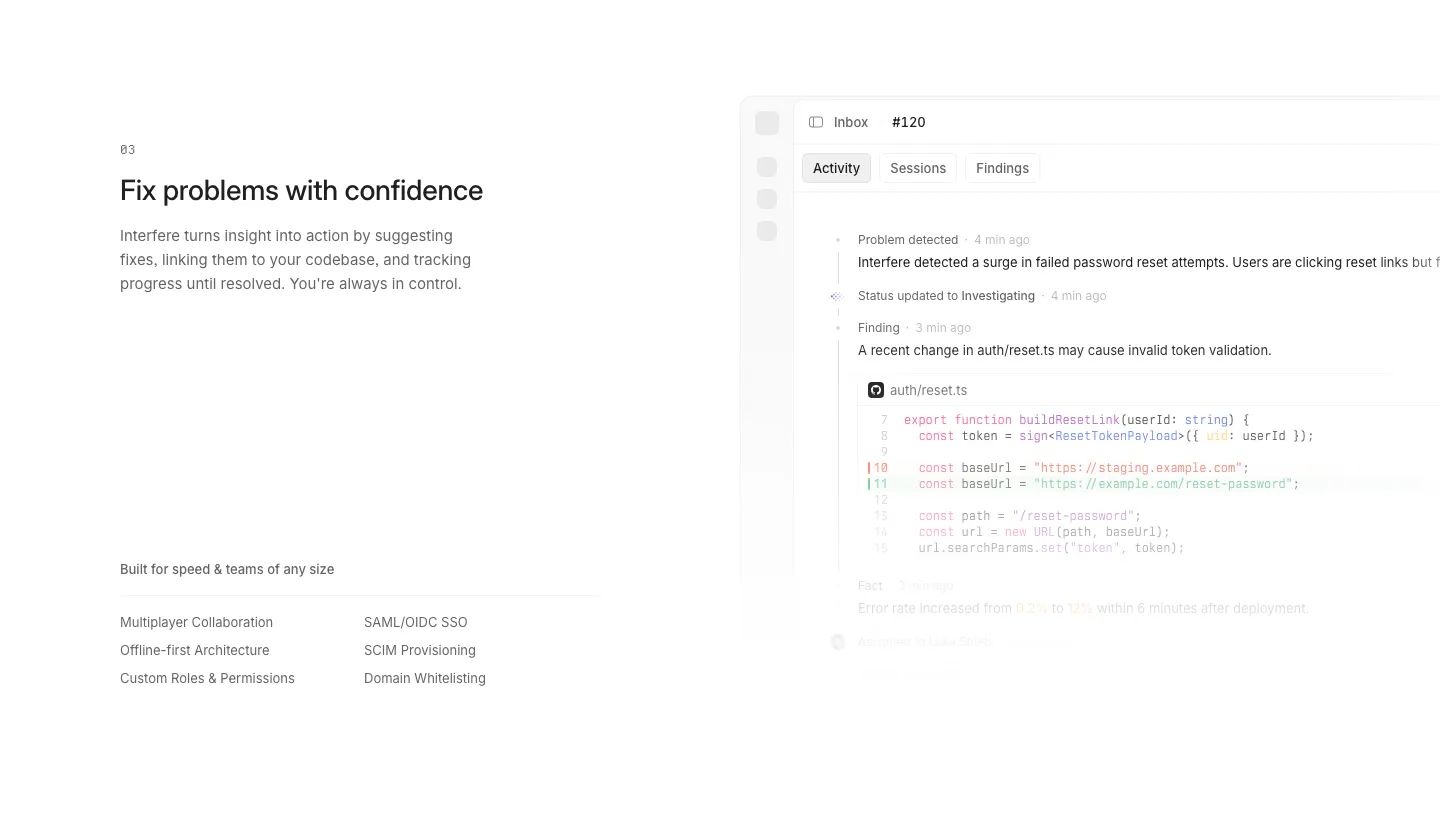
  6. Interfere features section: numbered text block with enterprise feature list left and an activity timeline with code diff right

    Fix problems with confidence

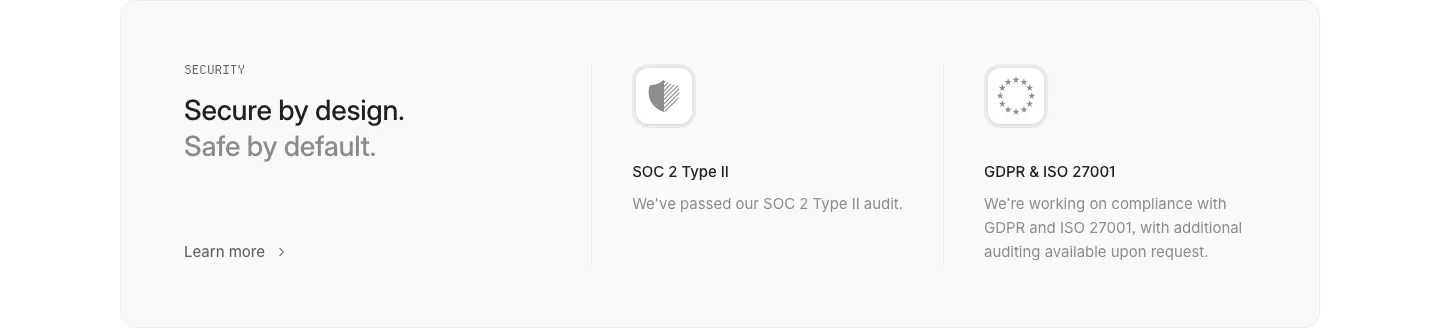
  7. Interfere security section: light gray card with headline left and SOC 2 and GDPR/ISO compliance columns with icons

    Secure by design. Safe by default.

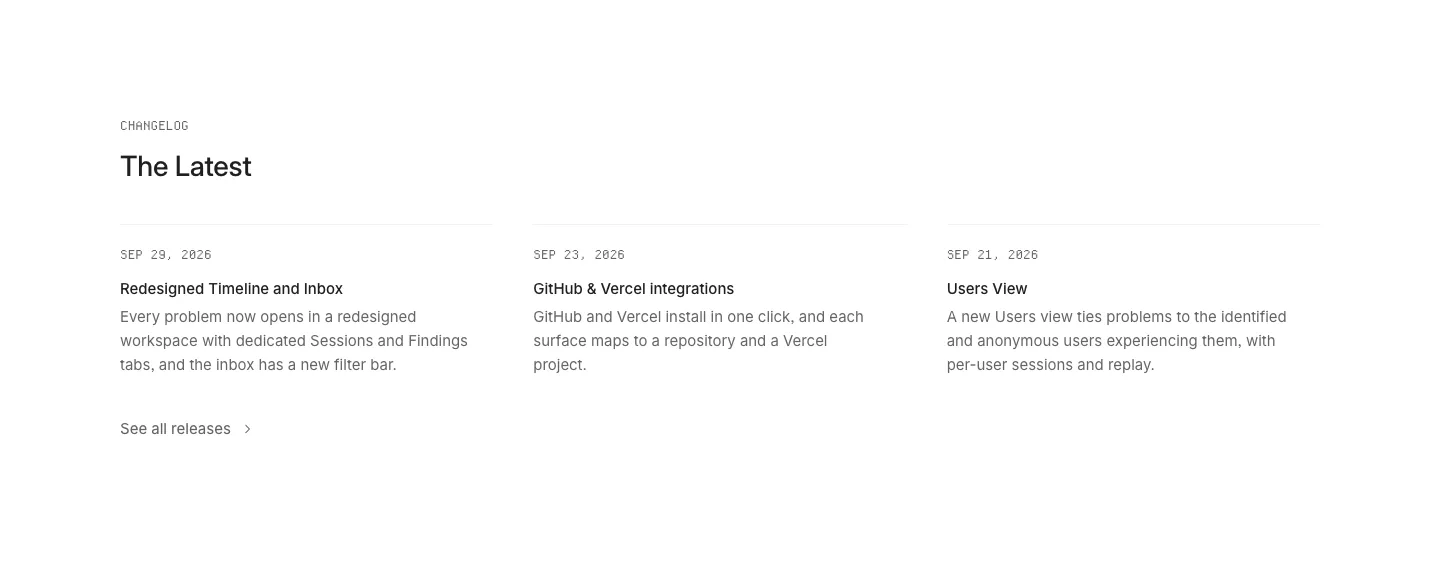
  8. Interfere blog & resources section: changelog heading above three dated release notes in columns on a white background

    The Latest

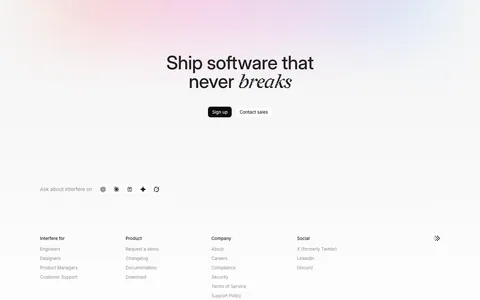
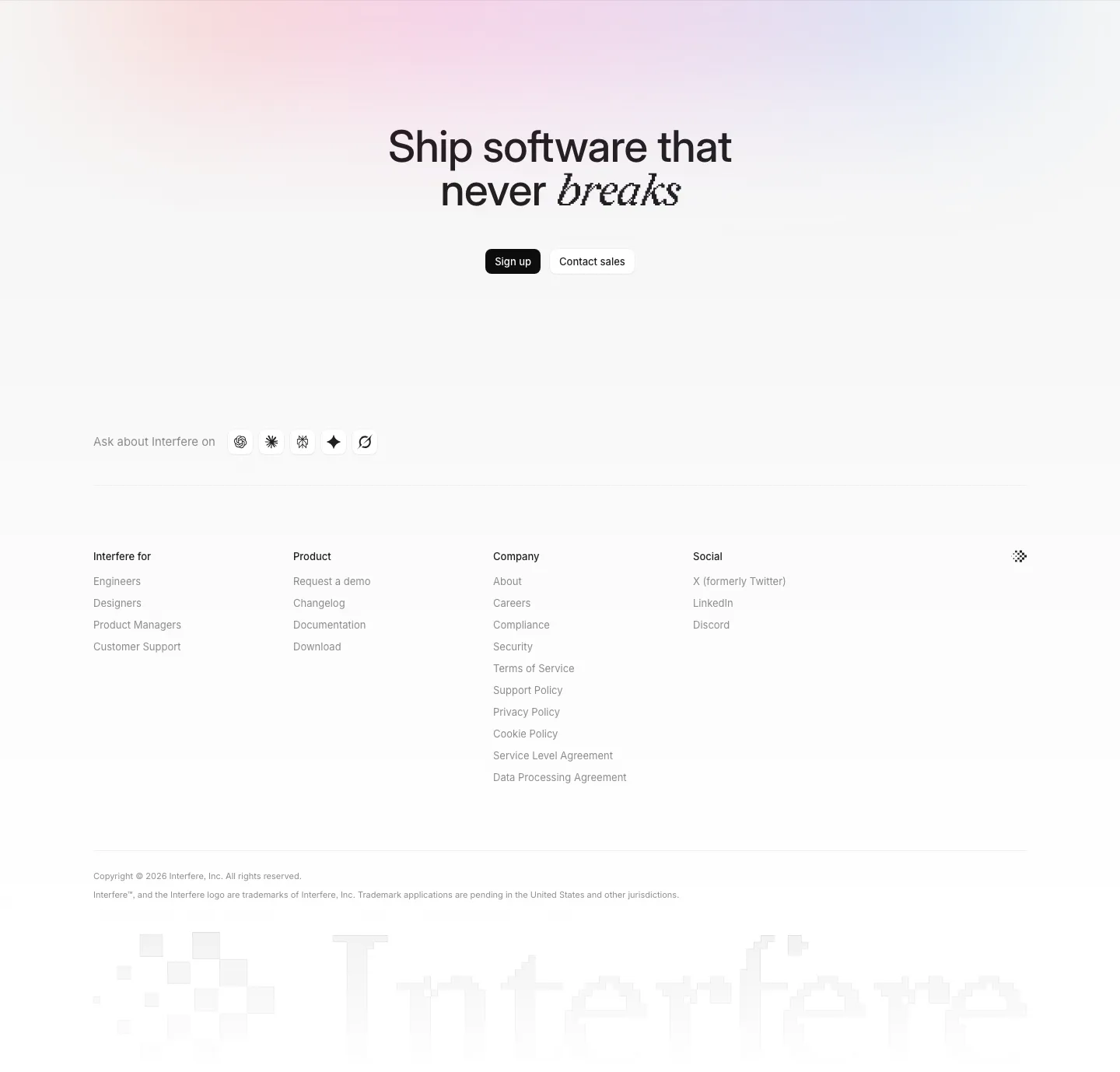
  9. Interfere footer section: centered closing headline with buttons, four link columns and a large faded pixel wordmark
    09 Footer

    Ship software that never breaks
Similar companies

All companies
    ↑↓ Navigate ↵ Open

    Section preview

    Website section