LocalCan website design

Every section we captured from the LocalCan website, in page order, from the hero section down to the footer. Open any thumbnail to see it full size.

Sections 12

In page order, top to bottom

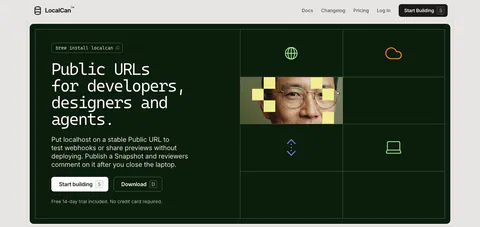
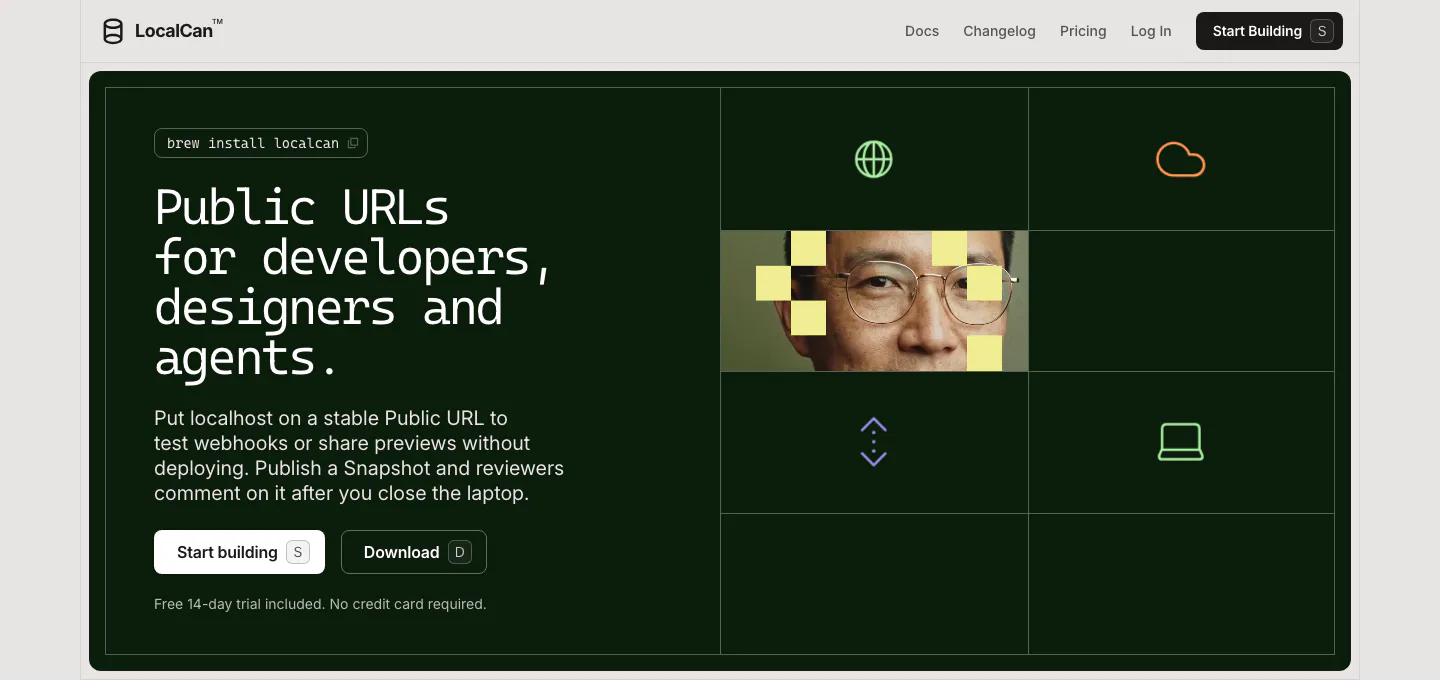
  1. LocalCan hero section: monospace headline and two buttons on a dark green panel, with a grid of icons and a pixelated portrait on the right
    01 Hero

    Public URLs for developers, designers and agents.

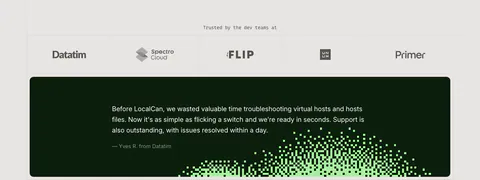
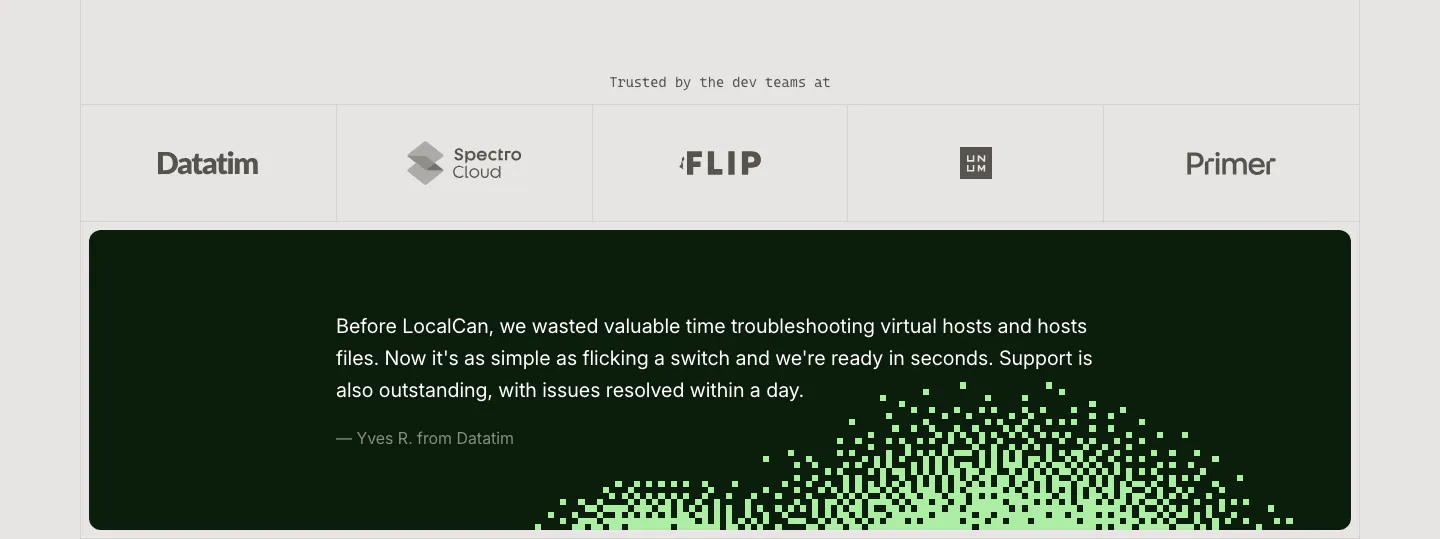
  2. LocalCan testimonial section: row of grayscale customer logos above a dark green quote card with a green pixel dither pattern

    Trusted by the dev teams at

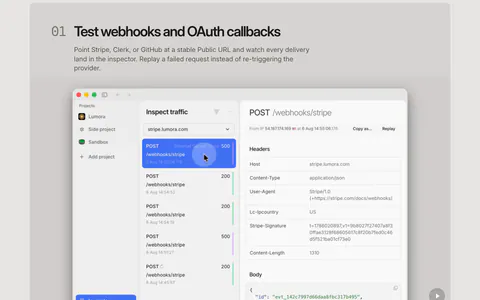
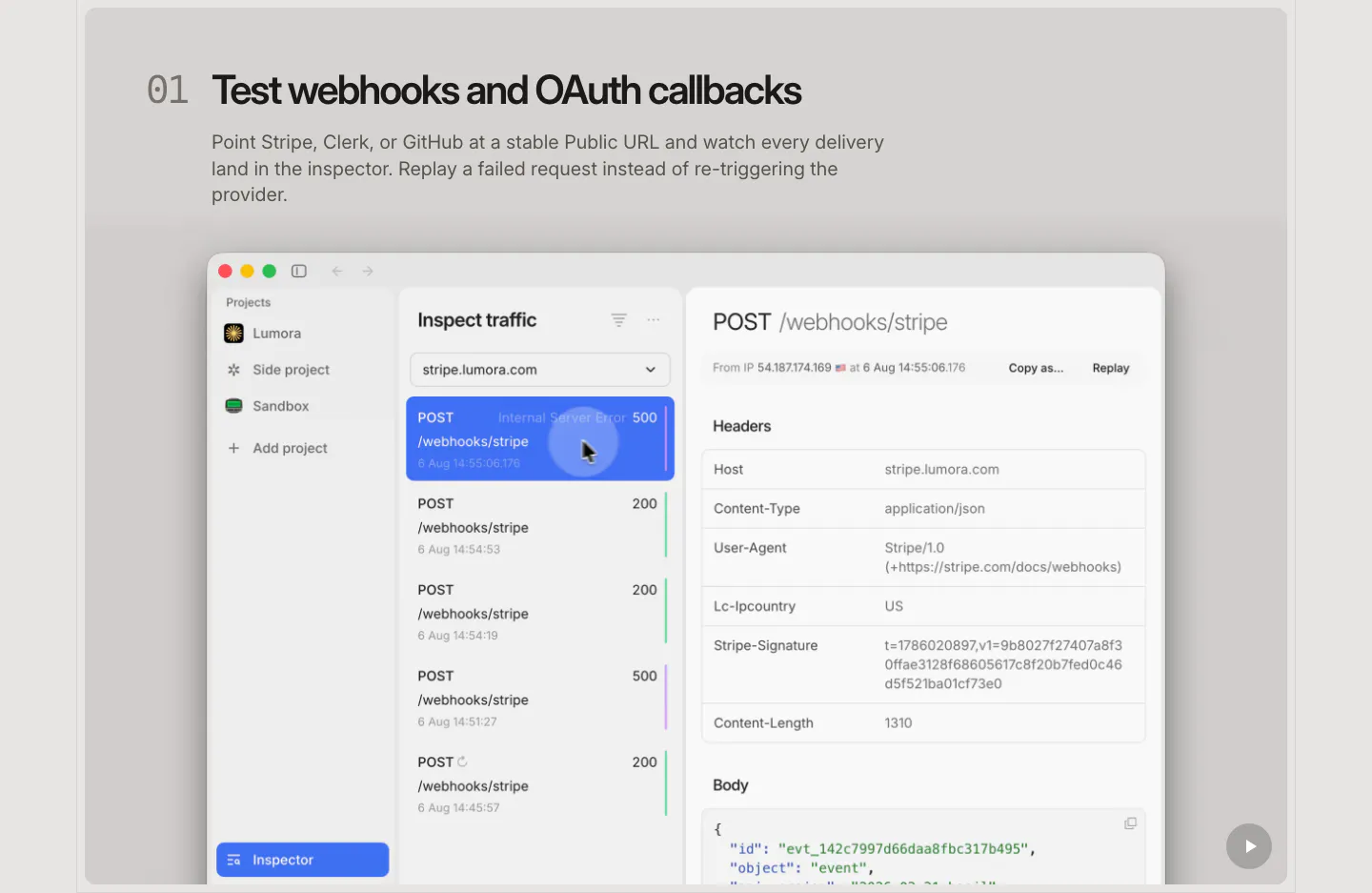
  3. LocalCan features section: numbered headline and description above a large macOS-style traffic inspector screenshot of webhook requests

    Test webhooks and OAuth callbacks

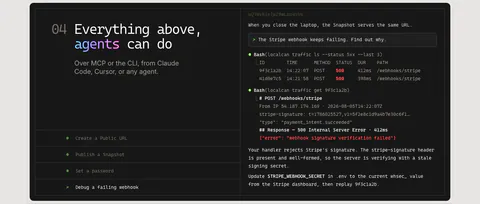
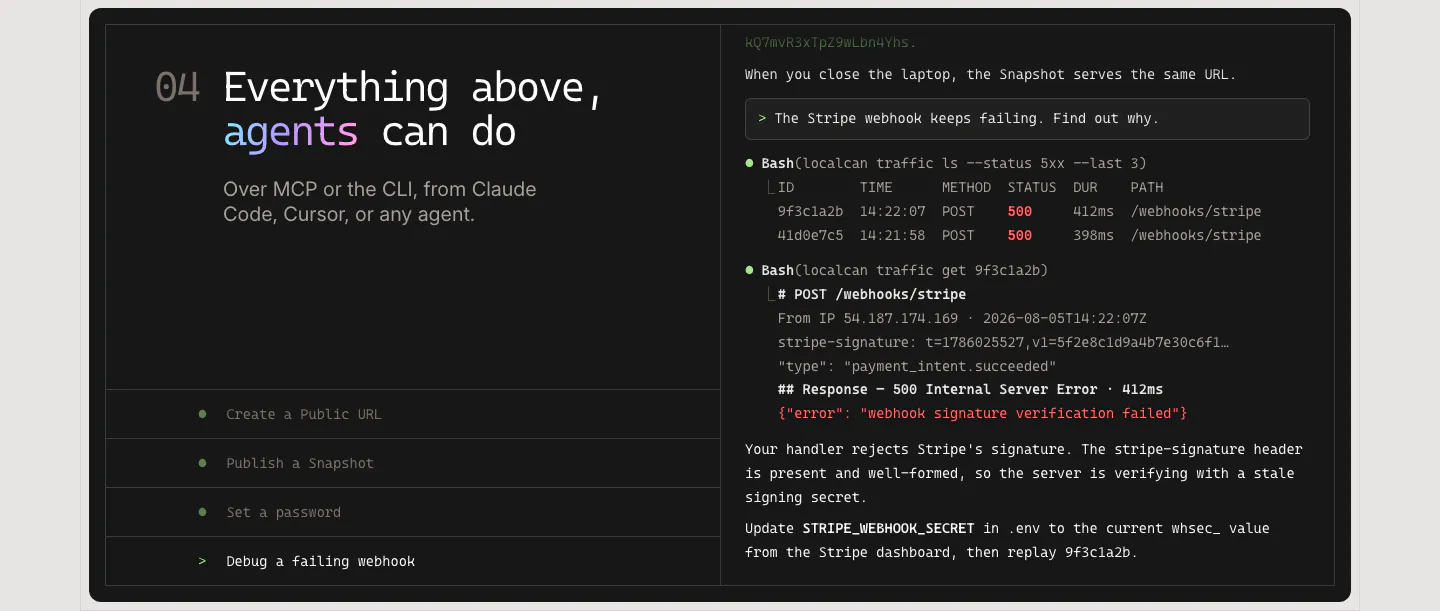
  4. LocalCan features section: monospace headline and agent task list on the left of a dark panel, terminal transcript debugging a webhook on the right

    Everything above, agents can do

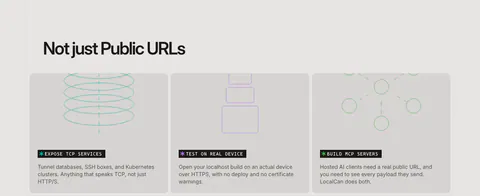
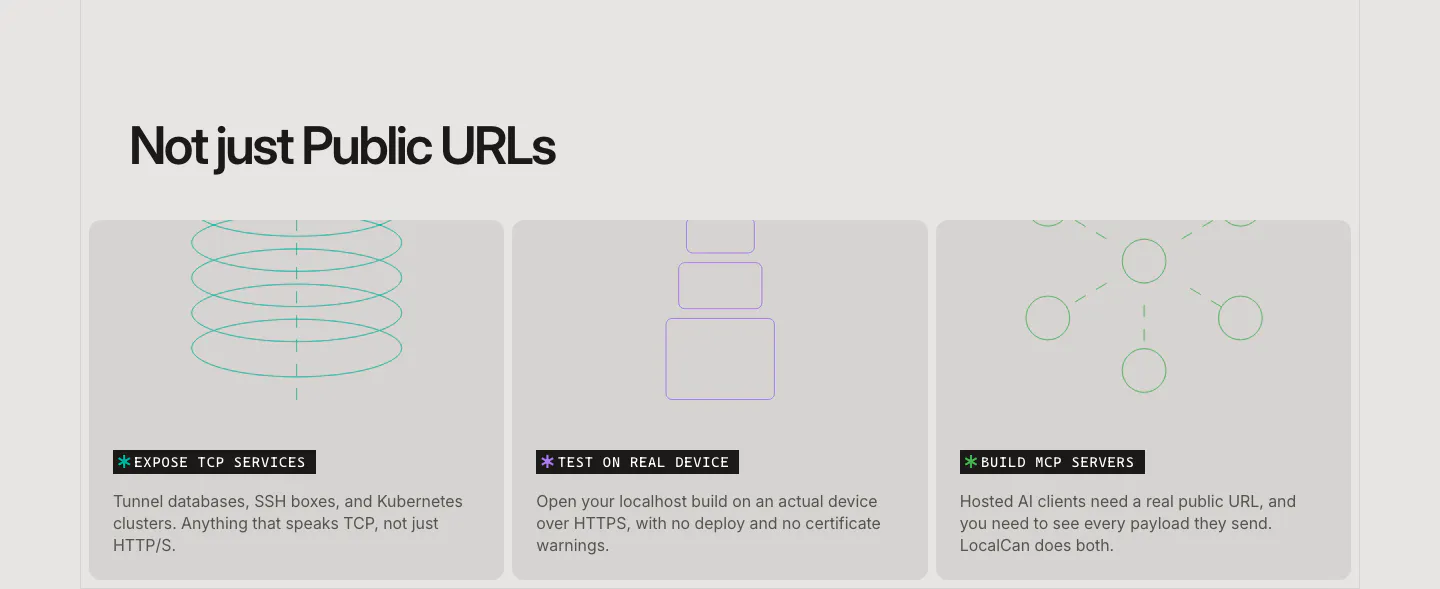
  5. LocalCan features section: left-aligned headline above three equal gray cards with thin line drawings for TCP, devices and MCP servers

    Not just Public URLs

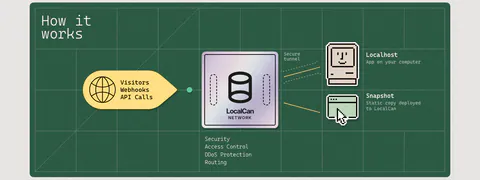
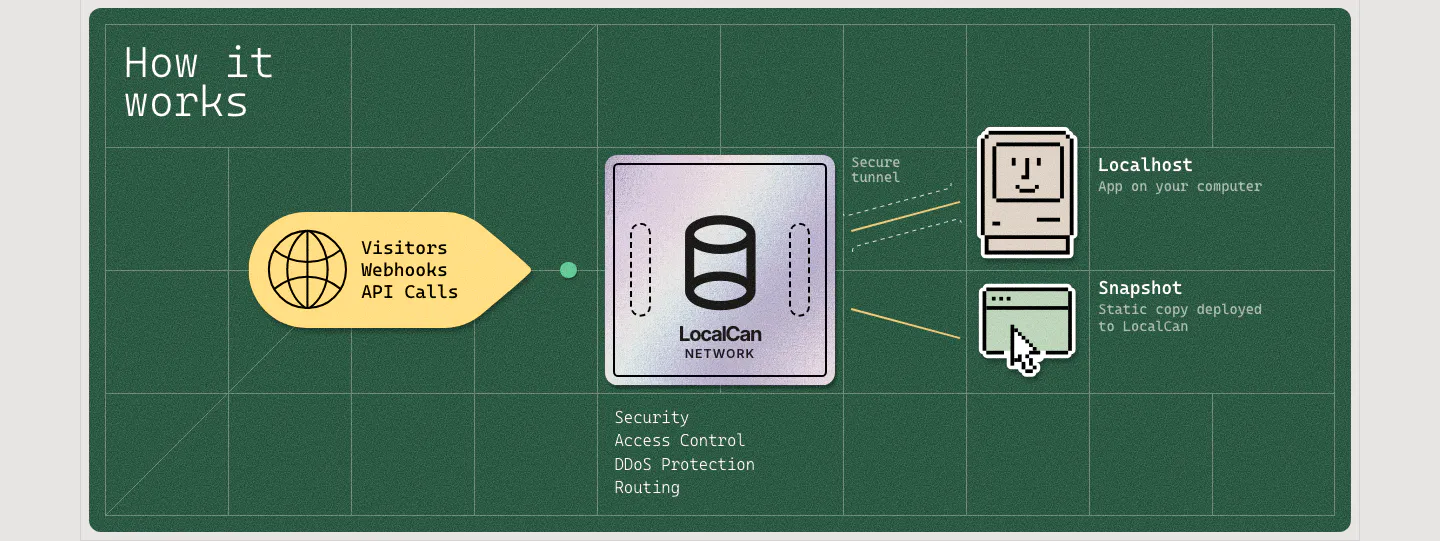
  6. LocalCan how it works section: flow diagram from visitor traffic through a LocalCan network chip to pixel-art localhost and snapshot icons

    How it works

  7. LocalCan integrations section: centered caption above a single row of grayscale framework logos including Next.js, Laravel, Nuxt and Node

    Although LocalCan is framework agnostic, it's been fully tested with:

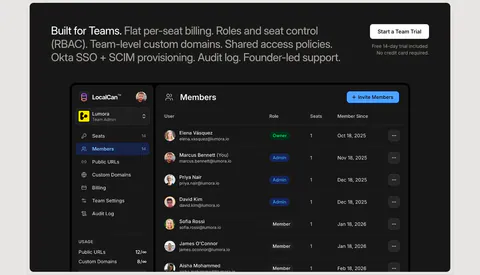
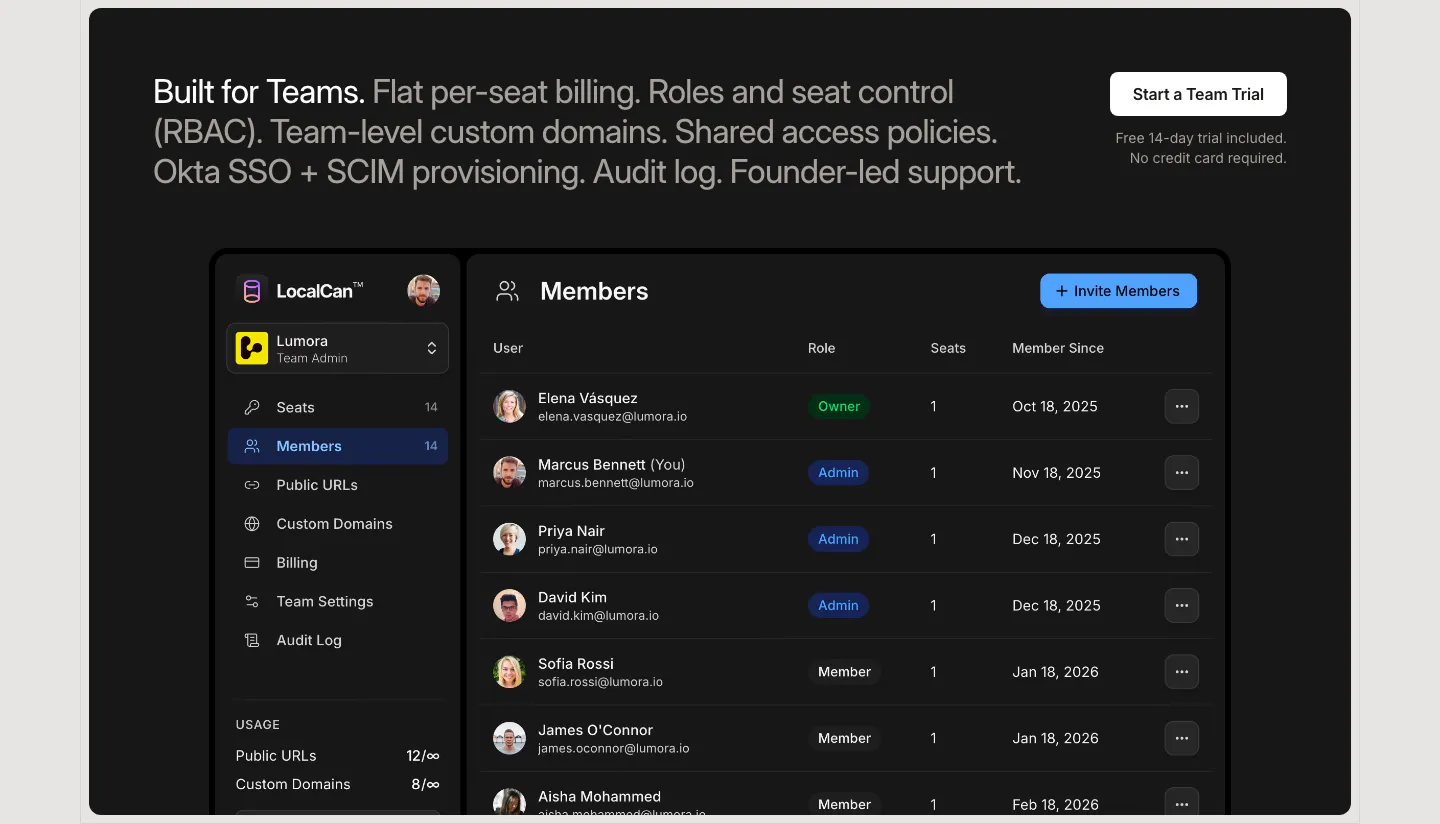
  8. LocalCan features section: two-tone teams headline with a trial button above a dark Members admin screenshot listing roles and seats

    Built for Teams. Flat per-seat billing. Roles and seat control (RBAC). Team-level custom domains. Shared access policies. Okta SSO + SCIM provisioning. Audit log. Founder-led support.

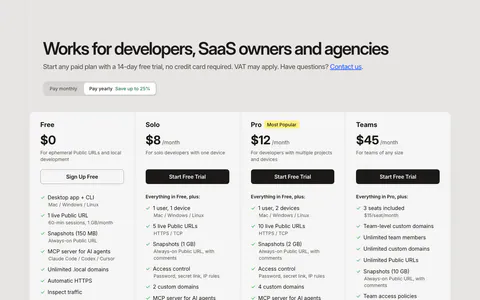
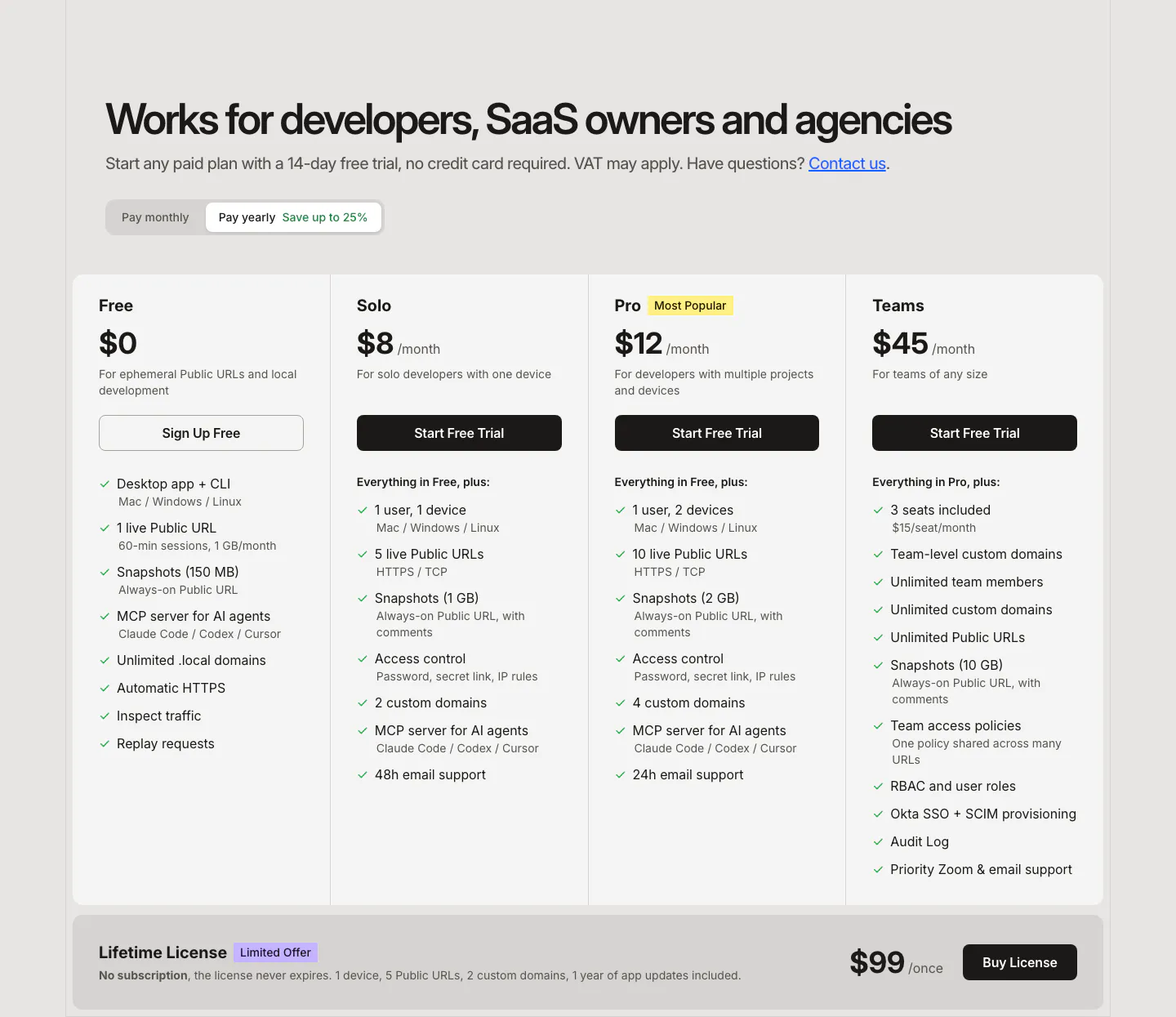
  9. LocalCan pricing section: headline and monthly/yearly toggle above four plan columns with feature checklists and a lifetime license band
    09 Pricing

    Works for developers, SaaS owners and agencies

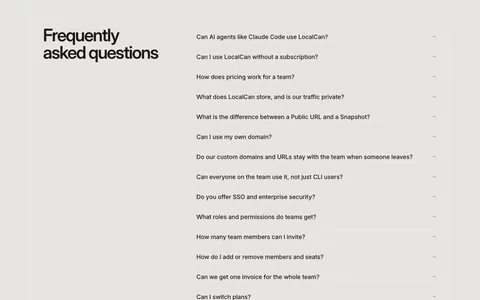
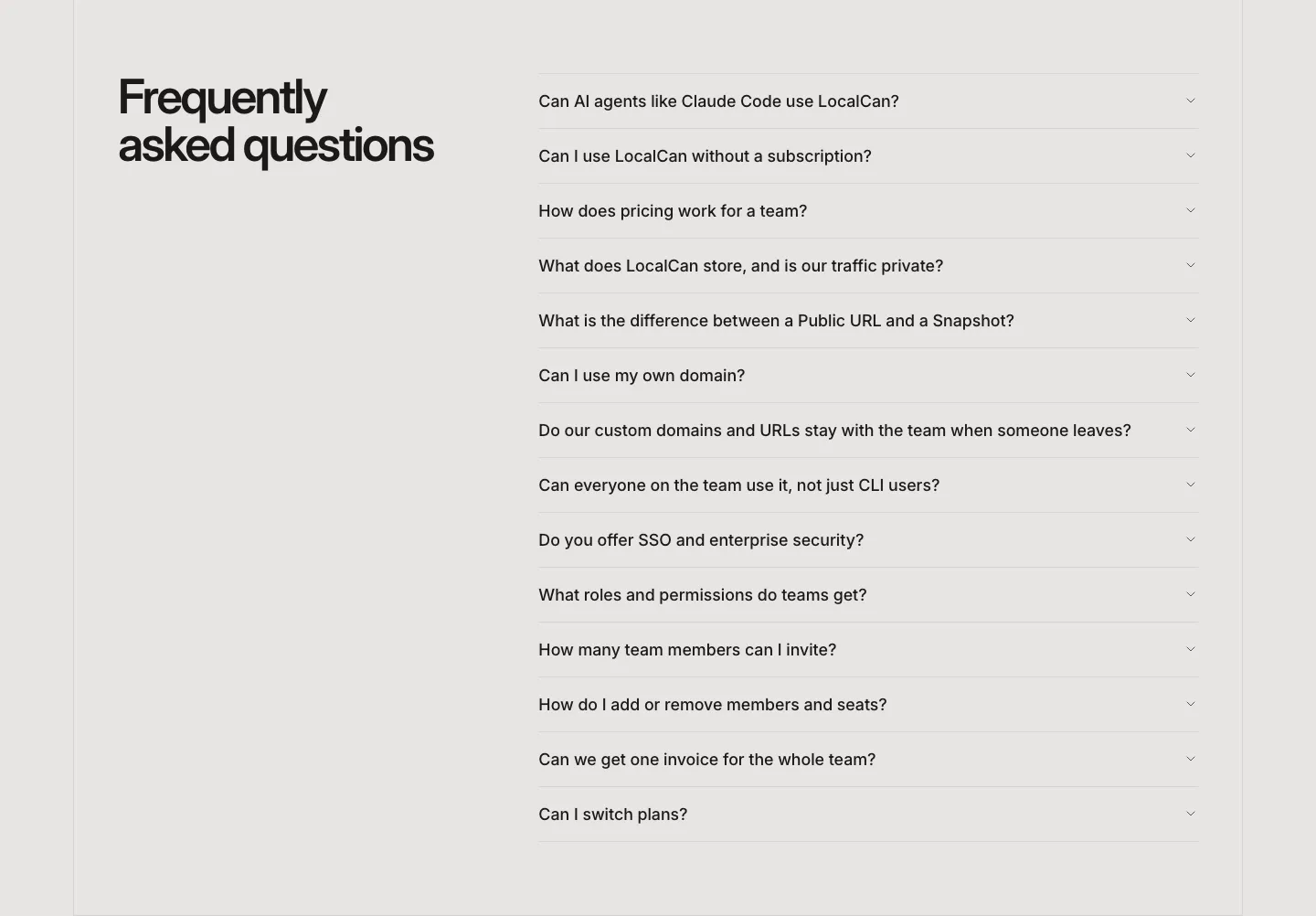
  10. LocalCan FAQ section: two-line headline on the left beside a long collapsed accordion of questions on a light gray background
    10 FAQ

    Frequently asked questions

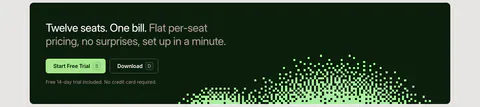
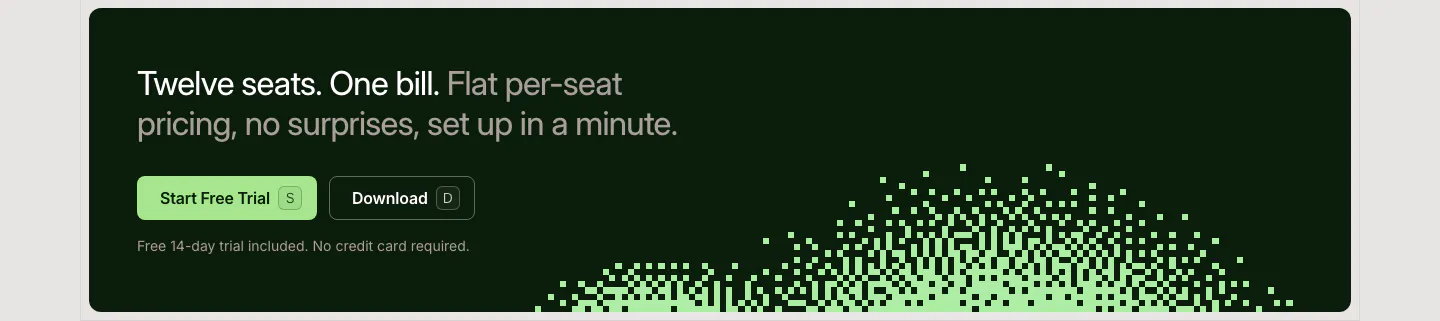
  11. LocalCan call-to-action section: two-tone headline with Start Free Trial and Download buttons on a dark green band with a pixel dither pattern

    Twelve seats. One bill. Flat per-seat pricing, no surprises, set up in a minute.

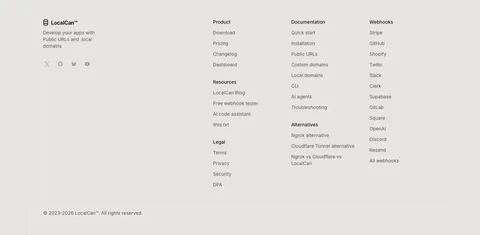
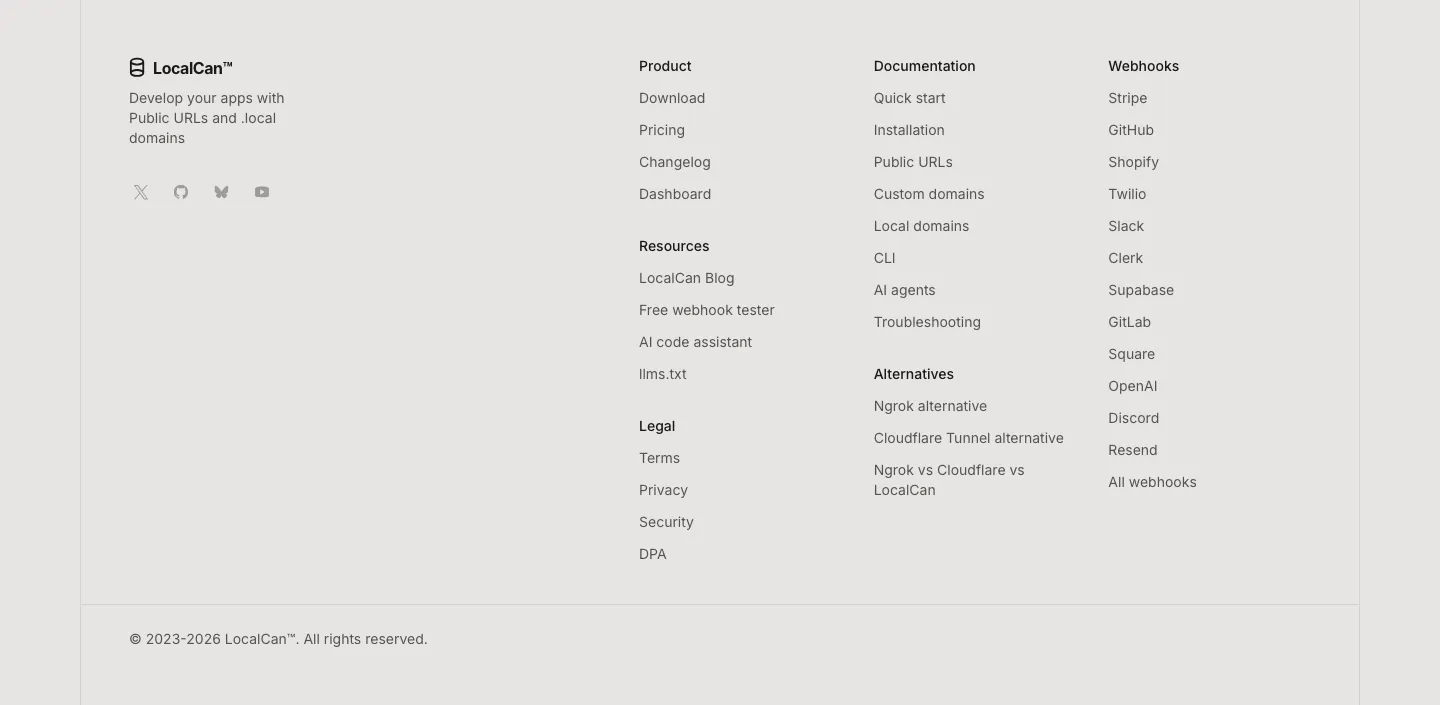
  12. LocalCan footer section: logo, tagline and social icons on the left, link columns for product, docs, alternatives and webhooks, copyright row
    12 Footer

Similar companies

All companies
    ↑↓ Navigate ↵ Open

    Section preview

    Website section