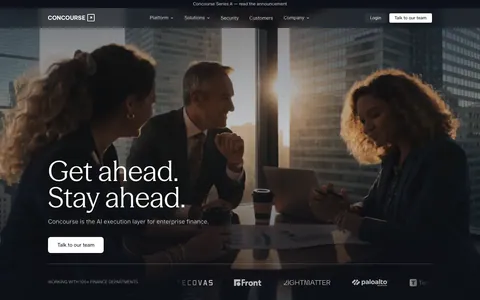
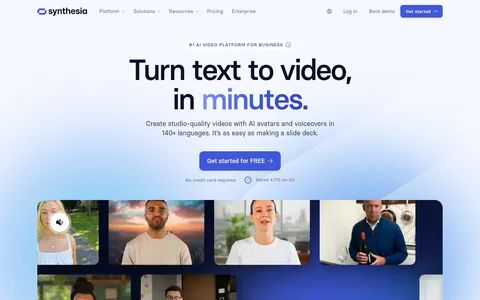
Sendr website design

Every section we captured from the Sendr website, in page order, from the hero section down to the footer. Open any thumbnail to see it full size.

Sections 16

In page order, top to bottom

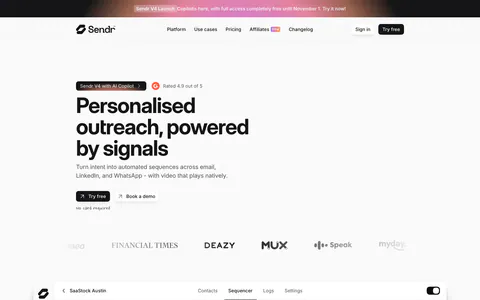
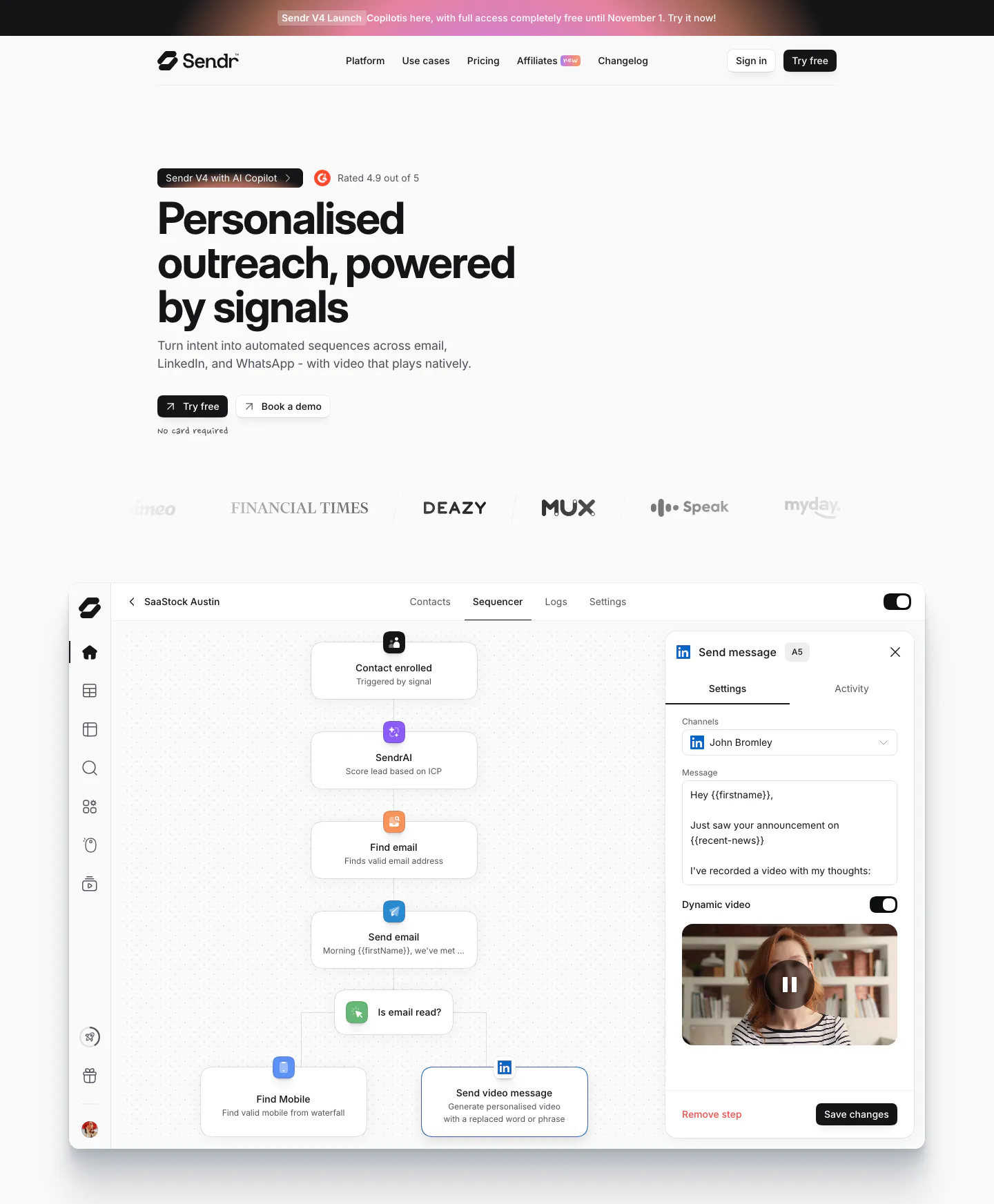
  1. Sendr hero section: nav, left-aligned headline with Try free and Book a demo buttons, logo row and a sequencer workflow UI
    01 Hero

    Personalised outreach, powered by signals

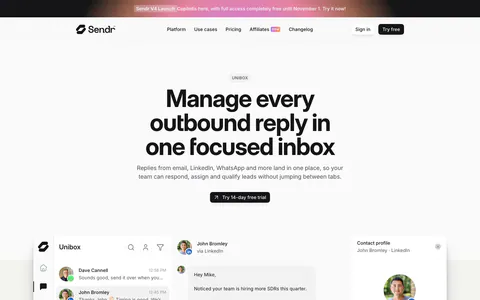
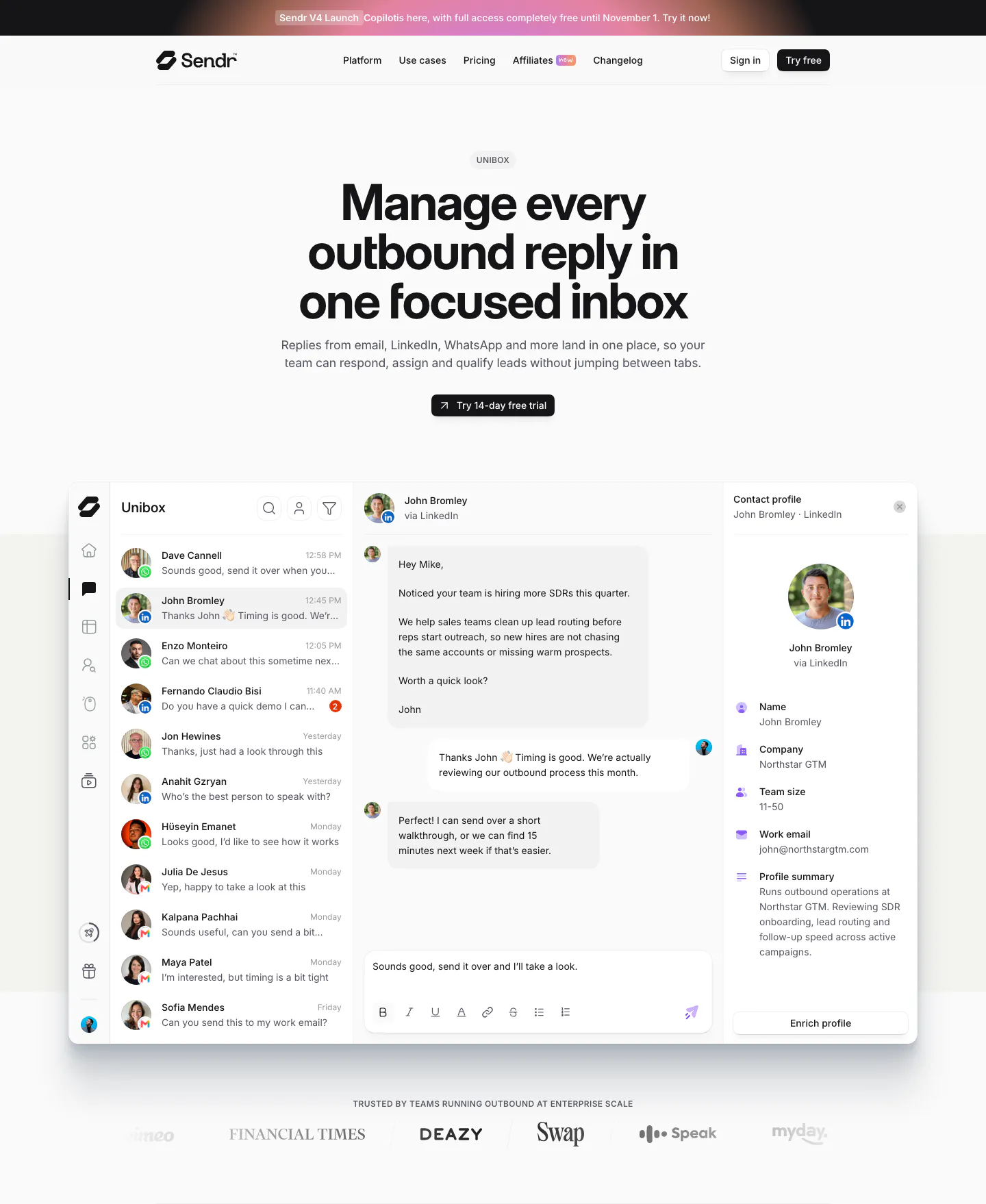
  2. Sendr hero section: nav, centered Unibox headline and trial button above a full inbox product UI and a customer logo row
    02 Hero

    Manage every outbound reply in one focused inbox

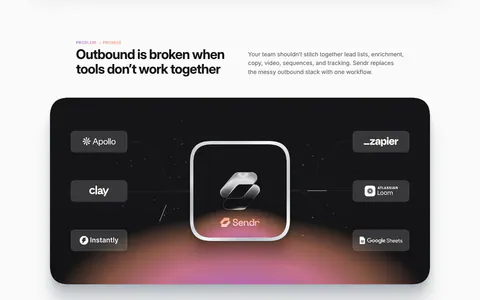
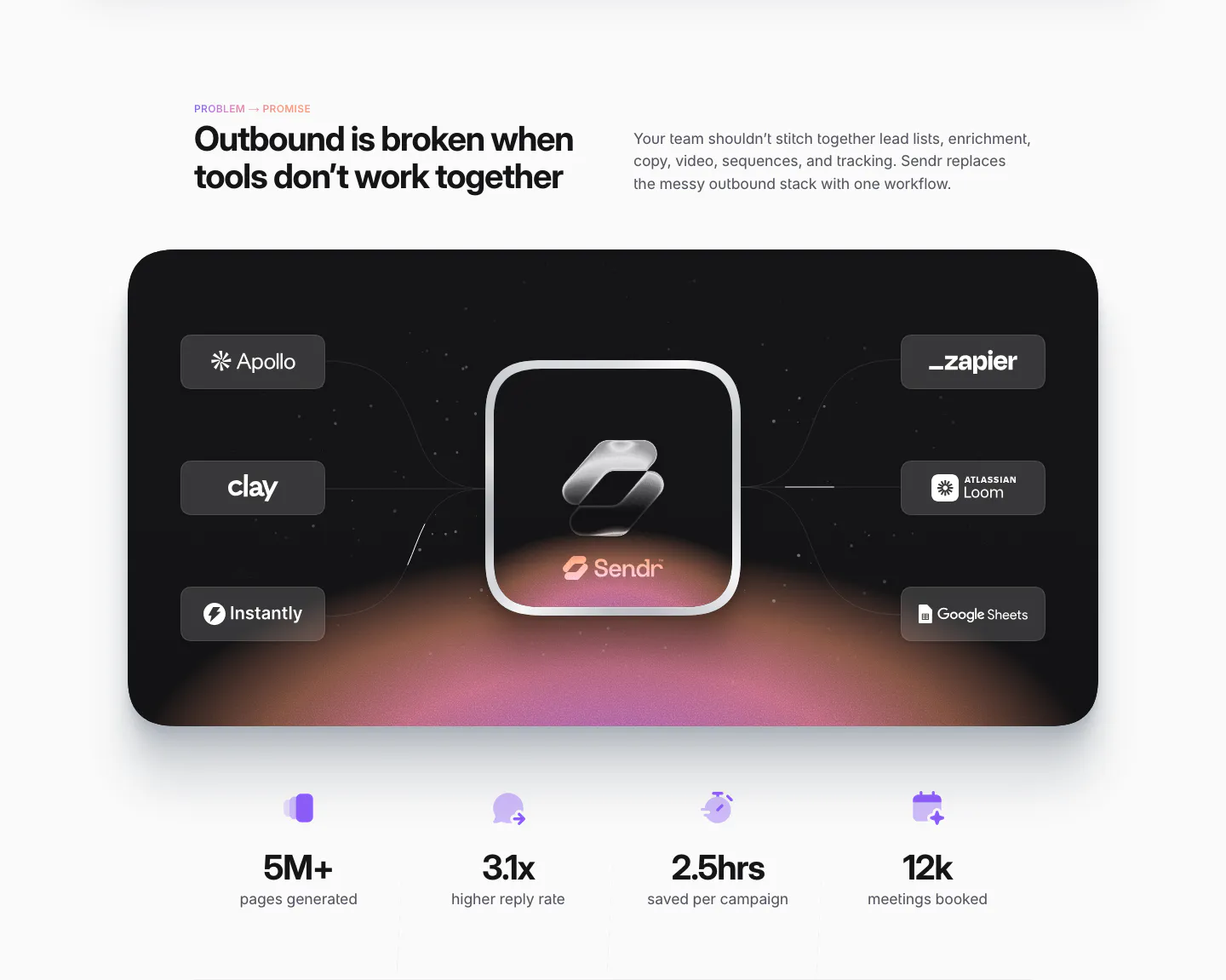
  3. Sendr value proposition section: dark card linking Apollo, Clay, Zapier and other tool chips to a glass Sendr icon, four stats below

    Outbound is broken when tools don’t work together

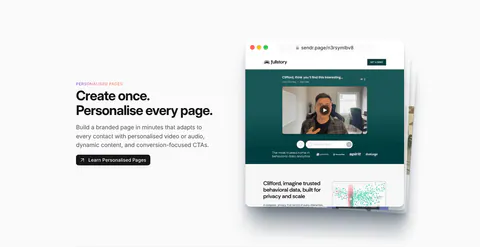
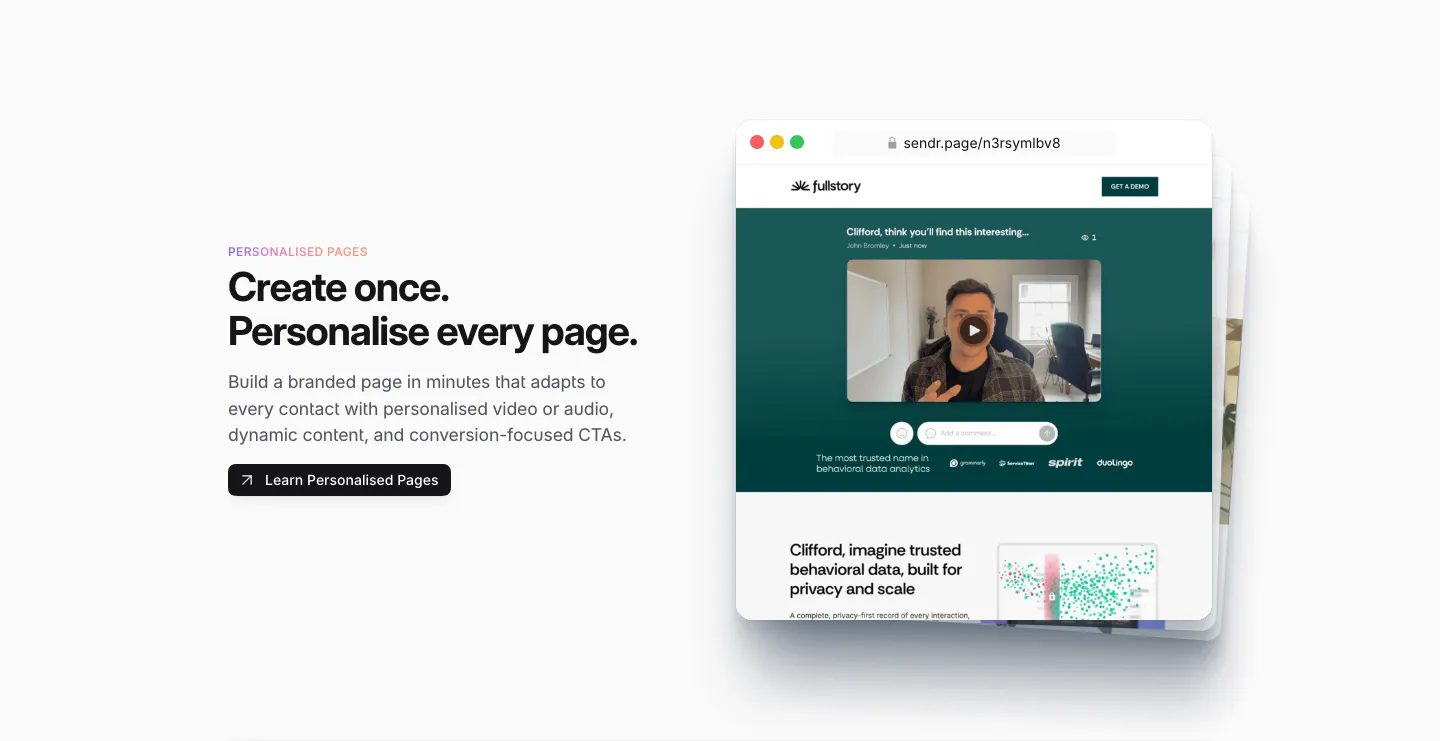
  4. Sendr features section: Personalised Pages copy and button left, stacked browser mockups of a personalised video landing page right

    Create once. Personalise every page.

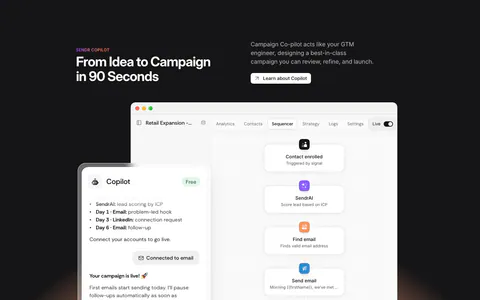
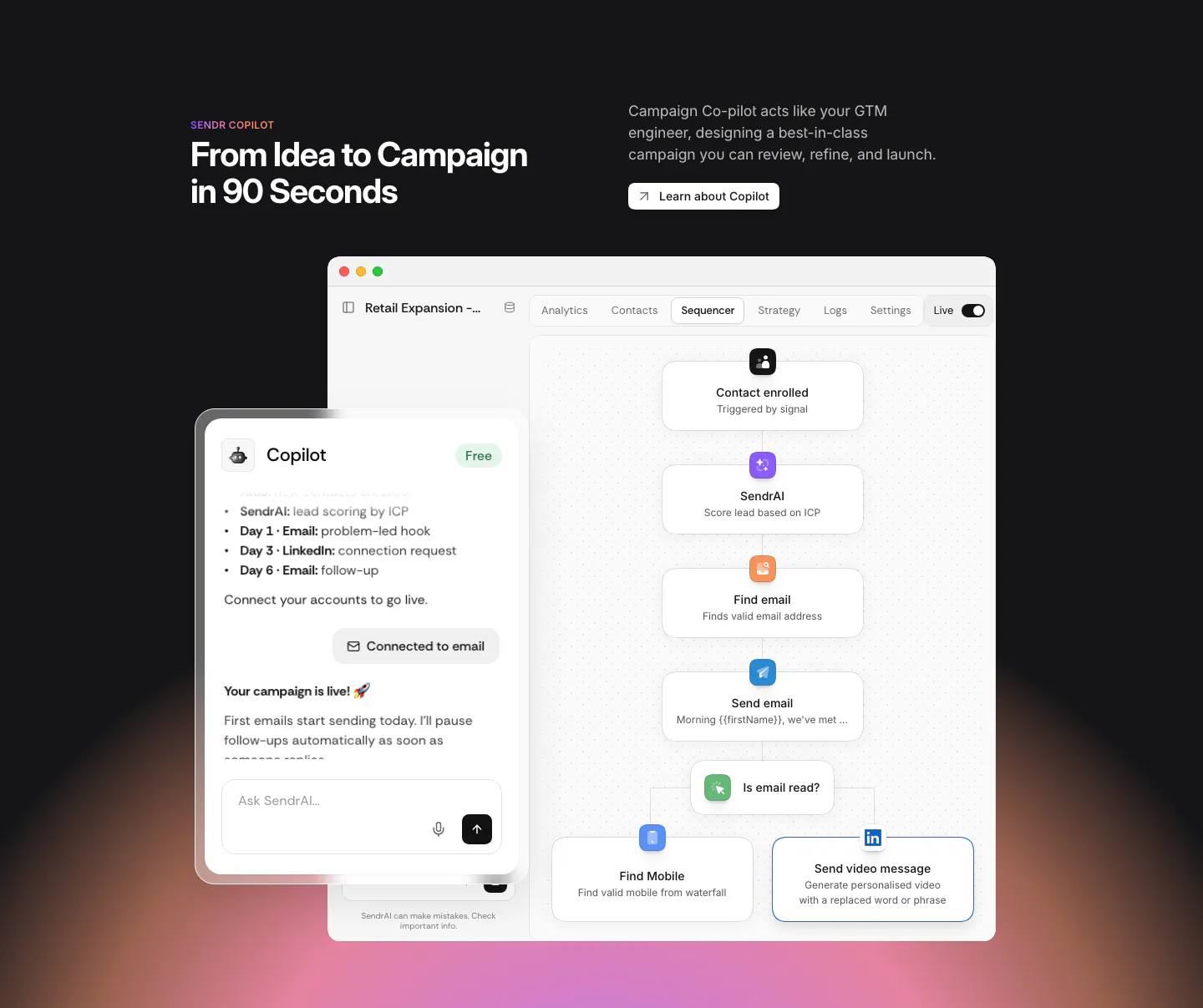
  5. Sendr features section: dark section with headline above a Copilot chat panel overlapping a sequencer workflow UI, warm glow below

    From Idea to Campaign in 90 Seconds

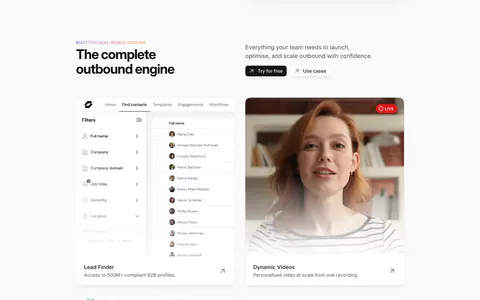
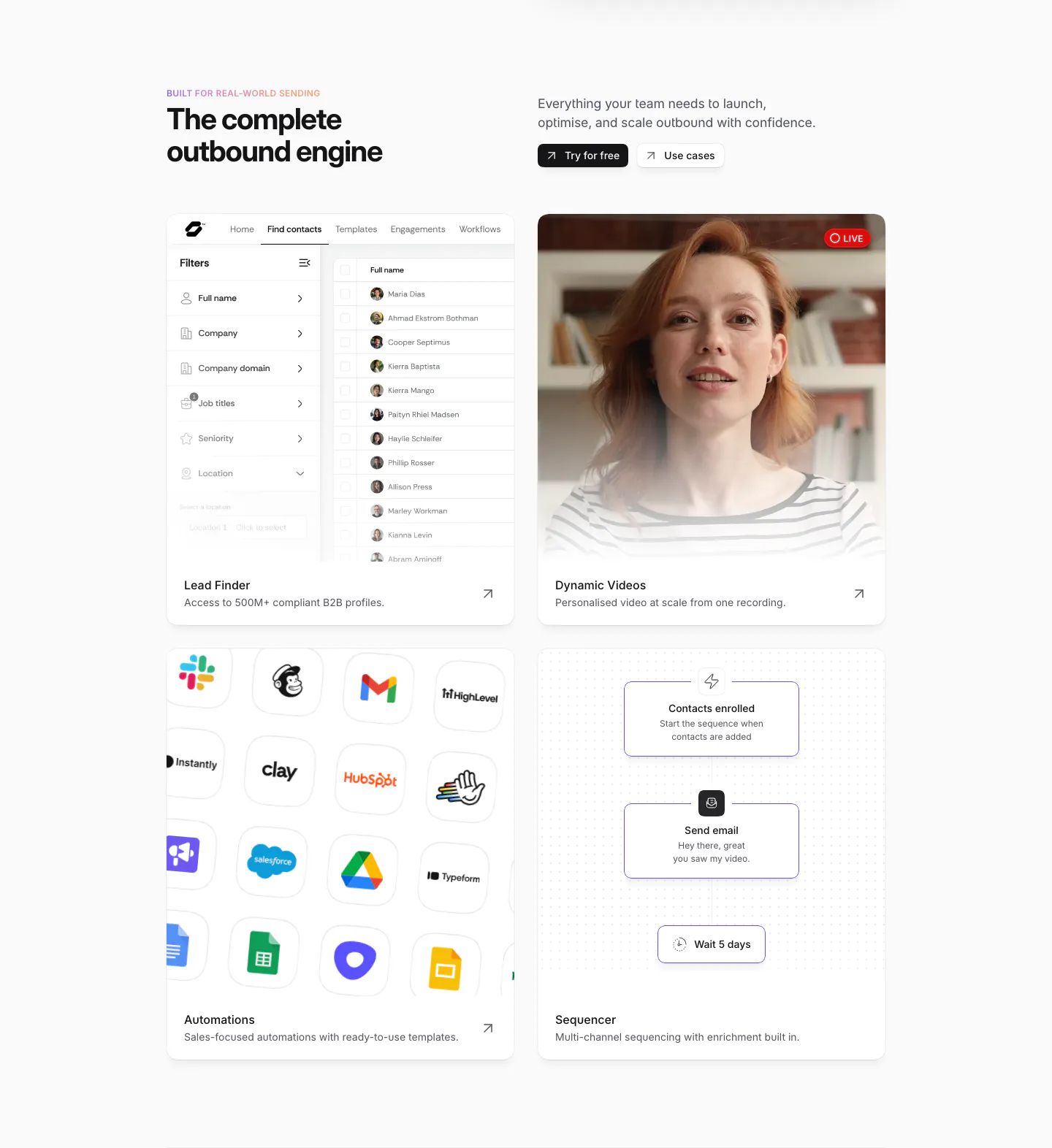
  6. Sendr features section: headline and buttons above a 2x2 card grid of lead finder UI, live video, app icon grid and sequencer flow

    The complete outbound engine

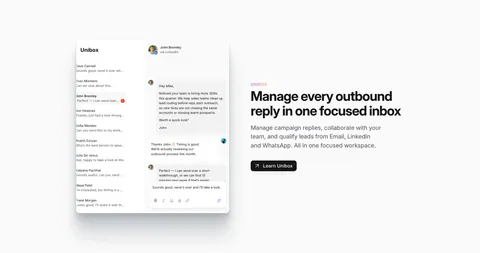
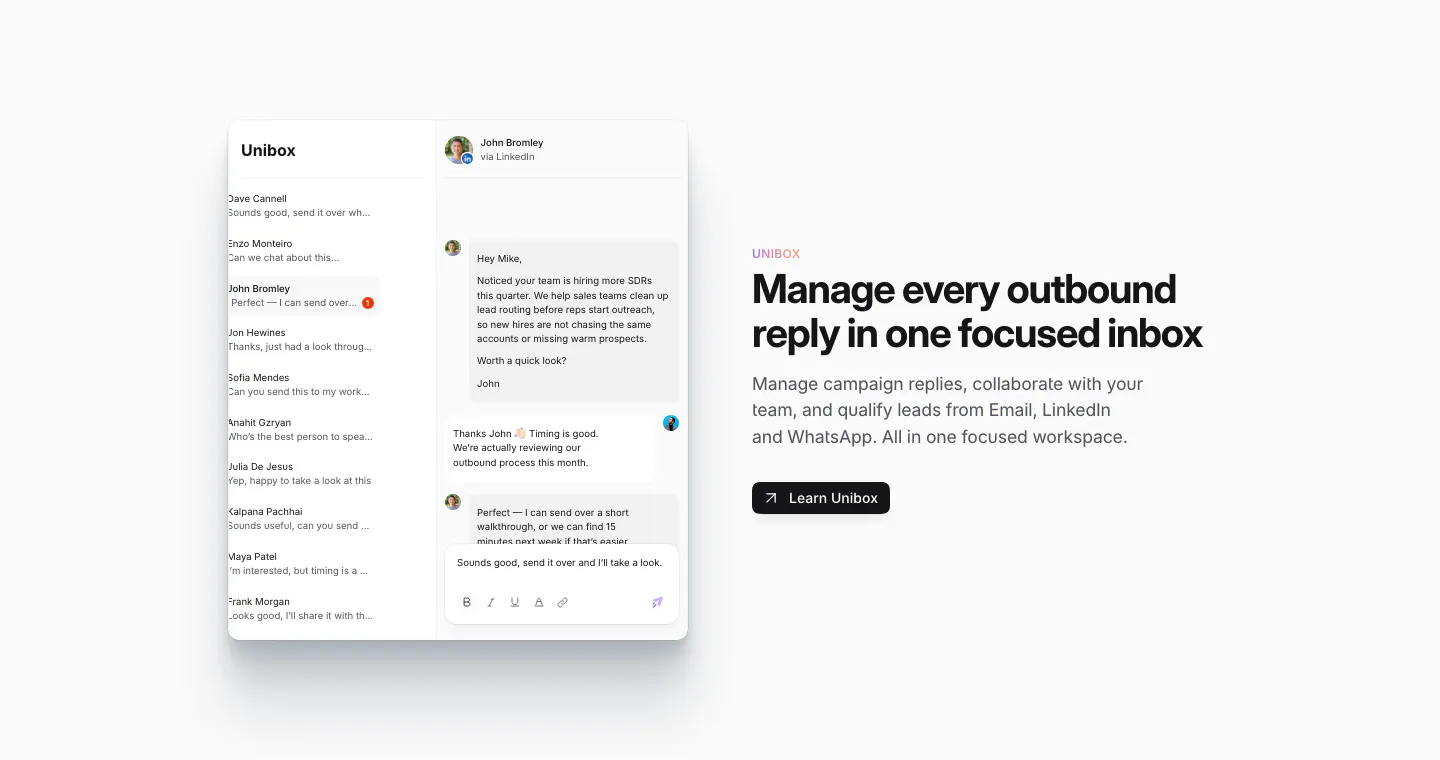
  7. Sendr features section: Unibox inbox UI with a conversation thread on the left, headline, copy and Learn Unibox button on the right

    Manage every outbound reply in one focused inbox

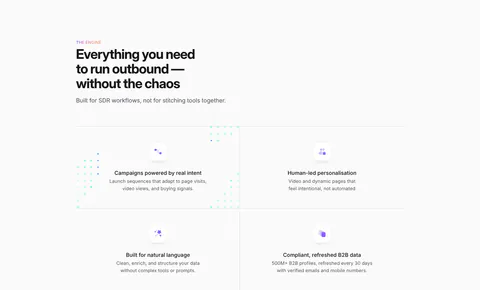
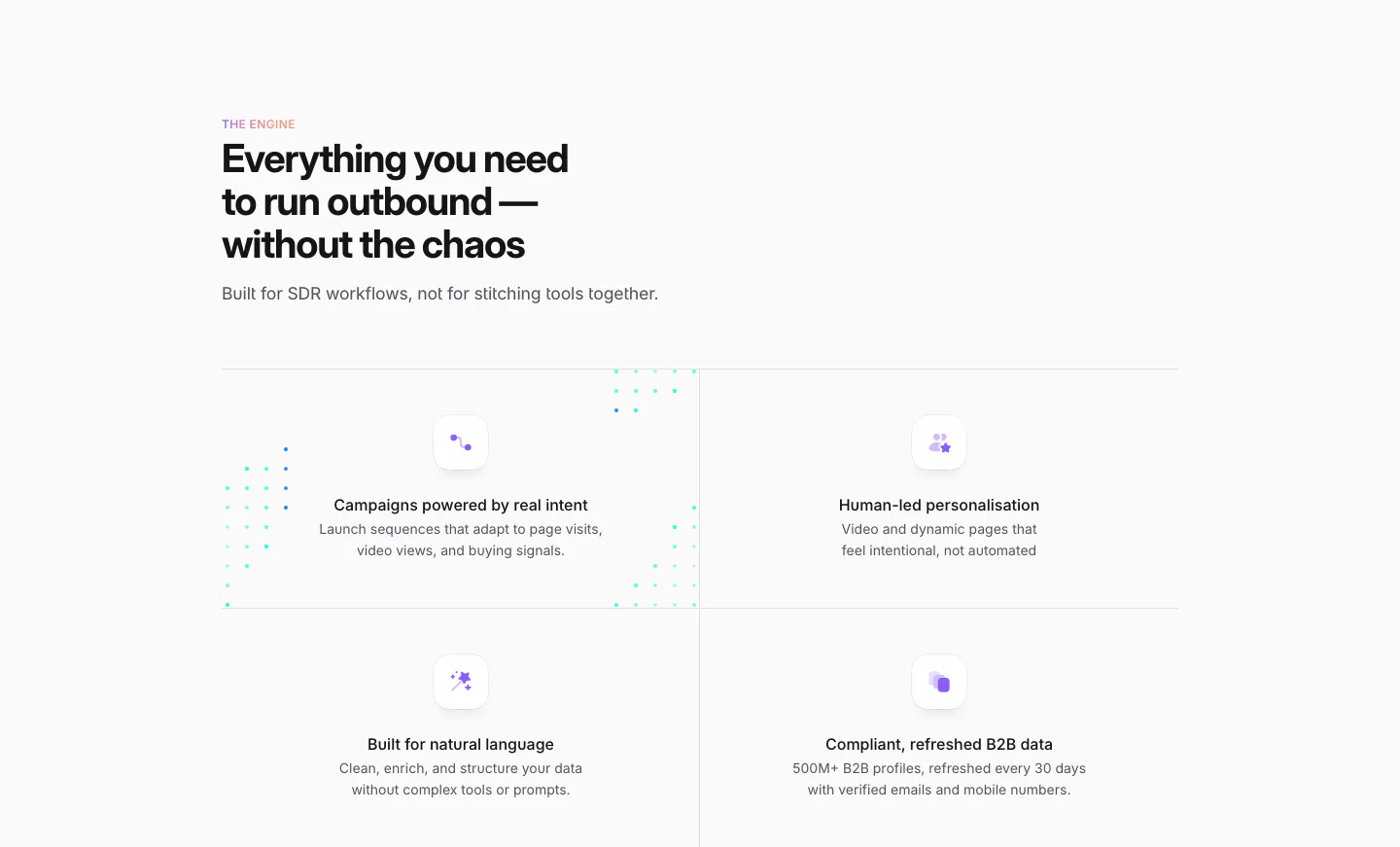
  8. Sendr features section: left-aligned headline above a 2x2 grid of feature cells with small purple icons and dotted accents

    Everything you need to run outbound — without the chaos

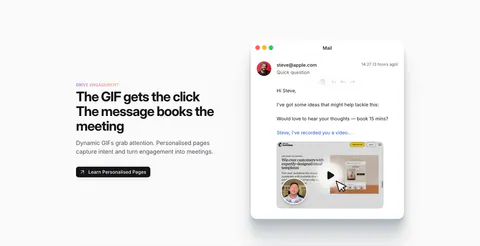
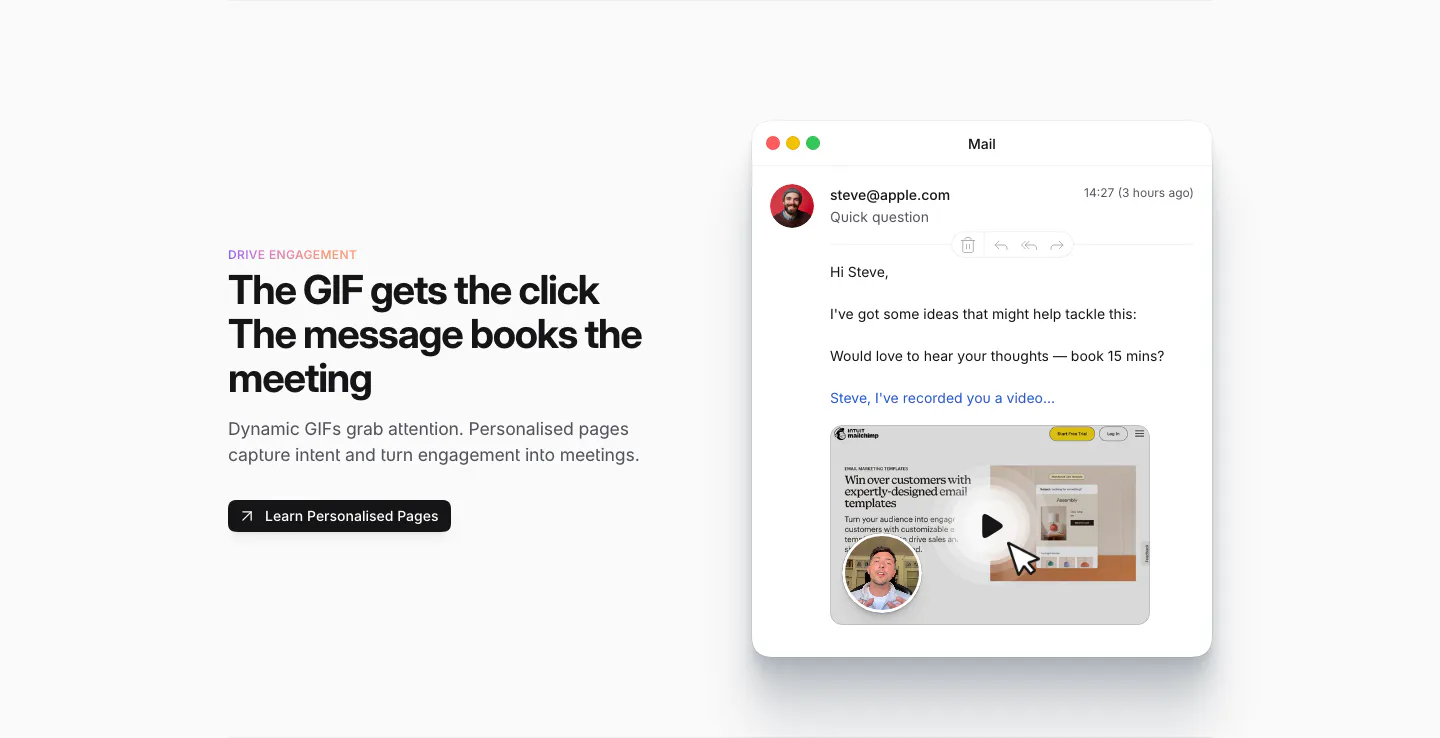
  9. Sendr features section: Drive Engagement copy and button left, Mail app mockup with a personalised video GIF preview right

    The GIF gets the click The message books the meeting

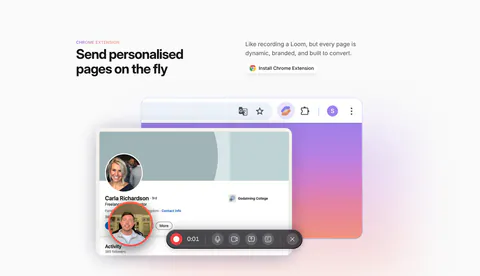
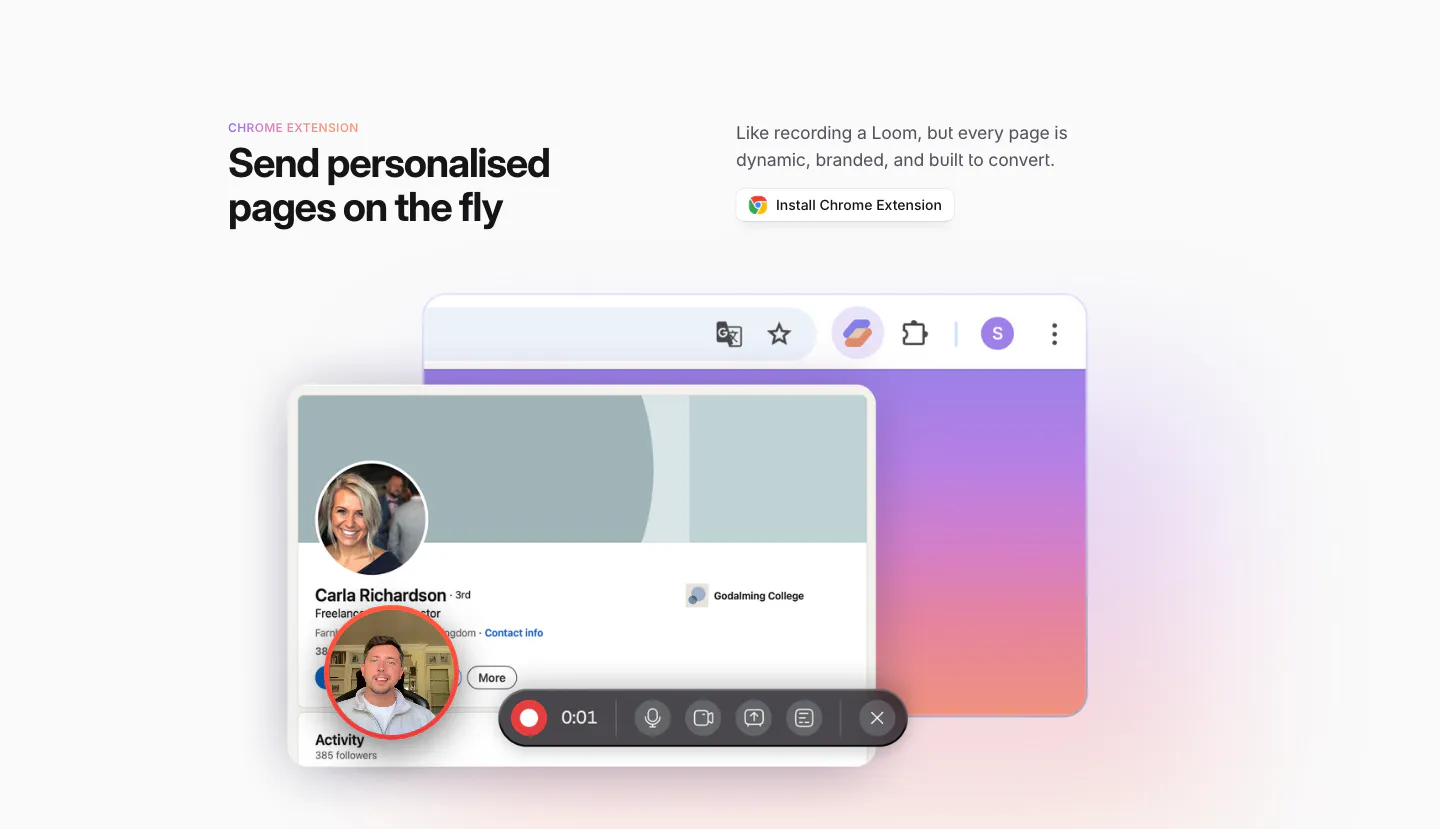
  10. Sendr features section: Chrome Extension headline and install button above a LinkedIn profile mockup with a video recording toolbar

    Send personalised pages on the fly

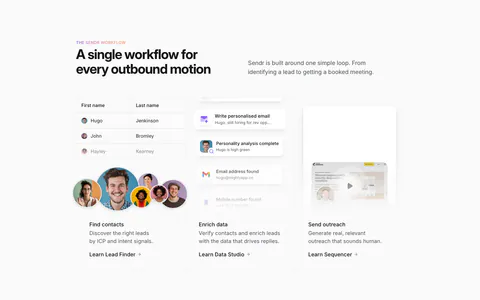
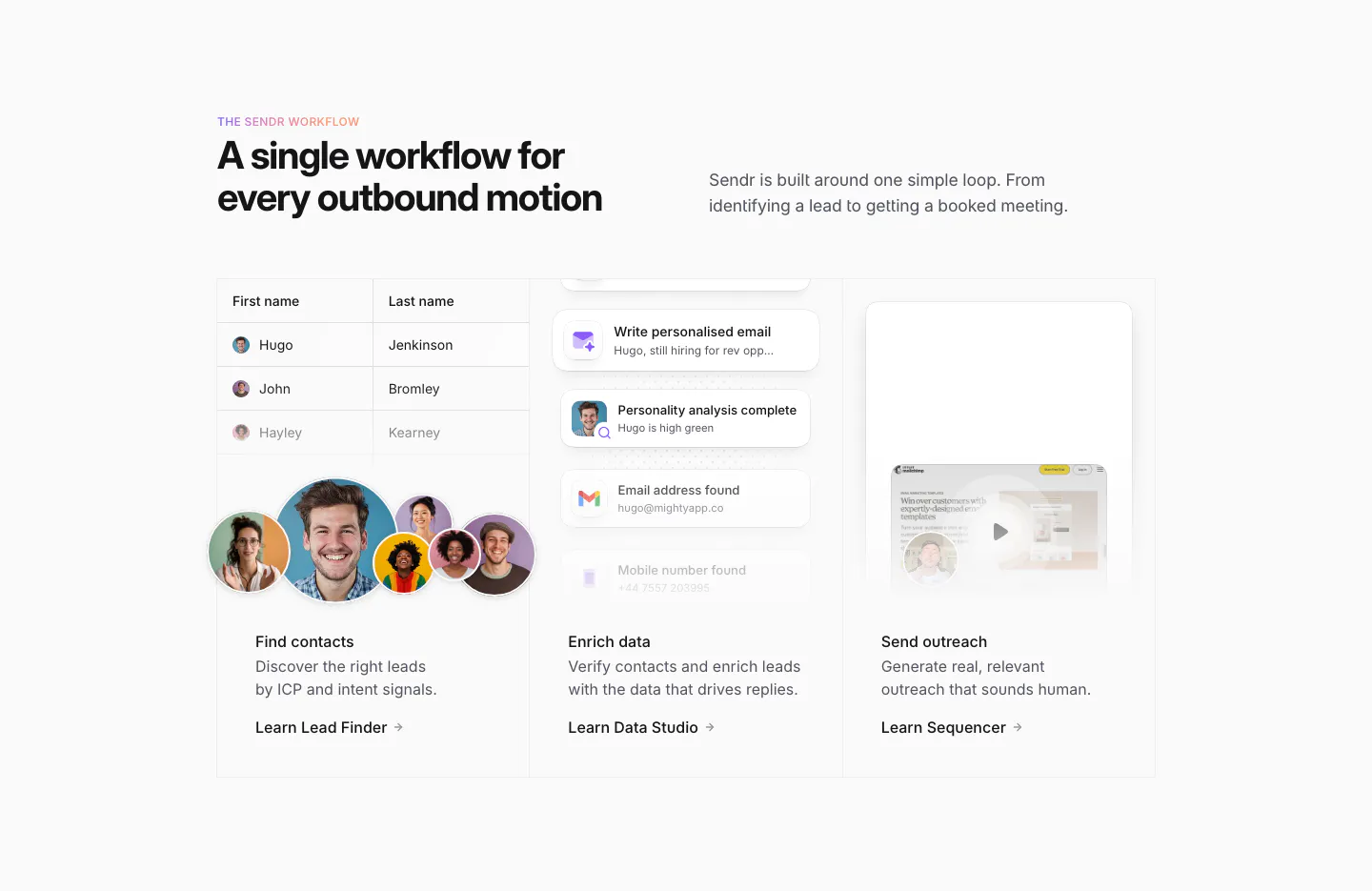
  11. Sendr how it works section: headline above three columns for Find contacts, Enrich data and Send outreach with UI snippets

    A single workflow for every outbound motion

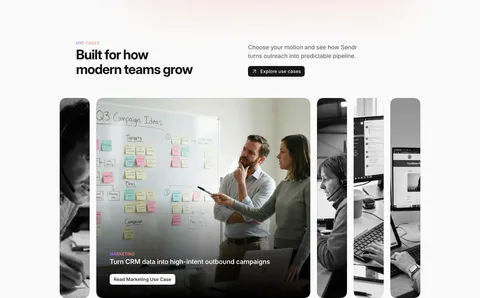
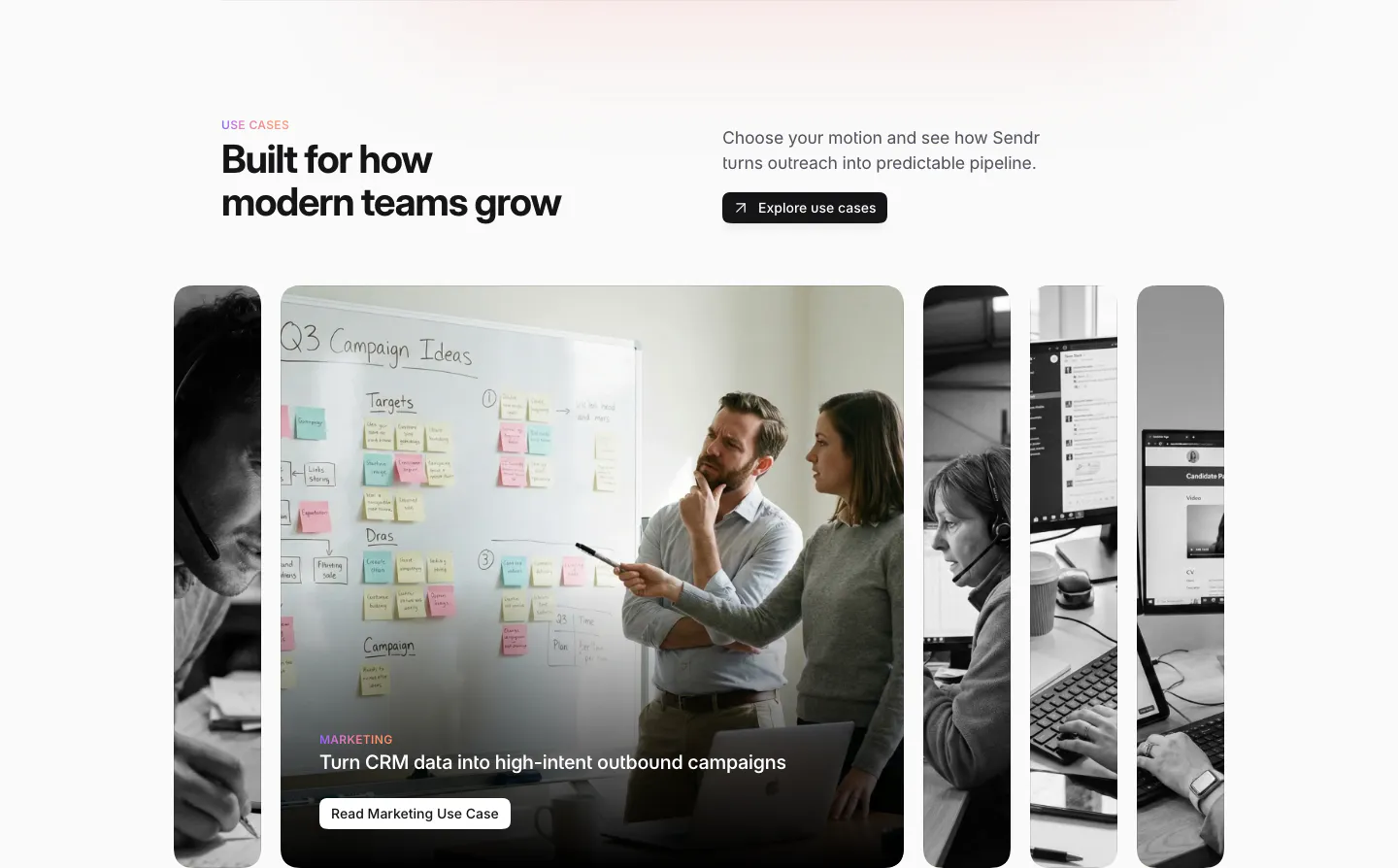
  12. Sendr use cases section: headline and Explore button above expanding photo cards, the Marketing card open showing a whiteboard

    Built for how modern teams grow

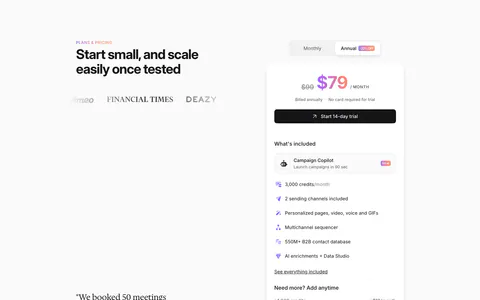
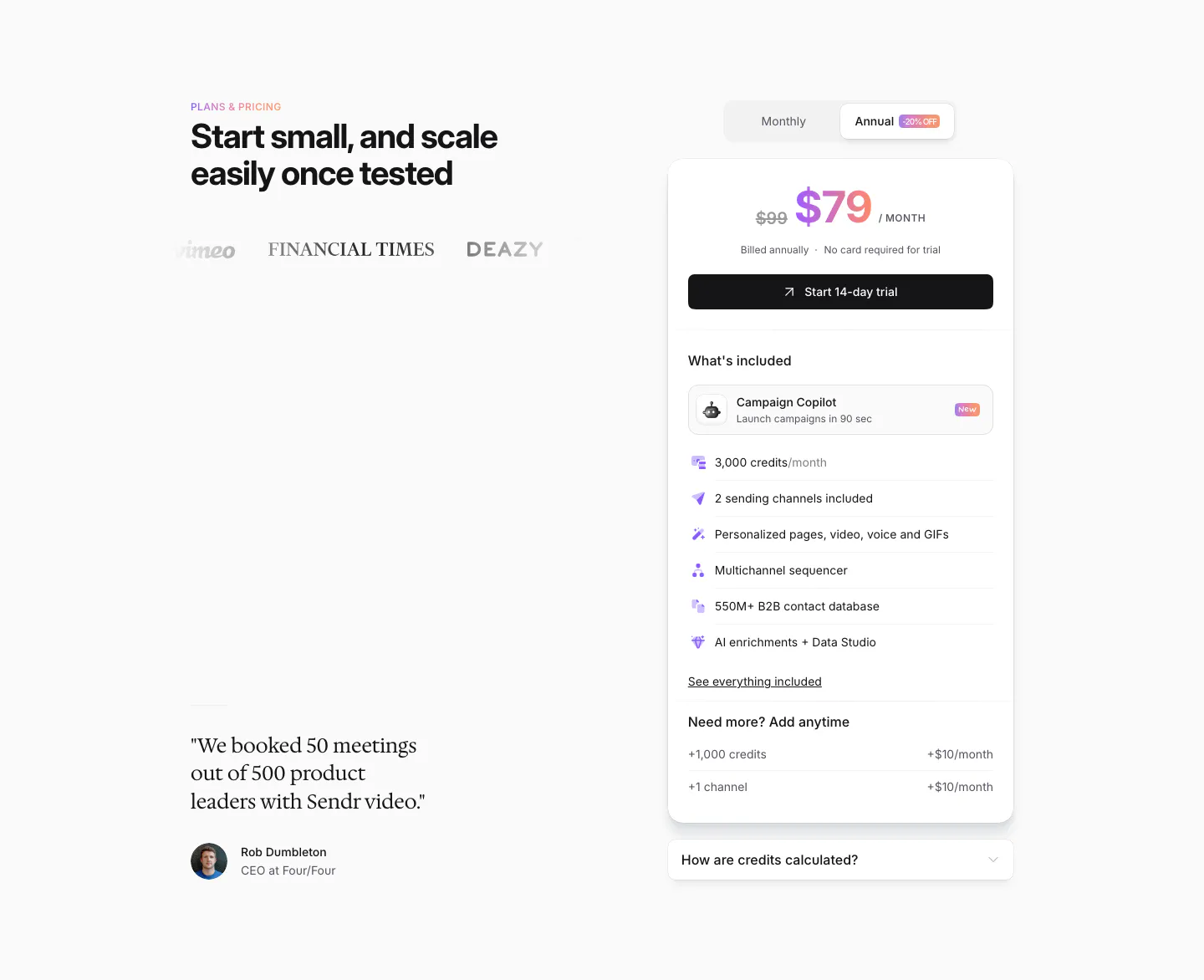
  13. Sendr pricing section: headline, logos and serif customer quote left, single $79 plan card with monthly/annual toggle right
    13 Pricing

    Start small, and scale easily once tested

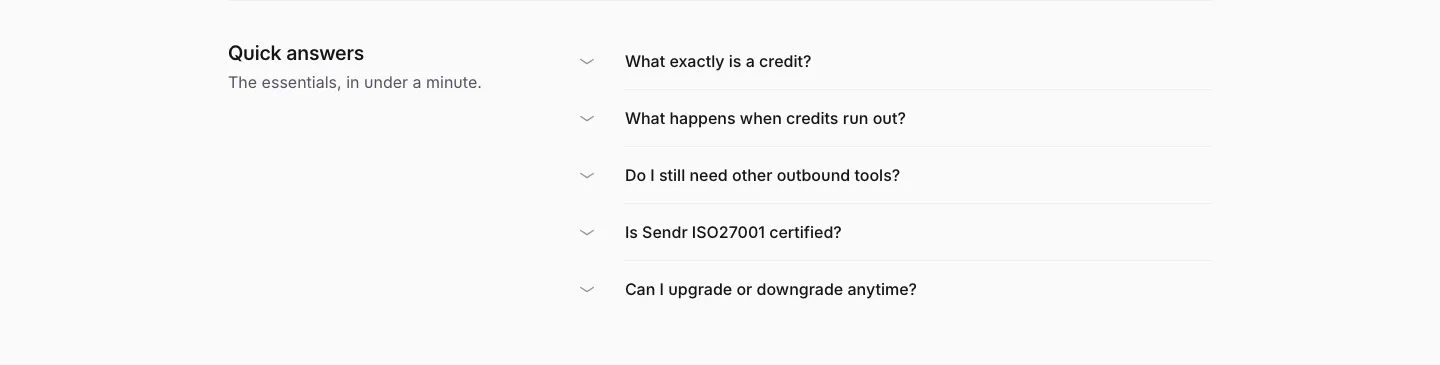
  14. Sendr FAQ section: Quick answers title on the left beside a five-question collapsed accordion list on light gray
    14 FAQ

    Quick answers

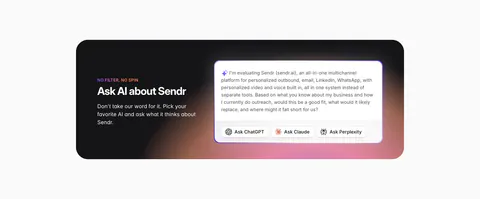
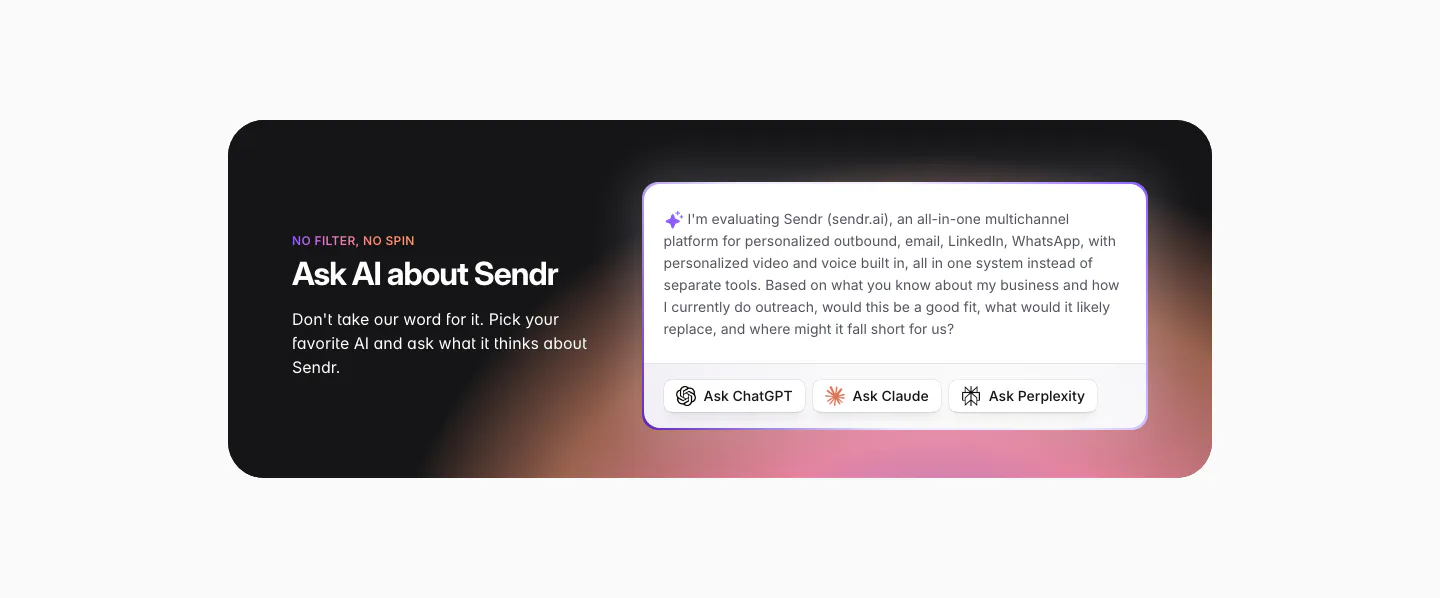
  15. Sendr call to action section: dark rounded card with warm glow, headline left, prefilled AI prompt with Ask ChatGPT, Claude, Perplexity buttons

    Ask AI about Sendr

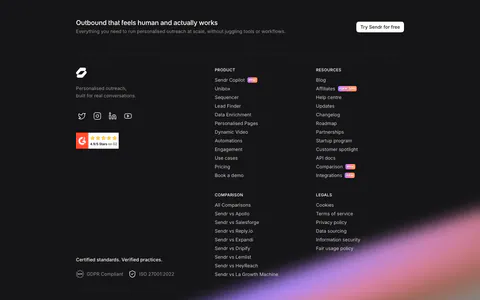
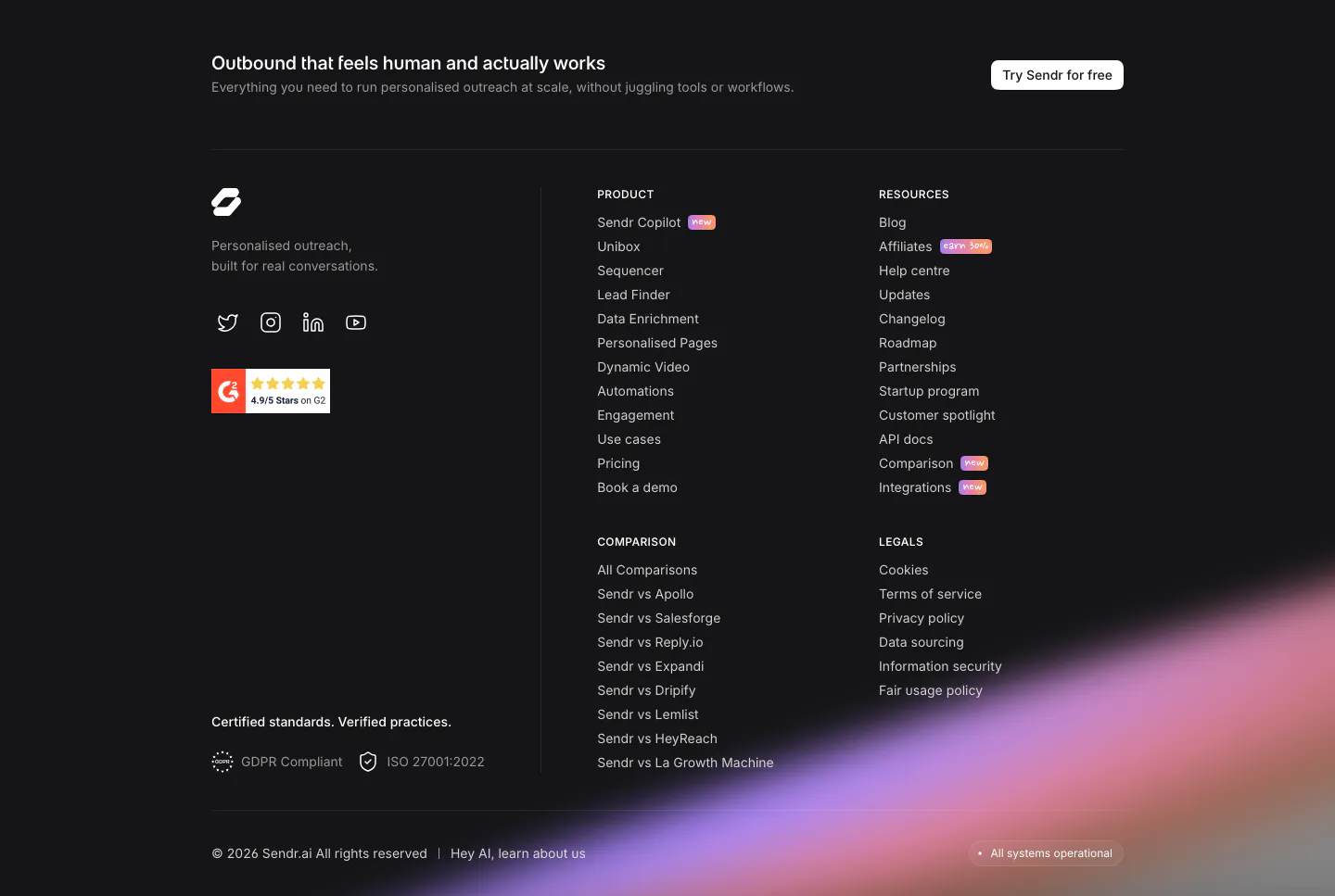
  16. Sendr footer section: dark footer with CTA strip, logo, G2 badge, product, resources, comparison and legal columns and a purple glow
    16 Footer

    Outbound that feels human and actually works
Similar companies

All companies
    ↑↓ Navigate ↵ Open

    Section preview

    Website section