Ycode website design

Every section we captured from the Ycode website, in page order, from the hero section down to the footer. Open any thumbnail to see it full size.

Sections 9

In page order, top to bottom

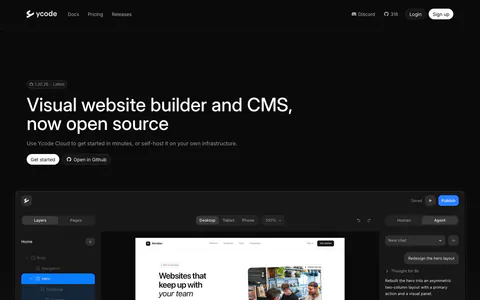
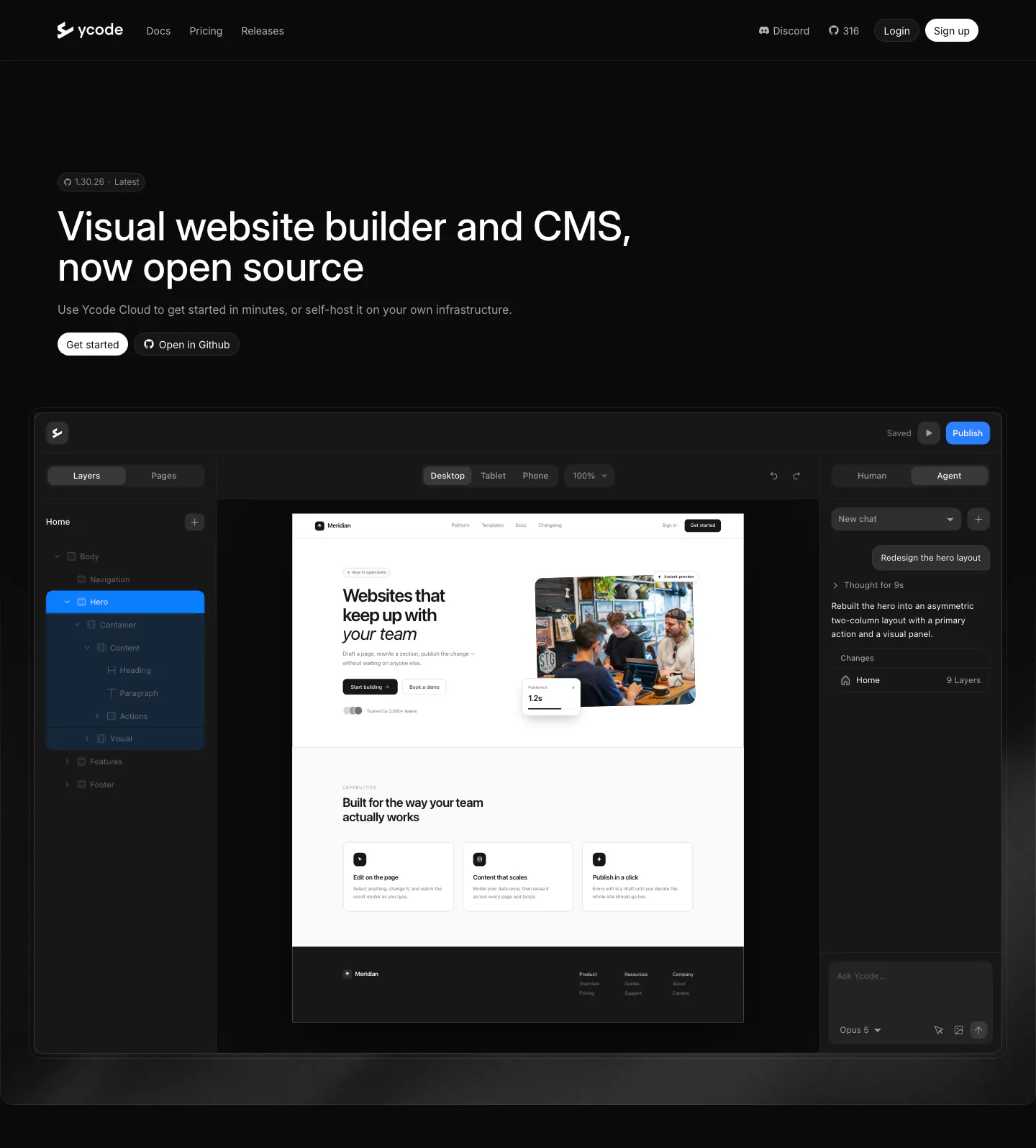
  1. Ycode hero section: left-aligned headline with version badge and two buttons above a large website editor screenshot on black
    01 Hero

    Visual website builder and CMS, now open source

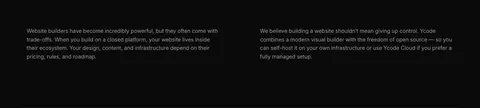
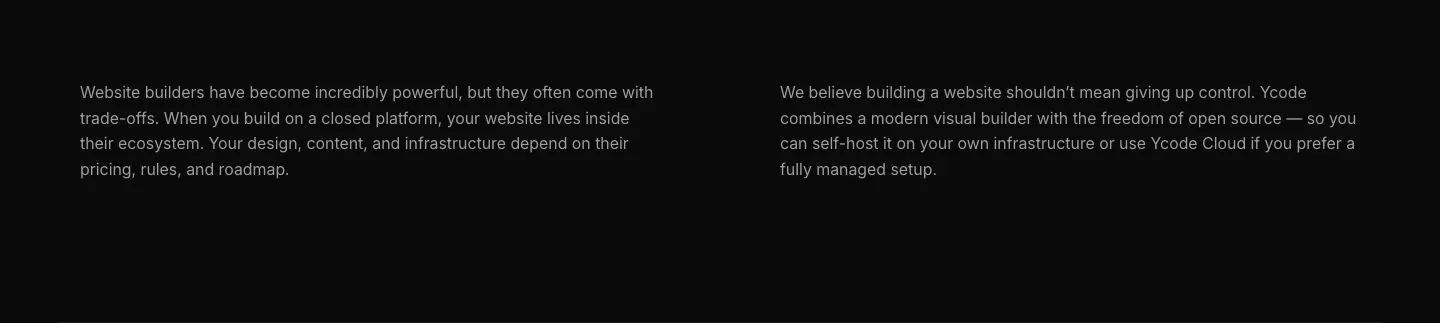
  2. Ycode about & mission section: two columns of gray paragraph text about closed platforms and open source control on black
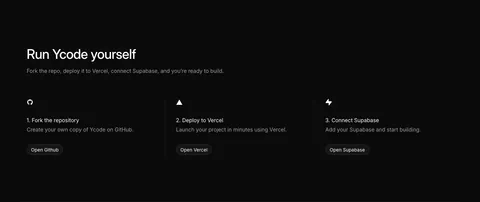
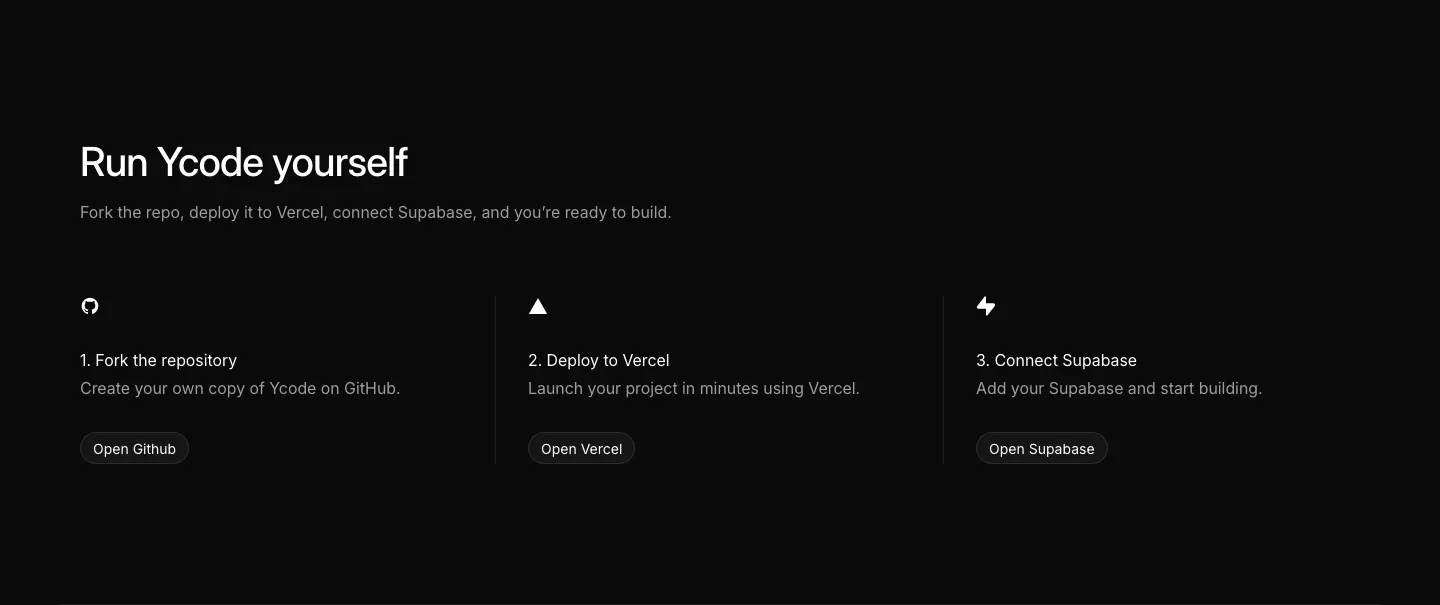
  3. Ycode how it works section: headline above three numbered steps with icons and buttons for GitHub, Vercel and Supabase on black

    Run Ycode yourself

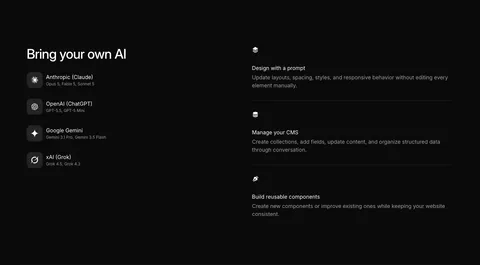
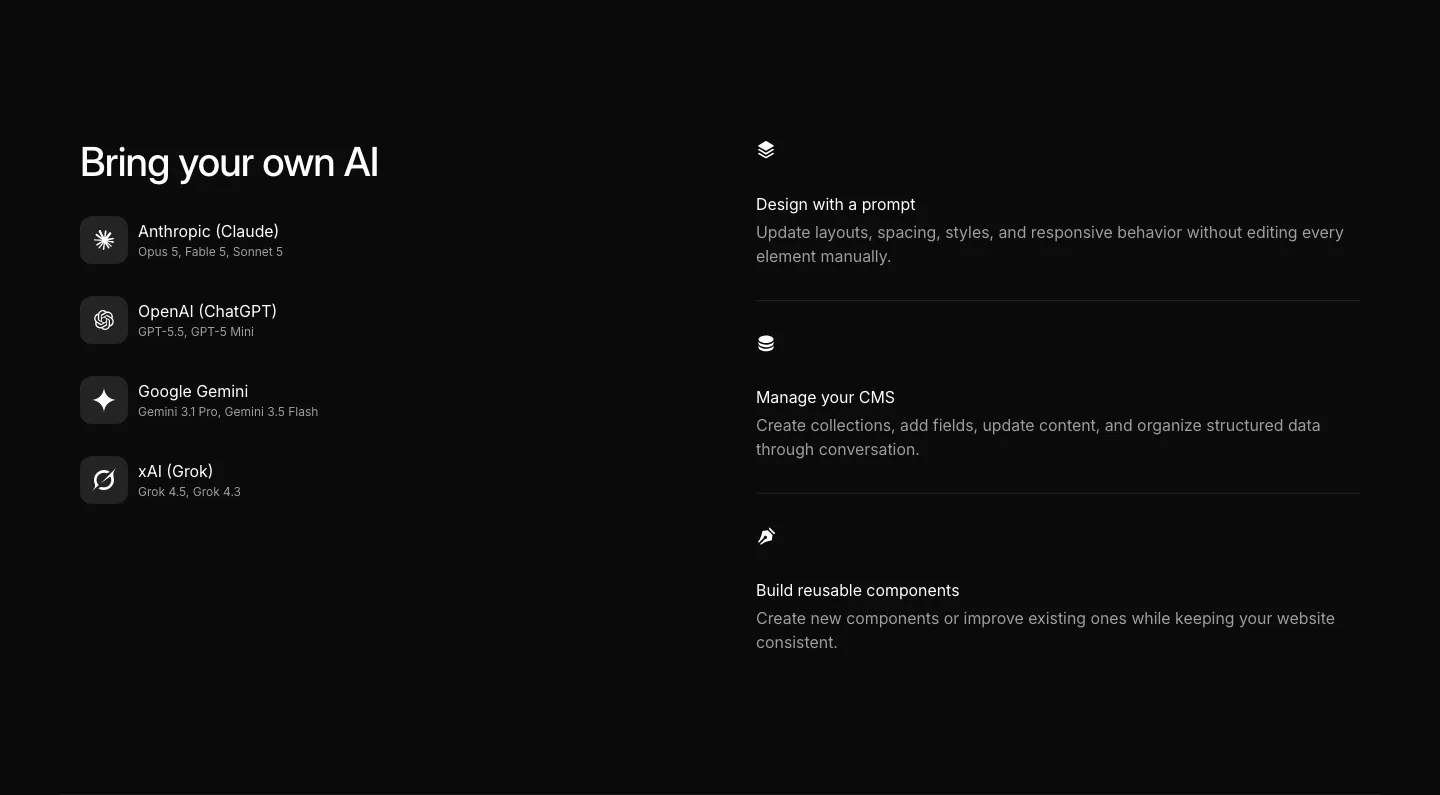
  4. Ycode integrations section: headline over four AI provider rows with icons on the left, three AI feature rows on the right, black

    Bring your own AI

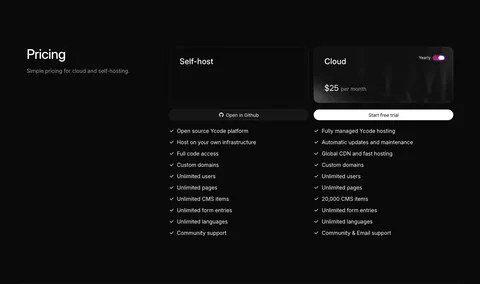
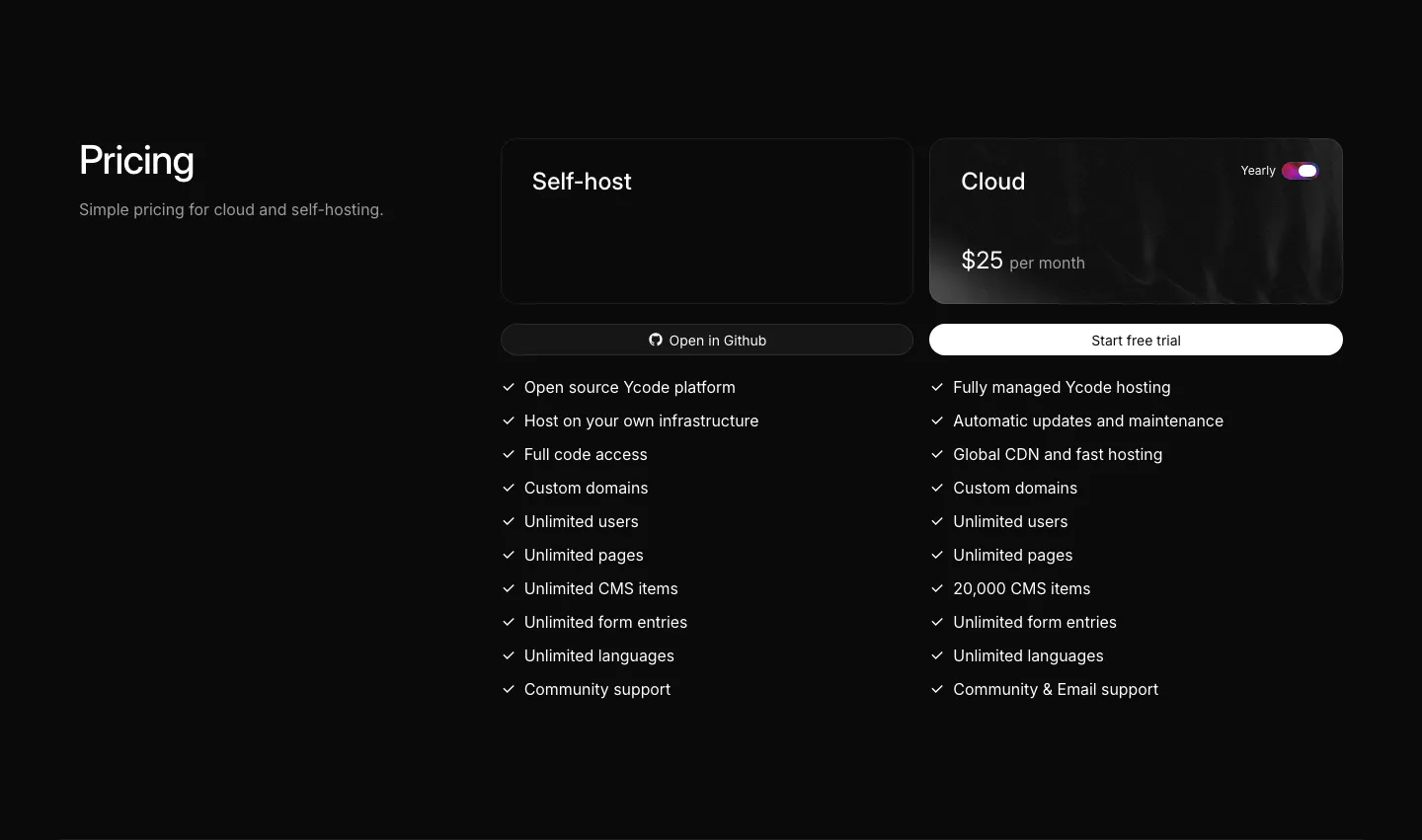
  5. Ycode pricing section: heading on the left, self-host and cloud plan cards with a yearly toggle and checkmark feature lists
    05 Pricing

    Pricing

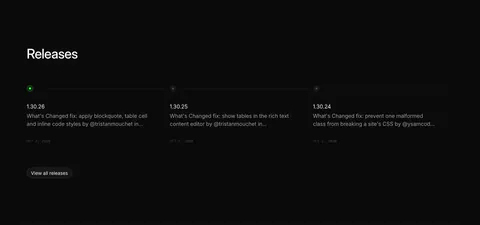
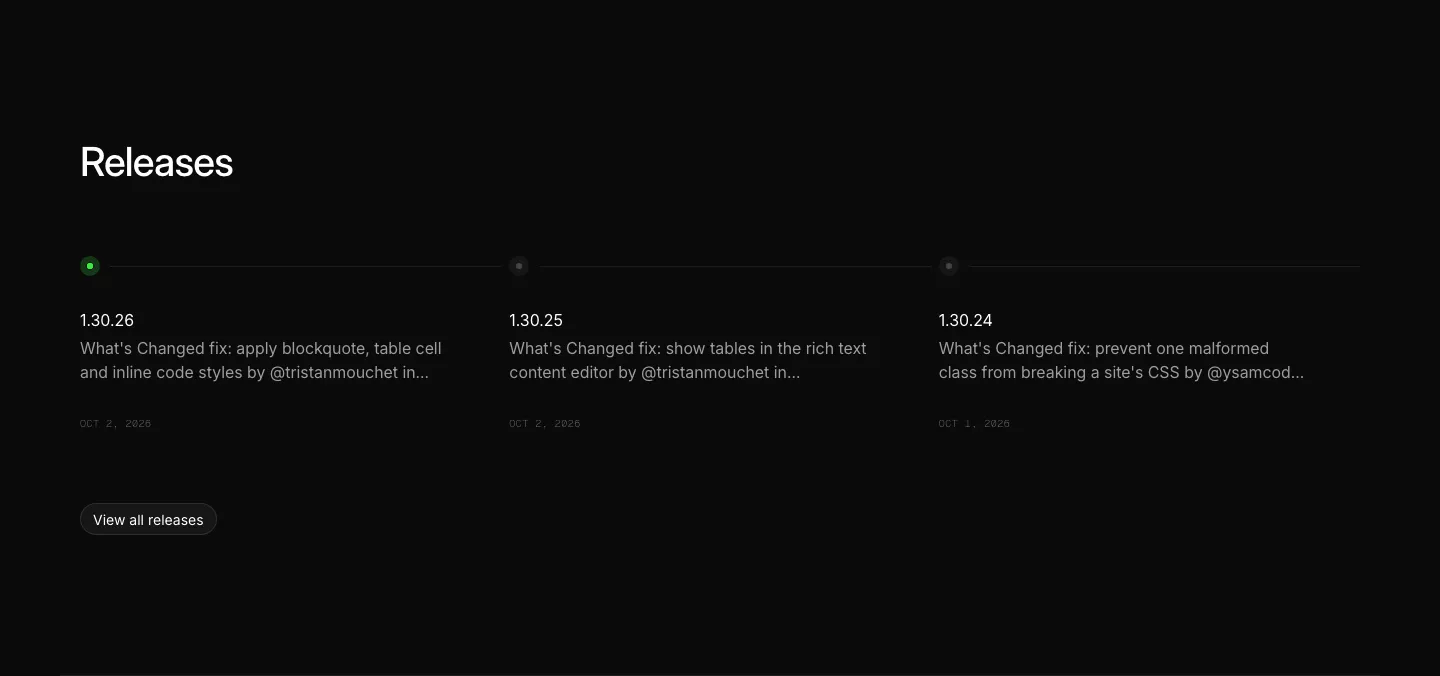
  6. Ycode blog & resources section: releases heading above three changelog entries on a horizontal timeline with a view all button

    Releases

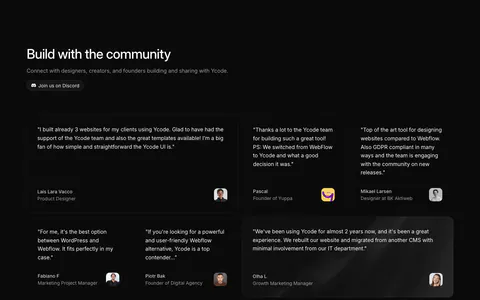
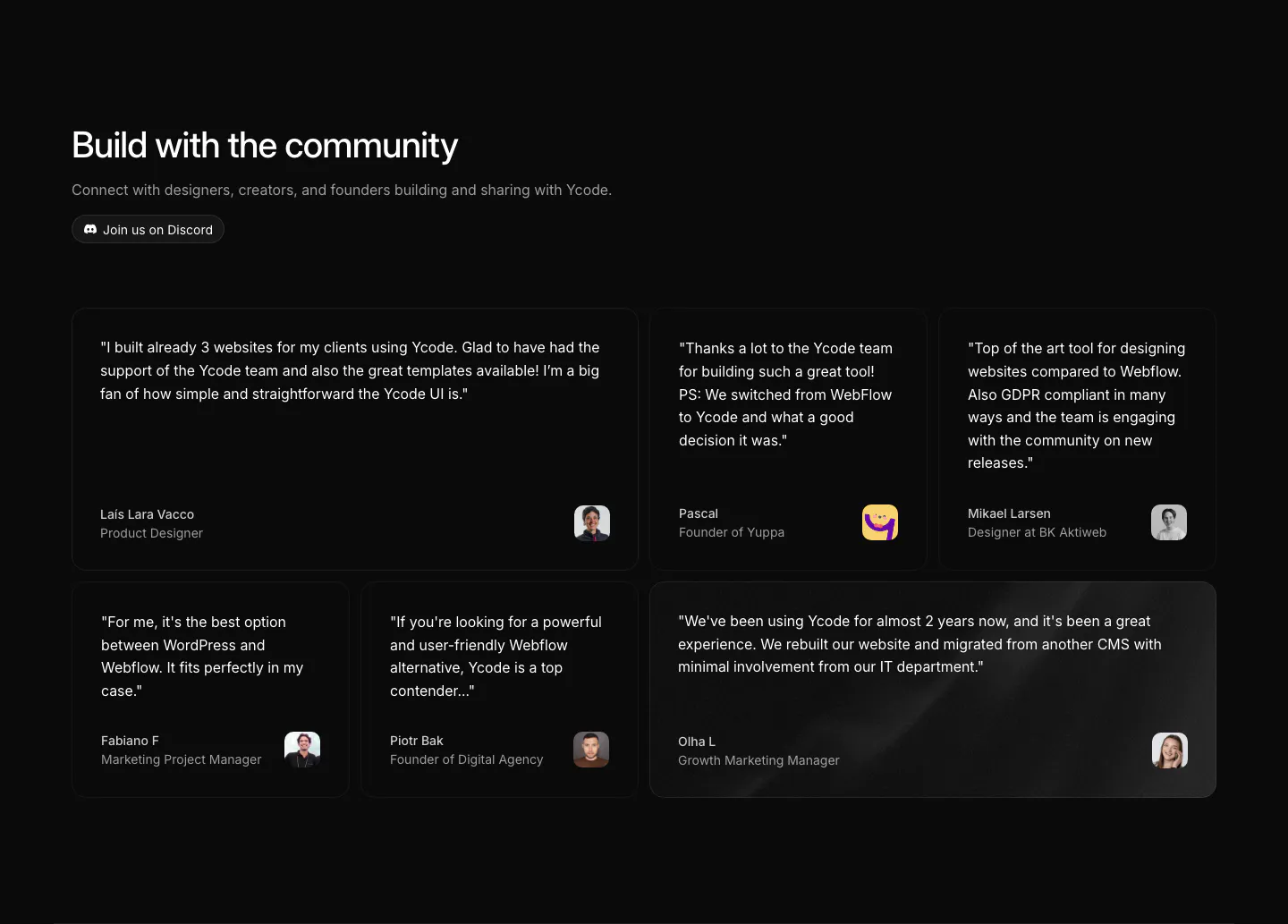
  7. Ycode testimonials section: headline with Discord button above a bento grid of six quote cards in mixed widths with avatars

    Build with the community

  8. Ycode call to action section: centered headline with a spotlight fade effect and two buttons on a black background

    The open web starts here

  9. Ycode footer section: small logo, two short link columns, social icon buttons and copyright line on a black background
    09 Footer

Similar companies

All companies
    ↑↓ Navigate ↵ Open

    Section preview

    Website section